









Battery

|
11 Answers 18 Score |
Can't get to BIOS boot menu |
|
10 Answers 17 Score |
all boot option option tried. press f4 for recovery |
|
17 Answers 10 Score |
How to disassembly the Galaxy Book 12? |
|
2 Answers 9 Score |
Why is my laptop shutting down when it overheats? |
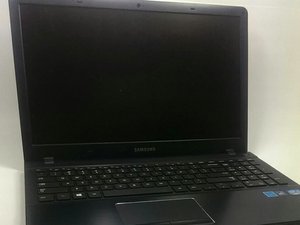
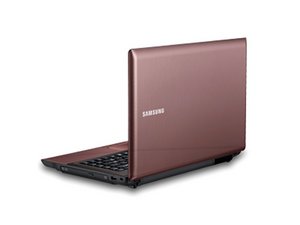
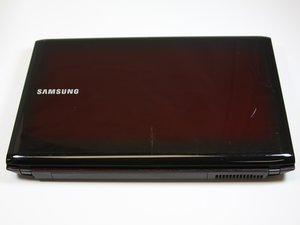
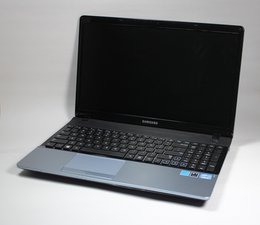
Samsung laptops are produced by South Korean-based company Samsung Electronics Co., Ltd. Samsung has numerous laptop lines, one of the oldest being Samsung Sens. “Sens” is short for “Samsung Electronics Notebook System.” Originally launched in 2001, the Samsung Sens line is a competitor to popular notebook laptops including Toshiba Satellite, HP Pavilion, and Lenovo IdeaPad. There are fifteen sub-series within the Samsung Sens line with differing price points, sizes, and internal hardware.
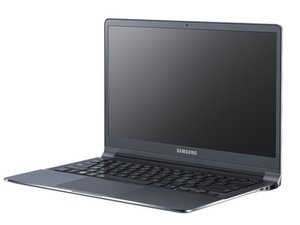
Samsung also released the Ativ Book series in the 2010s. The most notable laptop in this series is the Samsung Ativ Book 9, which was introduced in 2011. This was the first laptop in history to be constructed out of duralumin.
As of summer 2020, some laptops in Samsung’s current lineup include the Galaxy Book, Notebook Flash, Notebook 9, and Notebook Odyssey. Samsung’s Galaxy Book series includes the Galaxy Book Flex, Galaxy Book Ion, Galaxy Book S, and Galaxy Chromebook. The Notebook Flash is a budget friendly, lightweight laptop and boasts a fast performance, hence the name “Flash.” The Notebook Odyssey is Samsung’s gaming laptop.
Samsung laptops are usually clearly branded with the company name on the outside case, or near the monitor. The serial and model number are located on a sticker on the bottom of the device.
Past 24 Hours: 34
Past 7 Days: 326
Past 30 Days: 1,404
All Time: 227,930