
Akko 3068B Battery Replacement

|
12 Answers 32 Score |
The keyboard lights up but the keys do not type or do anything. |
|
5 Answers 4 Score |
How does this keyboard detect my hand? |
|
4 Answers 2 Score |
Where is my print screen key? |
|
13 Answers 13 Score |
USB for wireless Logitech keyboard lost. |
Keyboards are the modern-day equivalent of the typewriter, except, of course, you can’t punch in a Google search or browse YouTube from a typewriter. Keyboards allow us to do much more than even our recent ancestors would have thought possible, and we often take them for granted.
Keyboards are used in conjunction with a computer and display. Keyboards are either built into the device they are paired with (i.e. laptops) or used as an external accessory. Stand-alone keyboards are commonly used with all-in-one desktop PCs or with a tower PC/monitor combo. However, they can also be hooked up to laptops. Even though different operating systems have different "hot keys," with the right driver software, nearly all keyboards are universal.
This category is for all keyboards other than Apple. Apple keyboards are a separate device category.
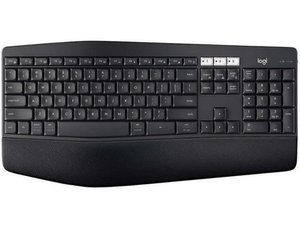
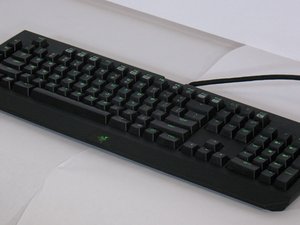
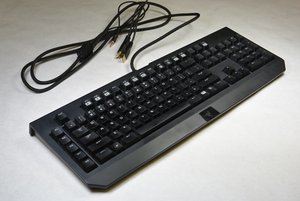
Keyboards are long rectangular devices that are designed to sit flat on a desk or tabletop near the device they are paired with. They include physical computer keys that allow users to select different characters to appear on the paired monitor. Keyboards also include keys for various commands, such as the “Escape,” “Alt,” “Ctrl,” and “Command” keys. Some keyboards are corded, while others are wireless. Keyboards come in a variety of colors and are manufactured by numerous companies.
Past 24 Hours: 123
Past 7 Days: 845
Past 30 Days: 3,006
All Time: 251,494