









Battery
|
1 Answer 0 Score |
8BitDo Ultimate 2.4g- How to replace conductive rubber under triggers. |
|
3 Answers 3 Score |
What is the best type of grease to use on this if the joystick squeaks |
|
16 Answers 14 Score |
Steering Wheel not activating |
|
1 Answer 0 Score |
The joystick is tilted how I fix it |
Choose a controller family to browse official controllers and platform-specific repair information for Xbox, PlayStation, or Nintendo systems.
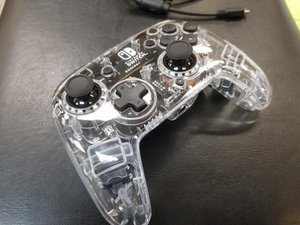
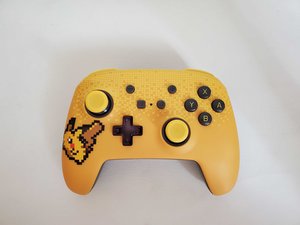
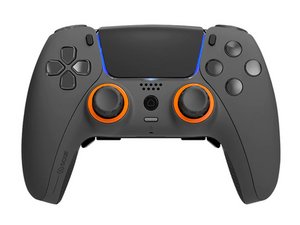
Third-party controllers often support a console family as well as PCs, mobile devices, or other platforms. The categories below include controllers from 8BitDo, GameSir, PowerA, PDP, Razer, SCUF, HORI, Nacon, Mad Catz, Thrustmaster, Turtle Beach, ASTRO, Hyperkin, GuliKit, Retro Fighters, and other manufacturers.
These lists group third-party controller device pages by brand, regardless of console, PC, or mobile compatibility.
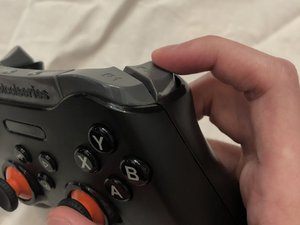
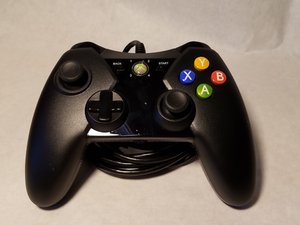
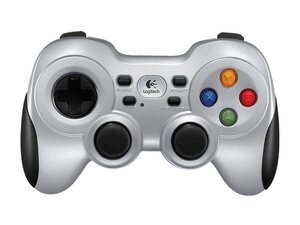
A game controller is an input device for video game consoles or entertainment systems to allow for input to a video game, usually to allow control of an object or character in the game. Prior to the seventh generation of video game controllers, which was marked by the release of the Xbox 360, most game controllers had to be plugged into one of the console’s controller ports. Now, most game controllers are wireless, meaning they do not require controller ports on the console and are battery powered.
The first game controller came with the Magnavox Odyssey, the world’s first home video game console. Two paddle controllers came with each console and the paddles had two dials. One was for vertical motion while the other was for horizontal motion. Since this was the first home video gaming system, everything was quite simple. Over time, game controllers have evolved to include directional pads, multiple buttons, joysticks, motion detection, touch screen, and numerous other features.
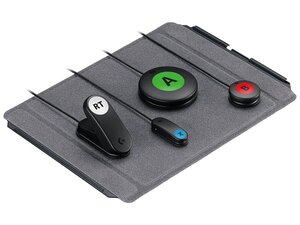
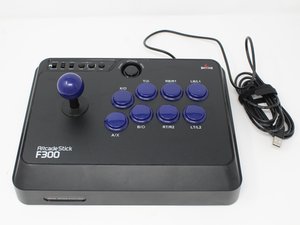
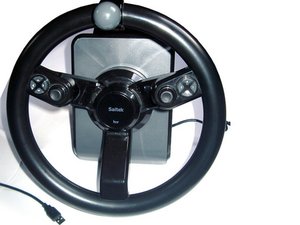
Gaming peripherals such as joysticks and controllers allow users to play games without using traditional mouse/keyboard inputs. More advanced systems can simulate aircraft or vehicle controls to create a more immersive experience.
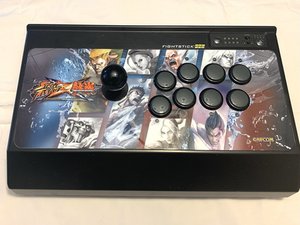
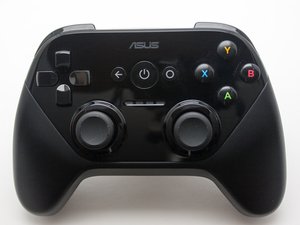
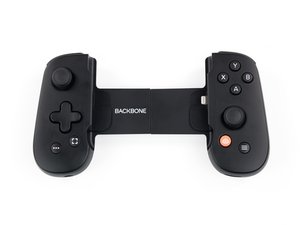
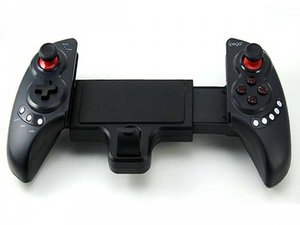
Several input devices are labeled as game controllers including keyboards, mouses, joysticks, etc. This section focuses on made for the purpose game controllers, rather than usual input peripherals (keyboards, mouses) that are adapted to game control. Since game controllers are usually associated with a particular game console, the easiest way to identify what you have is to note the manufacturer of the game console and the model number.
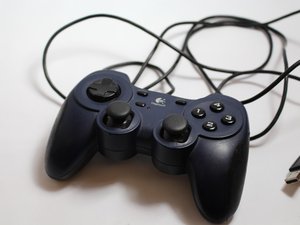
You can also look for such information on the controller, it will likely be found on the underside of the controller, or perhaps inside a battery compartment. There are a few controller devices that aren't specifically associated with a console, like some Logitech joysticks. They may be compatible with a number of consoles and also computers. They may have the information on the underside or you may be able to find out from a device list on your computer when it is connected.
Past 24 Hours: 463
Past 7 Days: 3,048
Past 30 Days: 16,176
All Time: 671,311