Introduction
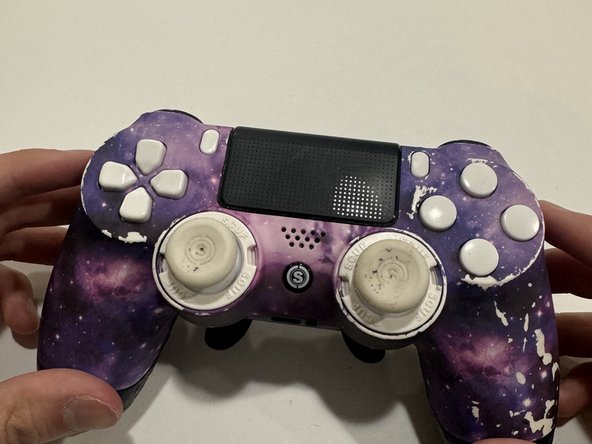
If your SCUF INFINITY4PS PRO controller is experiencing stick drift, where the joysticks move on their own or register inputs without any touch, use this guide to fix it.
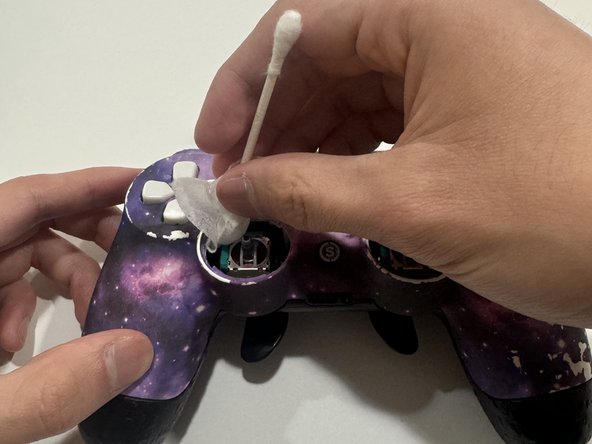
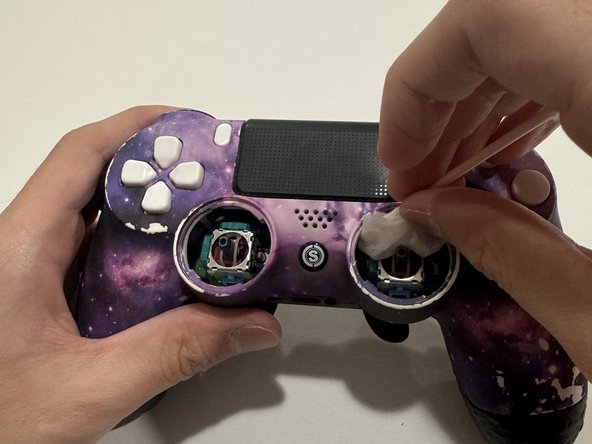
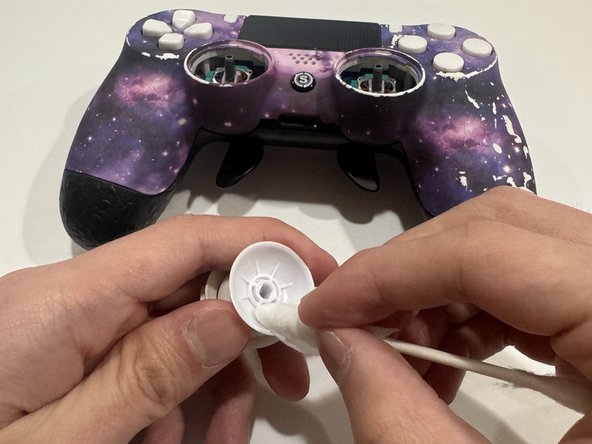
Stick drift is often caused by dust or dirt inside the controller, leading to stick drift. Regular cleaning can help avoid stick drift and extend the life of your controller.
Before beginning, make sure to power off your controller completely and disconnect it from any power source.
What you need
-
-
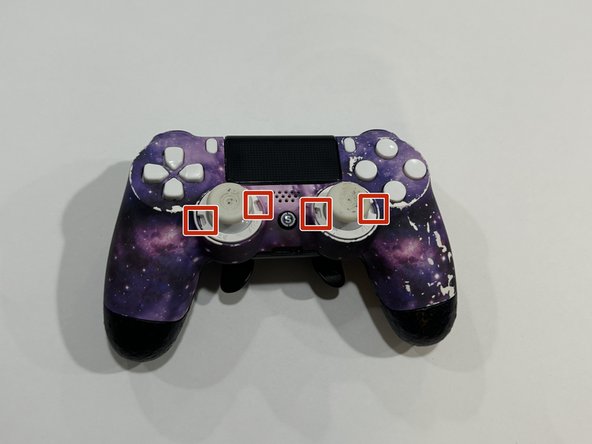
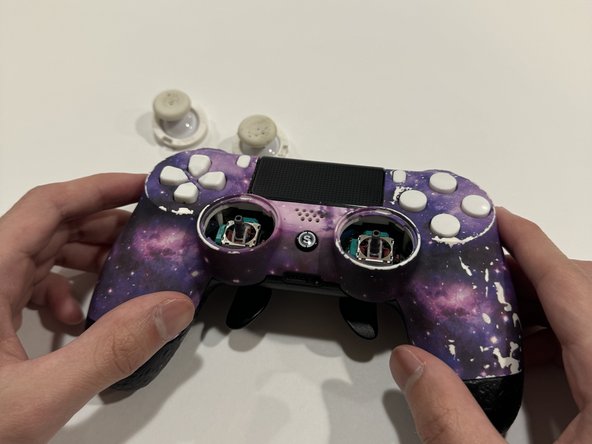
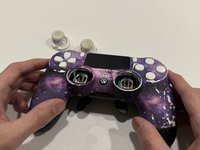
Use a spudger or opening tool to remove the joystick covers.
-
Point the narrow end of the tool into one of the small openings on either side of each joystick cover and pry the covers off.
-
-

Cancel: I did not complete this guide.
5 other people completed this guide.



Team

Austin Community College, Team 6-1, Watkins Summer 2024 Member of Austin Community College, Team 6-1, Watkins Summer 2024
AUSTINCC-WATKINS-SU24S6G1
1 Member
4 Guides authored
