Free Shipping on Domestic Orders $75+
Causes
Dated software can affect the productivity of your device. By simply updating your phone, you can potentially fix an unresponsive touchscreen. To update your phone, go to Settings > Software Update > Download and Install. If you cannot interact with your device, try restarting your phone. To do this, hold down the power button and the volume down button at the same time, until the screen turns completely black. The power menu will come up, but continue to hold the buttons until the phone turns off. When it does, let go. The phone will restart automatically in a few seconds.
Instead of having a problem with the device, it is possible to have an issue with build-up affecting the touchscreen’s responsiveness. To fix this, clean the touchscreen and screen protector using phone-safe electronic wipes. Replace the screen protector, and try the phone again. If your external screen is still experiencing issues, it is possible that you need to replace your touchscreen. Follow this replacement guide.

- 1 hourDifficult
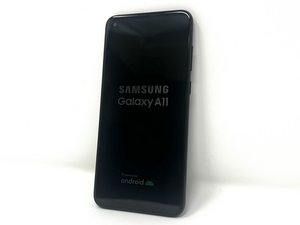
You're seeing solutions for Samsung Galaxy A11. Select your model to find parts for your device.
Related Problems


13 common problems
View allDescribe your problem in your own words
