Free Shipping on Domestic Orders $75+

Causes
Make sure that the system is completely off. Next take the memory card out of the system making sure that there are no debris in the way of the golden contact pins.
Turn the system back on. There should be a message stating there is not a memory card inserted. While the system is on, put the memory back in making sure that it goes all the way in and makes a clicking noise.
If that does not work turn the system back off. Then reinsert the memory card and turn it back on.
Related Problems


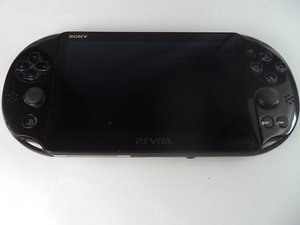
PlayStation Vita Slim
Find free step-by-step repair instructions, manuals, schematics, community support, and other DIY resources. You can do it! We show you how.
5 common problems
View allDescribe your problem in your own words
View statistics:
Past 24 Hours:3
Past 7 Days:35
Past 30 Days:122
All Time:4,043
