Free Shipping on Domestic Orders $75+
Logitech Mouse Troubleshooting: Fix Common Problems
The first step towards a working Logitech Mouse is identifying the problem. Select one of our preferred guides below to diagnose and solve Logitech Mouse common issues.
Won't Connect
Logitech Mouse not connecting to your computer or other device? Try some of the tips on this page.

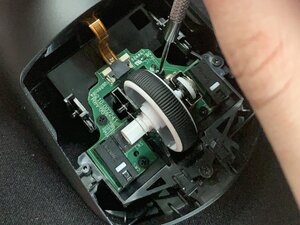
Scroll Not Working
Having issues with your Logitech mouse's scroll wheel not working as it should? Try some of the tips on this page.

Lagging
Logitech mouse lagging at the worst possible moments? Try some of the tips on this page.

Not Clicking
Logitech Mouse not responding when being clicked? Try some of the tips on this page.

Will Not Turn On
Lotitech Mouse not turning on? Try some of the troubleshooting steps on this page.

Double Click
Having issues with your mouse unnessissarly double clicking? Try some of the troulbeshooting steps on this page.

Not Charging
Lotitech Mouse not charging when plugged in? Try some of the troubleshooting steps on this page.

is Unresponsive
Logitech Mouse not showing any signs of life? Try some of the tips on this page.
Didn't see your problem? The iFixit Community has answers.
Browse the most common questions asked by our members to see more solutions. Still no luck? You can always ask for help!

Left click doesn't work all the time
Logitech MX Master

Click is not working
Logitech MX Anywhere 3

Cannot click left button
Logitech MX Master 3S

Sensor no longer picking up movement.
Logitech MX Master 2S

Logitech Signature M650 left click not working
Logitech Signature M650

Unvoluntary double clic and can't hold clics
Logitech G305

Left click button does work inappropriately,
Logitech Lift
The mouse don't work
Logitech G305
