Action Buttons (ABXY)

|
1 Answer 0 Score |
Replacing the rubber of the joy stick |
|
1 Answer 0 Score |
How to reattach ZL/ZR buttons |
|
2 Answers 1 Score |
How do you remove the colored rings around the joycons? |
|
1 Answer 0 Score |
Left (Blue) Joy Con light no longer working |
These are some common tools used to work on this device. You might not need every tool for every procedure.
BEE-012 (Left), BEE-014 (Right)
Joy-Cons are the primary controllers for the Nintendo Switch, and they were updated and renamed in 2025 for the Nintendo Switch 2. Switch 2 Joy-Con 2s click straight in instead of sliding in to lock, and are mainly black. Featuring the same familiar button layout as the original Switch Joy-Cons, they're slightly larger.
The primary feature of Joy-Con 2s is their ability to either be used with the Switch 2 display to turn it into a handheld, or to be used by multiple people for multiplayer while the Switch 2 is docked and displayed on a TV.
Switch 2 Joy-Con 2s can be identified by their mainly black appearance, with the left Joy-Con featuring blue accents and the right Joy-Con orange. They have ABXY, Left, Right, Up, Down, Home, C, Capture, and +/- buttons, as well as triggers and shoulder buttons on the colored section.
The model numbers (BEE-012, BEE-014) are located on the back of the Joy-Cons.
Left Joy-Con 2 buttons:
Right Joy-Con 2 buttons:
Connectivity:
Sensors (both controllers): Accelerometer, Gyroscope, Mouse sensor
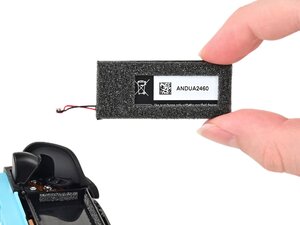
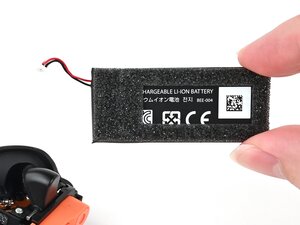
Batteries (both controllers): 500 mAh Li-ion
Left Joy-Con 2 weight: 2.3 oz (65.2 g)
Right Joy-Con 2 weight: 2.4 oz (68 g)
Nintendo Official: Switch 2 Announcement
Past 24 Hours: 74
Past 7 Days: 680
Past 30 Days: 2,779
All Time: 42,834