
iPhone SE 2020 Earpiece Speaker Replacement

Adam O'Camb and 2 other contributors
Last updated on Jun 29, 2023
Views: 33K
View statistics:
- Past 24 Hours:
- 14
- Past 7 Days:
- 74
- Past 30 Days:
- 347
- All Time:
- 32,825
Comments: 185
184 comments on steps, 1 guide comment.
Go to guide commentsCompleted: 16 17
16 people have marked this guide "completed." Will you be next?
17 people have marked this guide "completed." Including you — great job!
Favorites: 0 1
No one has favorited (and subscribed to) this guide. Will you be the first?
1 person has favorited (and subscribed to) this guide — and that's you!
Introduction
Go to step 1 ↓Follow this guide to replace a broken earpiece speaker for the iPhone SE 2020.
What you need


-
-
-
Remove the two 3.5 mm pentalobe screws on the bottom edge of the iPhone.
 Ask FixBot
-
-
-
-
-
Measure 3 mm from the tip and mark the opening pick with a permanent marker.
-
-
-
-
Tool used on this step:Clampy - Anti-Clamp$24.95
-
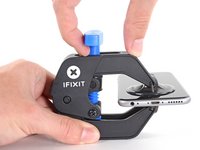
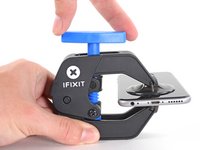
Pull the blue handle backwards to unlock the Anti-Clamp's arms.
-
Slide the arms over either the left or right edge of your iPhone.
-
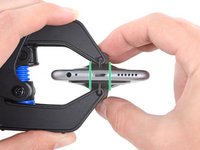
Position the suction cups near the bottom edge of the iPhone just above the home button—one on the front, and one on the back.
-
Squeeze the cups together to apply suction to the desired area.
-
-
-
Pull the blue handle forwards to lock the arms.
-
Turn the handle clockwise 360 degrees or until the cups start to stretch.
-
Make sure the suction cups remain aligned with each other. If they begin to slip out of alignment, loosen the suction cups slightly and realign the arms.
-
-
-
Heat an iOpener and thread it through the arms of the Anti-Clamp.
-
Fold the iOpener so it lays on the bottom edge of the iPhone.
-
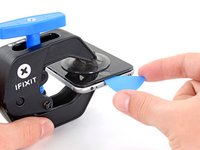
Wait one minute to give the adhesive a chance to release and present an opening gap.
-
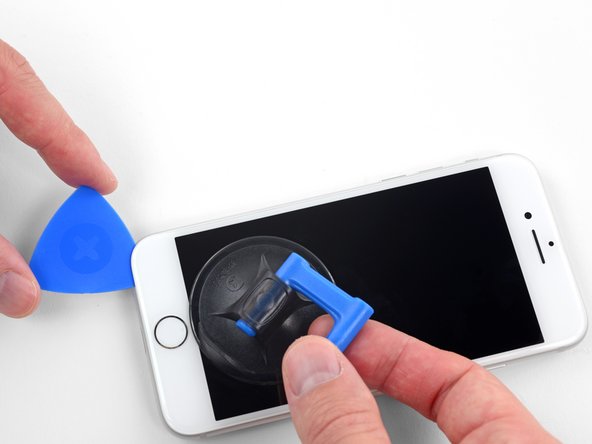
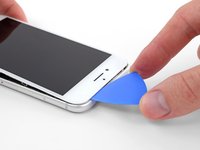
Insert an opening pick into the gap.
-
Skip the next three steps.
-
-
-
Apply a heated iOpener to the bottom edge of the screen for two minutes. This softens the adhesive securing it.
-
Alternatively, you can use a hair dryer or heat gun to heat the bottom half of the screen until it’s slightly too hot to touch
-
-
-
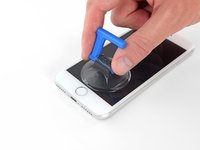
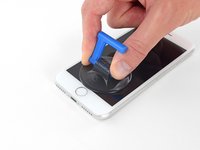
Apply a suction cup to the lower half of the front panel, just above the home button.
-
-
-
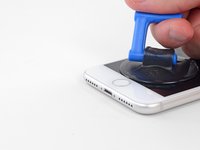
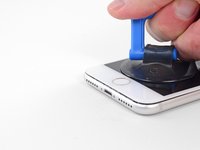
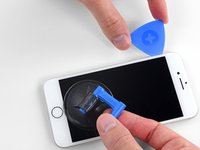
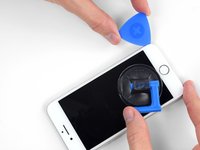
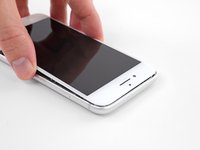
Pull up on the suction cup with firm, constant pressure to create a slight gap between the screen and the frame.
-
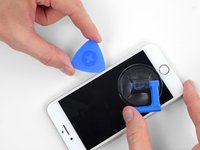
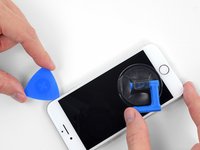
Insert an opening pick into the gap.
-
-
-
Slide the opening pick up the left edge of the phone starting at the lower edge and moving towards the volume control buttons and silent switch, breaking up the adhesive holding the display in place.
-
Stop near the top left corner of the display.
-
-
-
Re-insert your tool at the lower right corner of the iPhone, and slide it around the corner and up the right side of the phone to separate the adhesive.
-
-
-
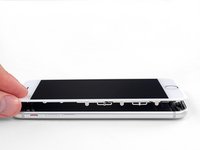
Gently pull up on the suction cup to lift up the bottom edge of the display.
-
Pull on the small nub on the suction cup to remove it from the front panel.
-
-
-
Slide an opening pick underneath the display around the top left corner and along the top edge of the phone to loosen the last of the adhesive.
-
-
-
Slide the display assembly slightly down (away from the top edge of the phone) to disengage the clips holding it to the rear case.
-
-
-
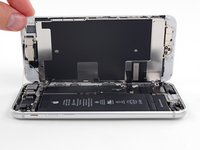
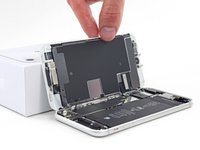
Open the iPhone by swinging the display up from the left side, like the back cover of a book.
-
Lean the display against something to keep it propped up while you're working on the phone.
-
-
-
-
Tool used on this step:Magnetic Project Mat$19.95
-
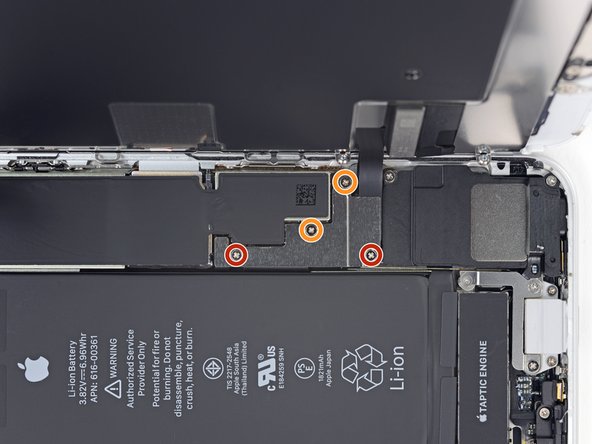
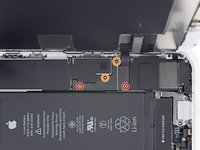
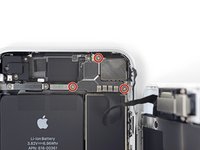
Remove four Phillips screws securing the lower display cable bracket to the logic board, of the following lengths:
-
Two 1.3 mm screws
-
Two 2.8 mm screws
-
Remove the bracket.
-
-
-
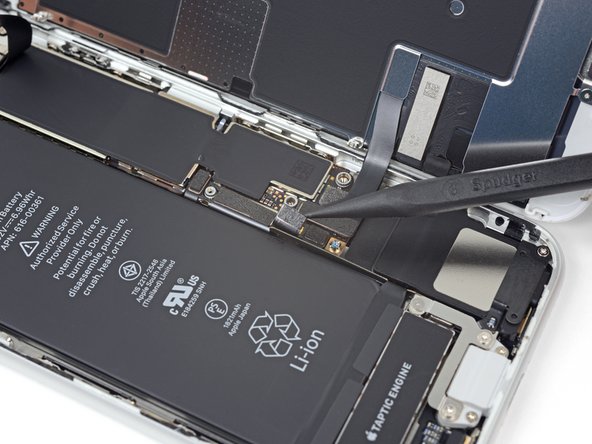
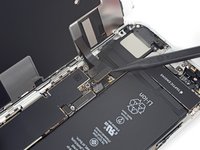
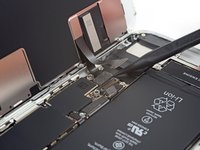
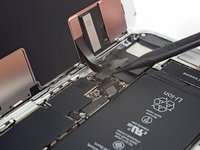
Use the point of a spudger to pry the battery connector out of its socket in the logic board.
-
Bend the battery connector cable slightly away from the logic board to prevent it from accidentally making contact with the socket and providing power to the phone during your repair.
-
-
-
-
-
Use the point of a spudger to pry the lower display connector out of its socket.
-
-
-
-
Remove the three 1.3 mm Phillips screws securing the bracket over the front panel sensor assembly connector.
-
Remove the bracket.
-
-
-
Use the point of a spudger to disconnect the front panel sensor assembly connector.
-
-
-
-
-
Remove the three Phillips screws securing the top earpiece bracket to the front panel:
-
Two 2.6 mm screws
-
One 1.8 mm screw
-
-
-
Lift the front facing camera up out of its socket and swing it out of the way.
-
-
-
Remove the two Phillips screws securing the earpiece speaker to the front panel:
-
One 1.8 mm screw
-
One 2.3 mm screw
-
-















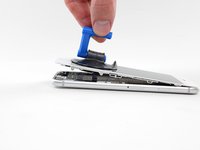
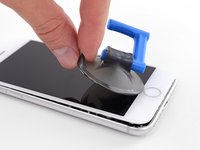


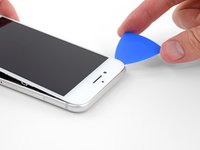
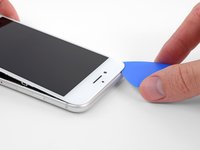







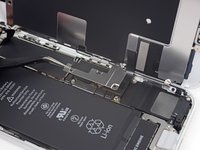







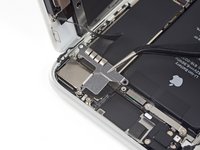


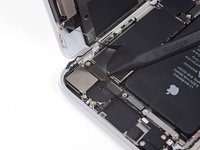
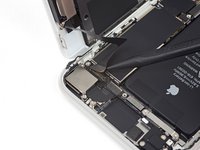


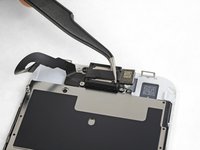
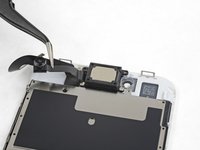


Compare your new replacement part to the original part. You may need to transfer remaining components or remove adhesive backings from the new part before installing.
To reassemble your device, follow these instructions in reverse order.
Take your e-waste to an R2 or e-Stewards certified recycler.
Repair didn’t go as planned? Check out our iPhone SE 2020 Answers community for troubleshooting help.
Cancel: I did not complete this guide.
16 other people completed this guide.

1 Guide Comment
I’m attempting to discern which part i need exactly to fix the front ear speaker for my wife’s 2020 version iPhone SE.
This guide does not exactly provide a link to the part needed in this guide, only the tools of which i already have all that i need.
Any help in this regard would be very helpful
