

SSD

|
11 Answers 32 Score |
MacBook Pro suddenly dead and does not turn on |
|
3 Answers 8 Score |
How do I remove keycaps? |
|
2 Answers 1 Score |
How can I add more RAM? |
|
35 Answers 63 Score |
iOS devices connecting and disconnecting rapidly. |
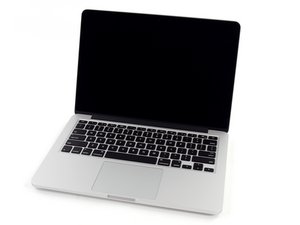
Starting with the first PowerBook laptop, released in 1991, Mac laptops have helped to shape the modern laptop/notebook form factor. Mac laptops are portable computers, designed to run on internal batteries and combine an integrated screen with a keyboard/pointing device.
Most Mac laptops display the name of the product under the screen:

The model number can be found on the bottom case:

Not sure what kind of Mac laptop you've got in front of you? Open the page for your model in this category and check its Identification section to pinpoint the model and find the right set of guides.
Past 24 Hours: 751
Past 7 Days: 5,673
Past 30 Days: 26,586
All Time: 8,491,308