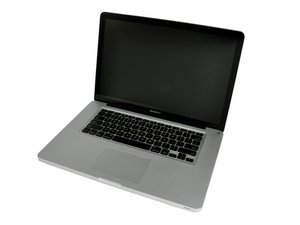
How to remove and replace keyboad
the keyboard has been fed coffee and i need to replace it. i can not seem to find instructions for this operation. this is the unibody mid 2010.
Is this a good question?
Score
0

the keyboard has been fed coffee and i need to replace it. i can not seem to find instructions for this operation. this is the unibody mid 2010.
Is this a good question?

Rep: 689.2k
 3.7k
3.7k
 1.1k
1.1k
 2.6k
2.6k
This will require an upper case replacement. Here's the part: MacBook Pro 15" Unibody (Mid 2010) Upper Case
Was this answer helpful?

Rep: 1.4k
10
3
3
Hey mate,
I asked an Apple repair specialist (Authorised Service Provider) about this a while ago, and he informed me there is upwards of 100 screws holding the keyboard in place on the MacBook Pro's. Your only real choice is to purchase a new topcase.
Cheers.
Was this answer helpful?
About 86 screws and with a small electric screwdriver you can have them out in twenty minutes
Past 24 Hours: 0
Past 7 Days: 0
Past 30 Days: 1
All Time: 315


1 Comment
thanks. i appreciate the help. i will ask my friend if his son's macbook is worth this much to him with the caveat that this may not fix the problem. i will not hold my breath as i do not look good in blue.
i have fixed other laptop keyboard problems but this is fantastically expensive. just an old mr. fixit faced with his first mac.
by dennis ditch