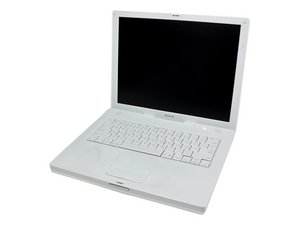
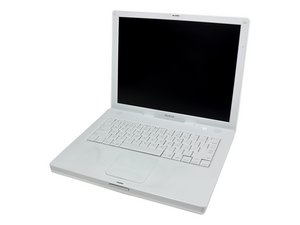
AirPort Extreme Card

|
6 Answers 3 Score |
On startup, folder with question mark and finder window appears. |
|
8 Answers 2 Score |
Why does my screen flash solid colors then displays a gray screen? |
|
1 Answer 1 Score |
changing from 12" to 14" |
|
2 Answers 1 Score |
How do I mount heat sync with thermal compound? |
These are some common tools used to work on this device. You might not need every tool for every procedure.
1 GHz (128 RAM), 1 GHZ (256 RAM), 1.2 GHz, 1.33 GHz, 933 MHz
Track down a number of hardware problems using the iBook G4 14" 933 MHz-1.33 GHz Troubleshooting Guide.
There are a number of components in the iBook G4 14" 933 MHz-1.33 GHz can be cost effectively upgraded.
Use the [/info/ID-your-Mac|laptop identification system] to help you identify your machine. iBooks tend to look very similar, and it's important to know which machine you have before ordering any replacement parts.
Past 24 Hours: 7
Past 7 Days: 41
Past 30 Days: 126
All Time: 189,795