Free Shipping on Domestic Orders $75+
Causes
- Update system firmware
- Download the latest BIOS and Power Management Driver from Lenovo's Support site.
- Replace the battery
- Remove the back cover from the Lenovo ThinkPad L460.
- Disconnect the battery connector from the motherboard and replace it with a genuine Lenovo battery. Follow this guide to replace the battery.

Lenovo ThinkPad L460 Battery Replacement
- 2 - 5 minutesModerate
You're seeing solutions for Lenovo ThinkPad L460. Select your model to find parts for your device.
Related Problems

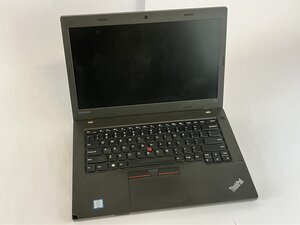
Lenovo ThinkPad L460
Find free step-by-step repair instructions, manuals, schematics, community support, and other DIY resources. You can do it! We show you how.
6 common problems
View allDescribe your problem in your own words
View statistics:
Past 24 Hours:0
Past 7 Days:4
Past 30 Days:28
All Time:152
