Free Shipping on Domestic Orders $75+
HP EliteBook 830 G6 Troubleshooting: Fix Common Problems
The first step towards a working HP EliteBook 830 G6 is identifying the problem. Select one of our preferred guides below to diagnose and solve HP EliteBook 830 G6 common issues.
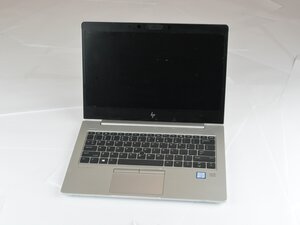
HP EliteBook 830 G6 Camera Not Working
If your HP EliteBook 830 G6 camera shows a black screen, does not respond, or displays a “No camera found” error, try these troubleshooting steps. Follow each solution in order to restore camera functionality.

HP EliteBook 830 G6 Battery Drains Quickly
If your HP EliteBook 830 G6 battery drains faster than expected, causing short usage times or frequent charging, follow these steps to troubleshoot and improve battery life.
HP Elitebook 830 G6 Overheating
If your HP EliteBook 830 G6 feels unusually hot, the fan runs loudly, or the laptop shuts down unexpectedly, it may be overheating. Overheating can damage internal components and reduce performance. Use this guide to identify common causes and solutions.
Didn't see your problem? The iFixit Community has answers.
Browse the most common questions asked by our members to see more solutions. Still no luck? You can always ask for help!
Hp Elitebook 830 G6 laptop not lighting up properly?
HP EliteBook 830 G6
