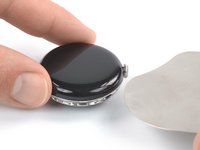
Free Shipping on Domestic Orders $75+

Google Pixel Watch Battery Replacement

Views: 36K

View statistics:

Past 24 Hours:
18
Past 7 Days:
196
Past 30 Days:
901
All Time:
35,649
Comments: 13

2 comments on steps, 11 guide comments.

Go to guide comments
Completed: 8

8 people have marked this guide "completed." Will you be next?

Favorites: 1

1 person has favorited (and subscribed to) this guide. Will you be next?

Time Required: 40 minutes - 1 hour
Difficulty: Moderate
Featured Guide

This guide has been found to be exceptionally cool by the iFixit staff.

Google Pixel Watch Battery Replacement

Introduction

Go to step 1 ↓

Use this guide to replace a worn-out or dead battery in your Google Pixel Watch.

For your safety, discharge the battery below 25% before disassembling your device. This reduces the risk of fire if the battery is accidentally damaged during the repair. If your battery is swollen, take appropriate precautions.

You’ll need replacement adhesive to to reattach the screen when reassembling the device.

Retaining water resistance after the repair will depend on how precisely the adhesive is reapplied, but your device will lose its IP (Ingress Protection) rating.

Note: This guide was written using a GBZ4S LTE model. If you have the non-LTE version, you can still use this guide—but there might be slight visual discrepancies.

What you need

Tools

    1. Google Pixel Watch Battery Replacement, Remove the watch band: step 1, image 1 of 3 Google Pixel Watch Battery Replacement, Remove the watch band: step 1, image 2 of 3 Google Pixel Watch Battery Replacement, Remove the watch band: step 1, image 3 of 3
      • Before starting repairs, turn off your watch and take it off the charger.

      • Remove the watch band by pressing the band release button and sliding the band over the button while pulling it away from the watch.

      • Repeat for the other watch band.

      Ask FixBot

      Add Comment

    2. Google Pixel Watch Battery Replacement, Loosen the screen adhesive: step 2, image 1 of 1
      • Heat an iOpener and apply it to the screen for about two minutes to soften the adhesive securing the screen.

      • A hair dryer, heat gun, or hot plate may also be used, but be careful not to overheat the watch—the screen and internal battery are both susceptible to heat damage.

      Ask FixBot

      Add Comment

    3. Google Pixel Watch Battery Replacement, Insert an iFlex: step 3, image 1 of 2 Google Pixel Watch Battery Replacement, Insert an iFlex: step 3, image 2 of 2
      Tool used on this step:
      iFlex Opening Tool
      $11.99
      Buy
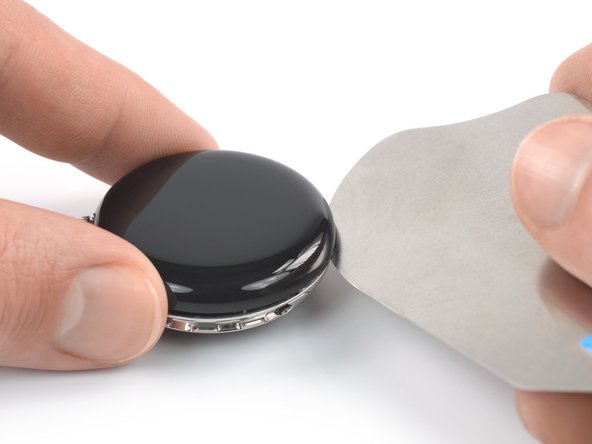
      • The thin seam between the frame and screen requires a thin metal tool—take your time and work carefully to avoid scraping or gouging the watch body or glass.

      • Insert an iFlex into the thin gap between the screen and frame, left of the digital crown.

      Ask FixBot

      Add Comment

    4. Google Pixel Watch Battery Replacement, Slice the screen adhesive: step 4, image 1 of 3 Google Pixel Watch Battery Replacement, Slice the screen adhesive: step 4, image 2 of 3 Google Pixel Watch Battery Replacement, Slice the screen adhesive: step 4, image 3 of 3
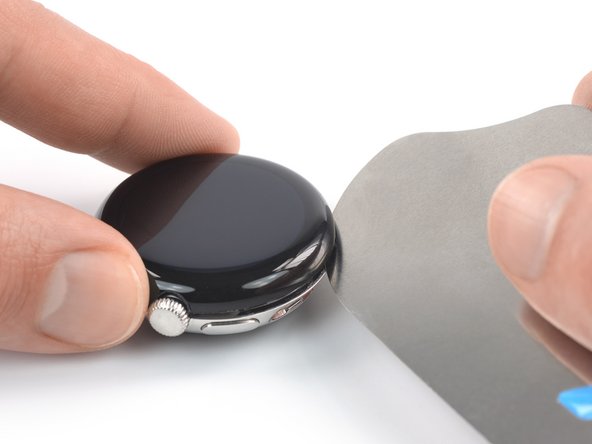
      • When slicing the screen adhesive, insert the iFlex no deeper than 3 mm to prevent damaging internal components.

      • Slide the iFlex around the entire perimeter of the watch to slice all of the screen adhesive.

      Ask FixBot

      Add Comment

    5. Google Pixel Watch Battery Replacement, Pry up the screen: step 5, image 1 of 2 Google Pixel Watch Battery Replacement, Pry up the screen: step 5, image 2 of 2
      • Remove the iFlex and reinsert it under the screen, to the right of the speaker grille.

      • Twist the iFlex to pry the screen up.

      • Don't try to fully remove the screen just yet, as it‘s still connected to the watch assembly by a delicate cable.

      Ask FixBot

      Add Comment

    6. Google Pixel Watch Battery Replacement, Swing open the screen: step 6, image 1 of 3 Google Pixel Watch Battery Replacement, Swing open the screen: step 6, image 2 of 3 Google Pixel Watch Battery Replacement, Swing open the screen: step 6, image 3 of 3
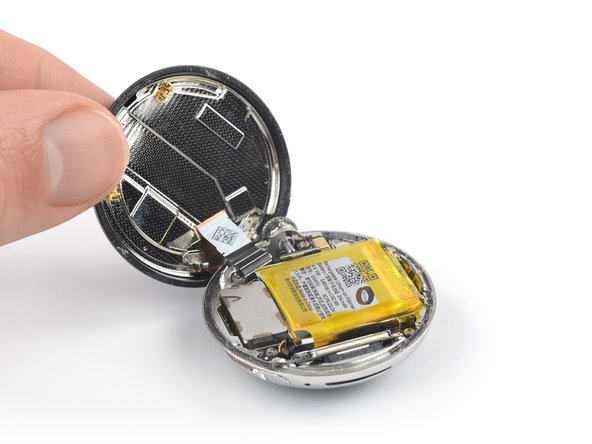
      • Be careful not to strain the screen assembly cable when you open the display.

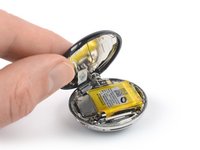
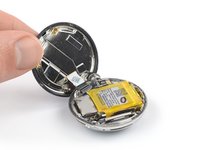
      • Swing the screen open to an upright position.

      • During reassembly, this is a good point to power on your device and test all functions before sealing it up. Be sure to power it back down completely before you continue working.

      Ask FixBot

      Add Comment

    1. Google Pixel Watch Battery Replacement, Unfasten the speaker bracket: step 7, image 1 of 2 Google Pixel Watch Battery Replacement, Unfasten the speaker bracket: step 7, image 2 of 2
      Tool used on this step:
      FixMat
      $36.95
      Buy
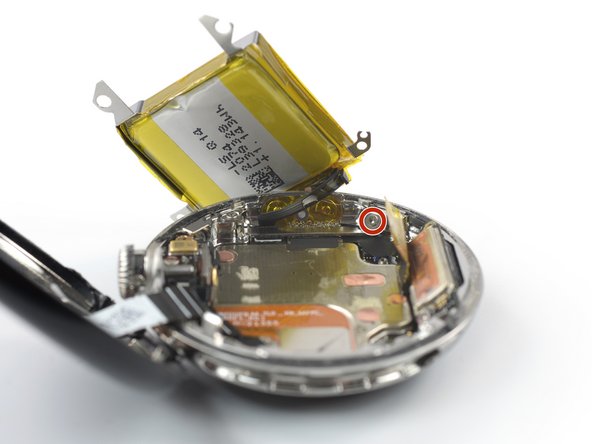
      • Throughout this repair, keep track of each screw and make sure it goes back exactly where it came from.

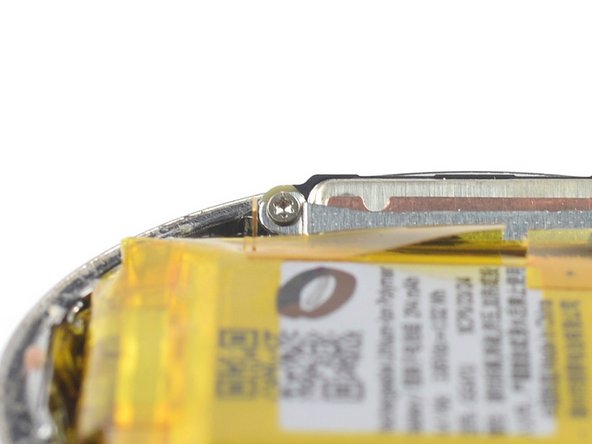
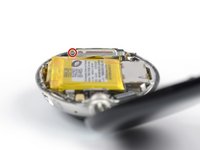
      • Use a Torx T2 screwdriver to remove the 2.1 mm-long screw securing the speaker bracket.

      Ask FixBot

      Add Comment

    2. Google Pixel Watch Battery Replacement, Remove the speaker bracket: step 8, image 1 of 3 Google Pixel Watch Battery Replacement, Remove the speaker bracket: step 8, image 2 of 3 Google Pixel Watch Battery Replacement, Remove the speaker bracket: step 8, image 3 of 3
      Tool used on this step:
      Tweezers
      $4.99
      Buy
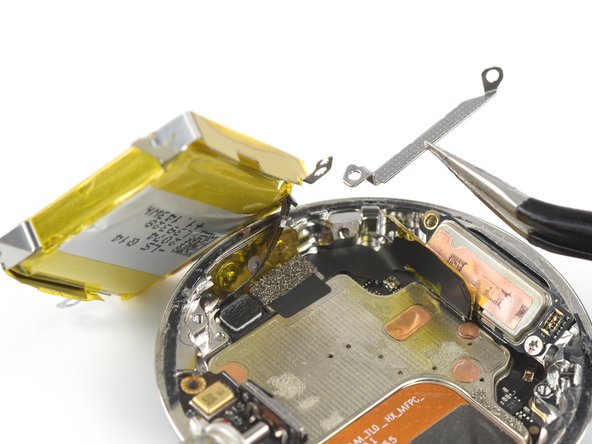
      • Take care not to puncture or bend the battery with sharp tools—it can leak dangerous chemicals or catch fire.

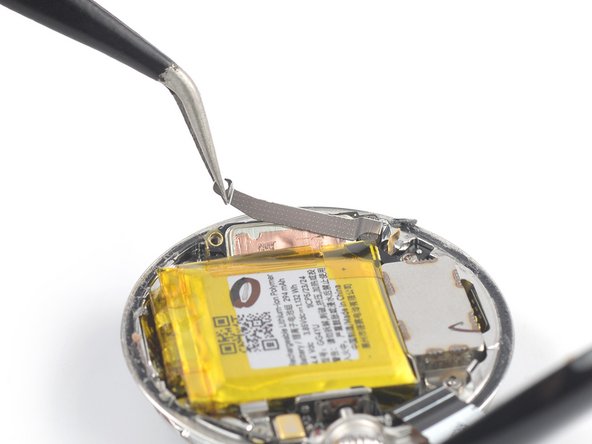
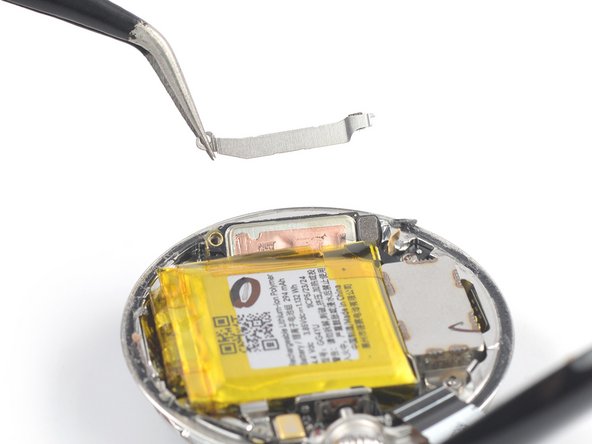
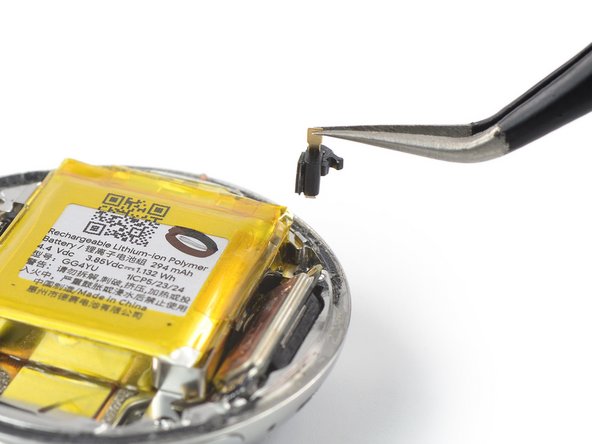
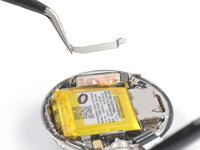
      • Use a pair of tweezers to remove the speaker bracket.

      Ask FixBot

      Add Comment

    3. Google Pixel Watch Battery Replacement, Disconnect the vibration motor: step 9, image 1 of 2 Google Pixel Watch Battery Replacement, Disconnect the vibration motor: step 9, image 2 of 2
      • Use the point of a spudger to pry up and disconnect the vibration motor‘s press connector.

      • To re-attach press connectors like this one, carefully align and press down on one side until it clicks into place, then repeat on the other side. Do not press down in the middle. If the connector is misaligned, the pins can bend and cause permanent damage.

      Ask FixBot

      Add Comment

    4. Google Pixel Watch Battery Replacement, Loosen the vibration motor cable: step 10, image 1 of 2 Google Pixel Watch Battery Replacement, Loosen the vibration motor cable: step 10, image 2 of 2
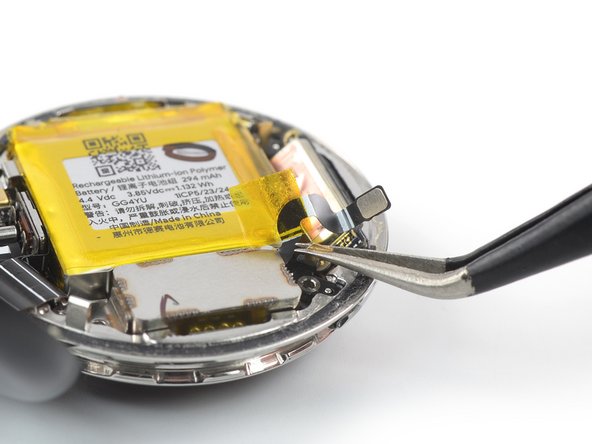
      • Be careful with sharp tools around the battery.

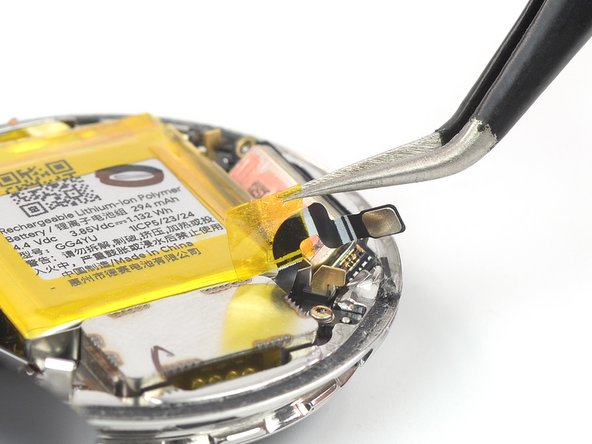
      • Use tweezers to peel up the yellow tape securing the vibration motor cable to the battery.

      Ask FixBot

      Add Comment

    5. Google Pixel Watch Battery Replacement, Unfasten the vibration motor: step 11, image 1 of 1
      • Use a Torx T2 screwdriver to remove the two screws securing the vibration motor:

      • One 1.8 mm-long screw

      • One 2.8 mm-long screw

      Ask FixBot

      Add Comment

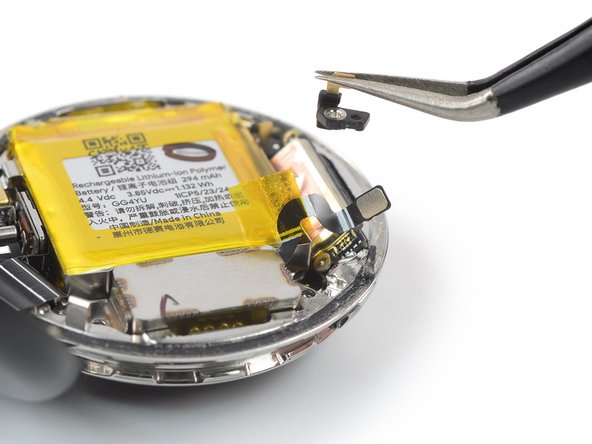
    6. Google Pixel Watch Battery Replacement, Remove the grounding bracket: step 12, image 1 of 3 Google Pixel Watch Battery Replacement, Remove the grounding bracket: step 12, image 2 of 3 Google Pixel Watch Battery Replacement, Remove the grounding bracket: step 12, image 3 of 3
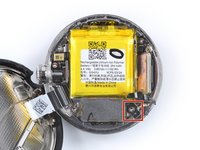
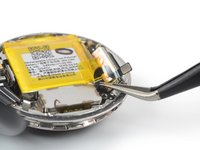
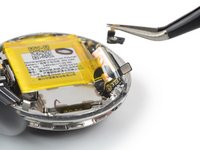
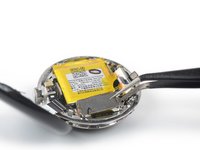
      • Use tweezers to lift the grounding bracket out of its recess and remove it.

      Ask FixBot

      Add Comment

    7. Google Pixel Watch Battery Replacement, Remove the vibration motor: step 13, image 1 of 2 Google Pixel Watch Battery Replacement, Remove the vibration motor: step 13, image 2 of 2
      • Remove the vibration motor.

      Ask FixBot

      Add Comment

    1. Google Pixel Watch Battery Replacement, Unfasten the battery bracket: step 14, image 1 of 1
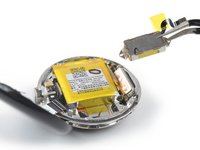
      • Use a Torx T2 screwdriver to remove the two 3 mm-long screws securing the battery bracket.

      Ask FixBot

      Add Comment

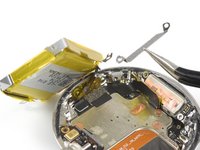
    2. Google Pixel Watch Battery Replacement, Remove the grounding bracket: step 15, image 1 of 3 Google Pixel Watch Battery Replacement, Remove the grounding bracket: step 15, image 2 of 3 Google Pixel Watch Battery Replacement, Remove the grounding bracket: step 15, image 3 of 3
      Tool used on this step:
      Tweezers
      $4.99
      Buy
      • Use tweezers to lift the grounding bracket out of its recess and remove it.

      Ask FixBot

      Add Comment

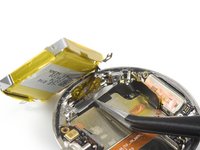
    3. Google Pixel Watch Battery Replacement, Loosen the battery tape: step 16, image 1 of 2 Google Pixel Watch Battery Replacement, Loosen the battery tape: step 16, image 2 of 2
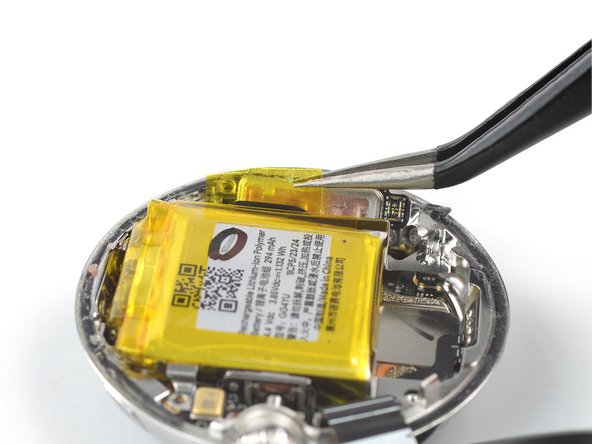
      • Take care not to puncture or bend the battery with sharp tools—it can leak dangerous chemicals or catch fire.

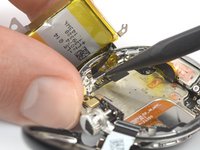
      • Use tweezers to peel up the yellow tape from the edge of the battery, next to the speaker.

      Ask FixBot

      Add Comment

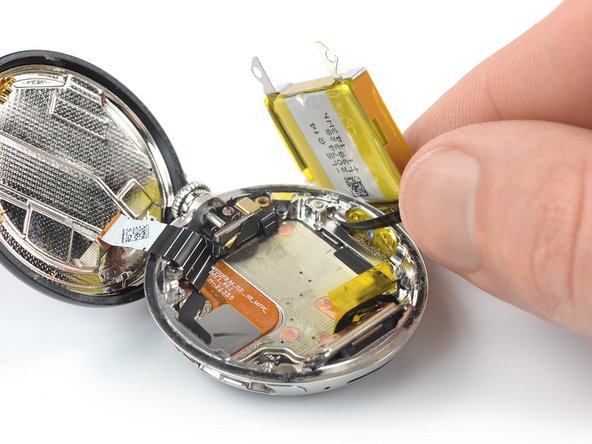
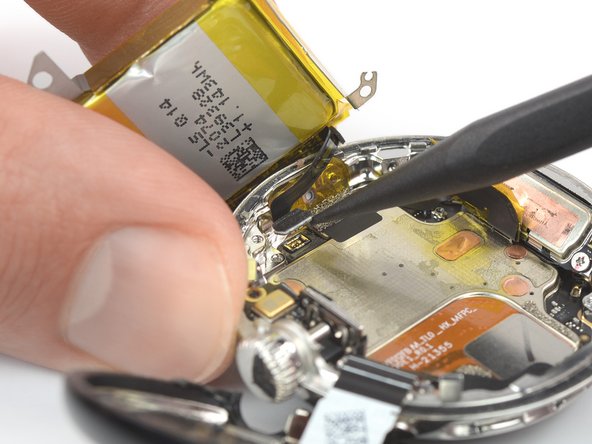
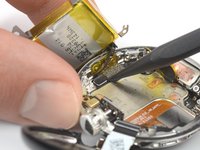
    4. Google Pixel Watch Battery Replacement, Pry up the battery: step 17, image 1 of 2 Google Pixel Watch Battery Replacement, Pry up the battery: step 17, image 2 of 2
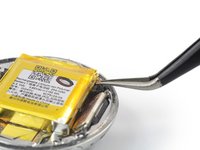
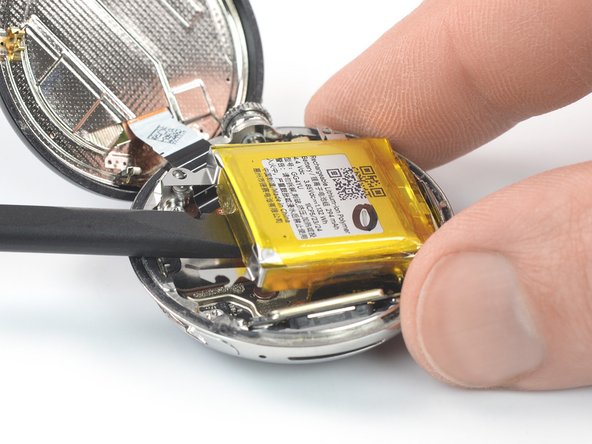
      • Slide the flat end of a spudger under the edge of the battery where the vibration motor was.

      • Pry up the battery until you can grip it with your fingers.

      • The battery is held in place by mild adhesive. If you're struggling to pry up the battery, apply a heated iOpener to the bottom of the watch for about 2 minutes to loosen the adhesive. Don't apply the iOpener directly to the battery.

      • Don't try to remove the battery all the way yet, as it‘s still connected to the watch assembly by a delicate cable.

      Ask FixBot

      Add Comment

    5. Google Pixel Watch Battery Replacement, Reposition the battery: step 18, image 1 of 3 Google Pixel Watch Battery Replacement, Reposition the battery: step 18, image 2 of 3 Google Pixel Watch Battery Replacement, Reposition the battery: step 18, image 3 of 3
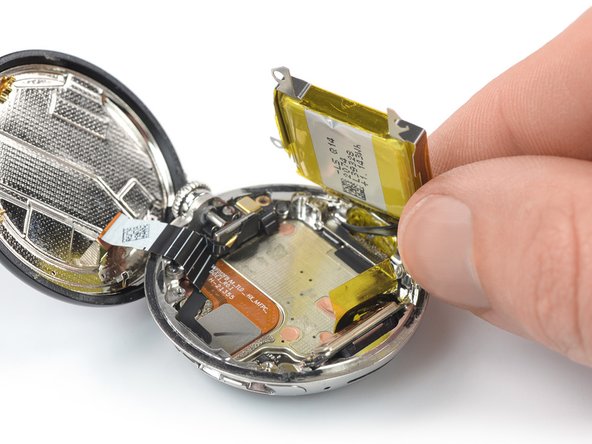
      • Avoid straining or tearing the battery cable when moving the battery.

      • Carefully place the battery next to the watch to access the battery connector bracket.

      Ask FixBot

      Add Comment

    6. Google Pixel Watch Battery Replacement, Unfasten the battery connector bracket: step 19, image 1 of 2 Google Pixel Watch Battery Replacement, Unfasten the battery connector bracket: step 19, image 2 of 2
      • Use a Torx T2 screwdriver to remove the two 1.5 mm-long screws securing the battery connector bracket.

      Ask FixBot

      Add Comment

    7. Google Pixel Watch Battery Replacement, Remove the battery connector bracket: step 20, image 1 of 2 Google Pixel Watch Battery Replacement, Remove the battery connector bracket: step 20, image 2 of 2
      • Use tweezers to remove the battery connector bracket.

      Ask FixBot

      Add Comment

    8. Google Pixel Watch Battery Replacement, Disconnect the battery cable: step 21, image 1 of 2 Google Pixel Watch Battery Replacement, Disconnect the battery cable: step 21, image 2 of 2
      • Use the point of a spudger to disconnect the battery cable by prying the connector straight up from its socket.

      Ask FixBot

      Add Comment

    9. Google Pixel Watch Battery Replacement, Remove the battery: step 22, image 1 of 1
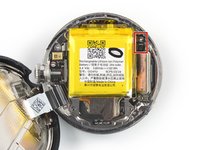
      • Remove the battery.

      • Never reuse a deformed or damaged battery—it's a fire hazard. Replace it with a new battery.

      Ask FixBot

      Add Comment

Conclusion

To reassemble your device, follow these instructions in reverse order.

During reassembly, apply new adhesive where it's necessary after cleaning the relevant areas with isopropyl alcohol (>90%).

For optimal performance, calibrate your newly installed battery after completing this guide.

Take your e-waste to an R2 or e-Stewards certified recycler.

Repair didn’t go as planned? Try some basic troubleshooting, or ask our Answers community for help.

Cancel: I did not complete this guide.

8 other people completed this guide.

Dominik Schnabelrauch

Member since: 11/23/16

266,207 Reputation

682 Guides authored

Team

iFixit Member of iFixit

Staff

121 Members

72,885 Guides authored

11 Guide Comments

Where do I get a new battery?

Jorge Loza - Reply Share

Yes, Where can you buy a battery

John Speegle - Reply Share

где можно приобрести новую батарею?

Михаил Черноусов - Reply Share

Amazing photos!

EvilRSA - Reply Share

What about the new battery itself ? How do I get it ?

Niels - Reply Share

Add Comment

View Statistics:

Past 24 Hours: 18

Past 7 Days: 196

Past 30 Days: 901

All Time: 35,649