AirPort Extreme Card

|
8 Answers 1 Score |
Why do small plastic balls fall off the bottom of my laptop? |
|
14 Answers 20 Score |
Completely reset from factory settings |
|
13 Answers 2 Score |
will not start up from HD or CD |
|
9 Answers 1 Score |
White screen of death! |
These are some common tools used to work on this device. You might not need every tool for every procedure.
Track down a number of hardware problems using the iBook G4 14" 1.42 GHz Troubleshooting Guide.
There are a number of components in the iBook G4 14" 1.42 GHz can be cost effectively upgraded.
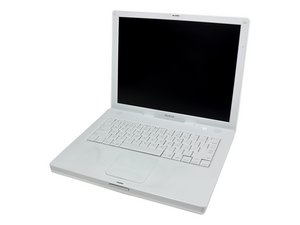
Use the laptop identification system to help you identify your machine. iBooks tend to look very similar, and it's important to know which machine you have before ordering any replacement parts.
Past 24 Hours: 3
Past 7 Days: 22
Past 30 Days: 156
All Time: 135,669