Free Shipping on Domestic Orders $75+

Causes
Files and downloads start to stack up fast because they take up a lot of storage. Open file explorer, click “this PC,” open the main drive, and select sort by size. Delete anything you don’t need, clear your downloads folder, then right‑click Recycle Bin and empty it. Reboot so Windows refreshes space.
Windows keeps old non-updated files and the system restores snapshots. If they stack up, they begin to take up gigs of space in the background. Open disk cleanup, click clean up system files, check "Windows update," then, cleanup and delivery optimization files. Open "system protection," lower the max usage for restore points, then apply.
Related Problems


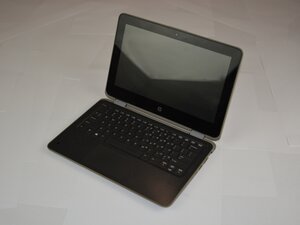
HP ProBook x360 11 G3 EE
Find free step-by-step repair instructions, manuals, schematics, community support, and other DIY resources. You can do it! We show you how.
6 common problems
View allDescribe your problem in your own words
View statistics:
Past 24 Hours:0
Past 7 Days:2
Past 30 Days:20
All Time:106
