Free Shipping on Domestic Orders $75+
Causes
Look at the back of the laptop and inspect the vent. If it is full of dust, you will need to clean it. Dirt and debris may build up inside the vents, causing the laptop to overheat. You can use a can of compressed air to clear the vent of dust, allowing air to flow through it and clean the laptop.
Related Problems


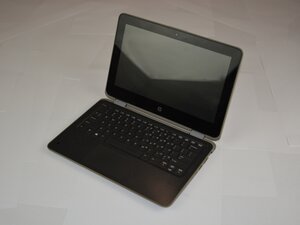
HP ProBook x360 11 G3 EE
Find free step-by-step repair instructions, manuals, schematics, community support, and other DIY resources. You can do it! We show you how.
6 common problems
View allDescribe your problem in your own words
View statistics:
Past 24 Hours:0
Past 7 Days:13
Past 30 Days:22
All Time:133
