Shop the Holiday Gift Guide
Free Shipping on Domestic Orders $75+

Poor Audio Quality

Emma Richey and 1 contributor
Last updated on Causes
Every phone has an EQ (equalizer) setting which allows you to adjust the sound quality of the music.
If you are using the iPhone music app:
- From the iPhone’s home screen, tap Settings.
- From the sidebar, tap Music. The screen shown below appears.
- Tap EQ. The screen shown below appears.
- Tap a preset, such as Rock. The key is to select a preset that matches the type of music you normally listen to. Keep tapping presets until you find one that gives you the best audio.
If you are using an app such as Spotify or Pandora you will have to go to the settings of that app and adjust them until you find a preset that gives you the best audio.
Related Problems
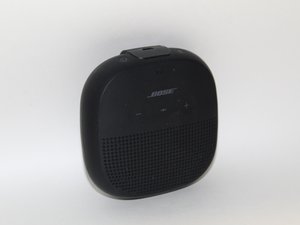
Bose SoundLink Micro
5 problems · View all
Describe your problem in your own words
View statistics:
Past 24 Hours:6
Past 7 Days:20
Past 30 Days:65
All Time:904
