Introduction
Follow the steps in this guide to replace the EMI shield backing the display on your iPhone 6s.
What you need
-
-
Remove the two 3.4 mm P2 Pentalobe screws on the bottom edge of the iPhone, on either side of the Lightning connector.
-
-
Tool used on this step:Clampy - Anti-Clamp$24.95
-
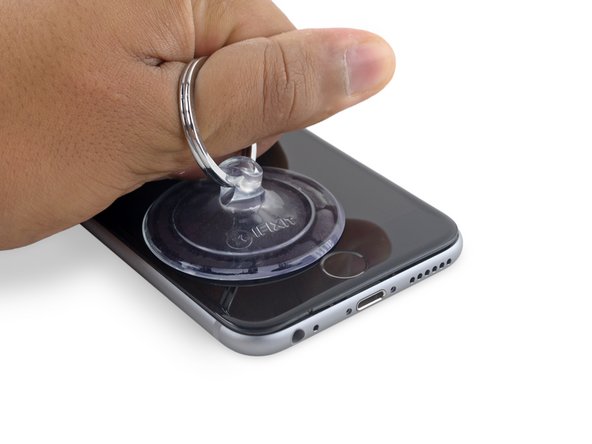
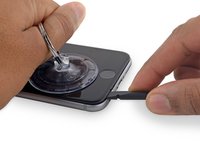
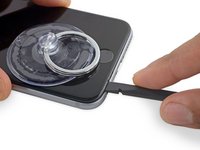
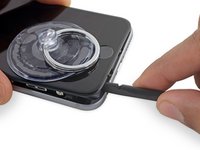
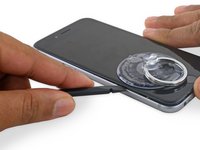
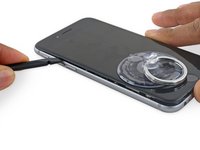
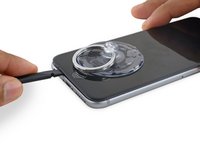
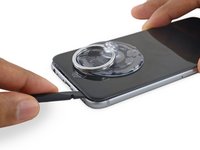
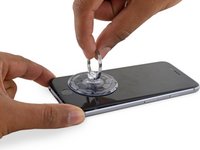
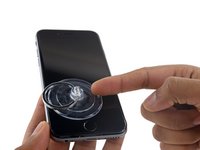
Apply mild heat to the lower edge of the iPhone using an iOpener or hair dryer for about a minute.
-
-
-
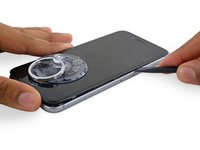
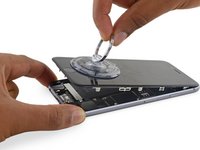
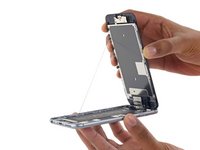
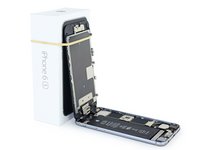
Gently grasp the display assembly and lift it up to open the phone, using the clips at the top of the front panel as a hinge.
-
Open the display to about a 90º angle, and lean it against something to keep it propped up while you're working on the phone.
-
Add a rubber band to keep the display securely in place while you work. This prevents undue strain on the display cables.
-
During reassembly, pause here if you wish to replace the adhesive around the edges of the display.
-
During reassembly, the camera end of the screen body needs to hook under the edge of the body. The hooks of the screen frame need to be under the rim of the main body and snugged toward the camera end to easily close the cover and have it properly clip.
-
These hooks are not really a proper hinge but clasps that need to be under the rim of the main phone frame/edge!! This way the screen easily will return to its closed state nicely gently snapping into place.
-
During reassembly, reverse order for getting the screen clipped back in means pressing along the right side top to bottom corner. Then the left.
-
-
-
Tool used on this step:Magnetic Project Mat$16.96
-
Remove two Phillips screws securing the battery connector bracket, of the following lengths:
-
One 2.9 mm screw
-
One 2.2 mm screw
-
-
-
Remove the following four Phillips screws securing the display cable bracket:
-
Three 1.2 mm screws
-
One 2.8 mm screw
-
-
-
Remove the following three Phillips screws securing the earpiece speaker bracket:
-
Two 2.3 mm screws
-
One 1.9 mm screw
-
-
-
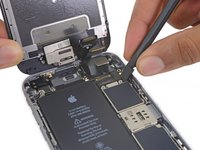
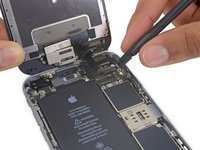
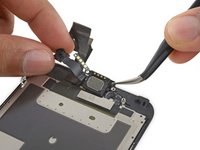
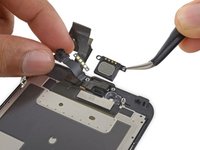
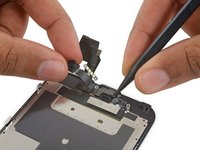
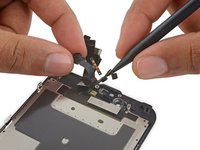
Holding the front-facing camera out of the way, use the point of a spudger to push the ambient-light sensor up out of its recess in the front panel.
-
-
-
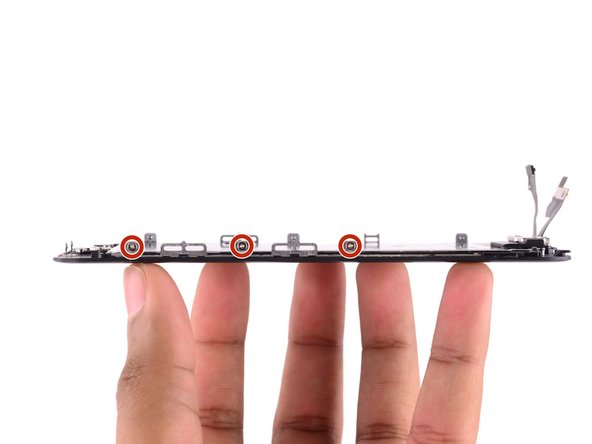
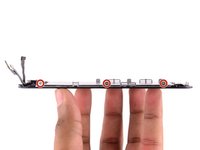
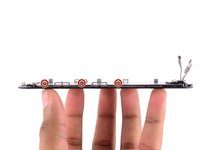
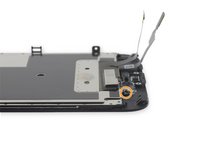
Remove the following seven 1.3 mm Phillips screws:
-
Three screws each on the left and right edges of the display panel.
-
A single screw recessed 1.5 cm from the right edge of the screen.
-
-
-
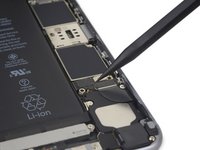
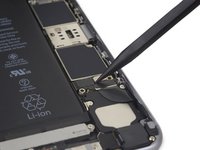
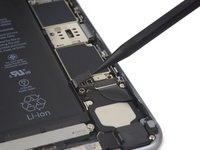
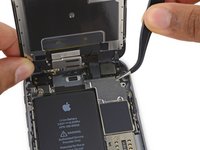
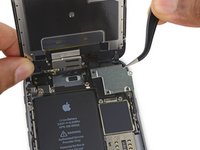
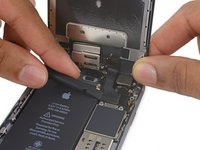
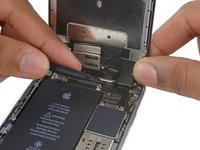
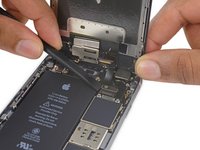
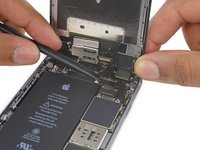
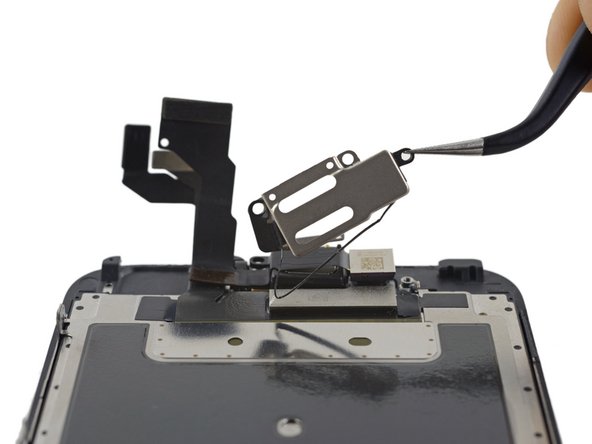
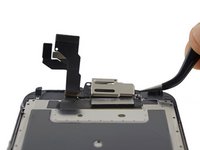
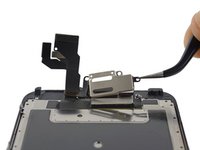
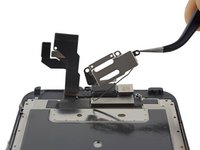
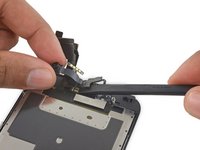
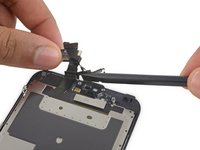
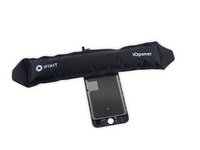
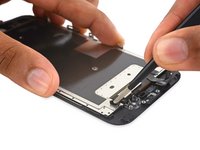
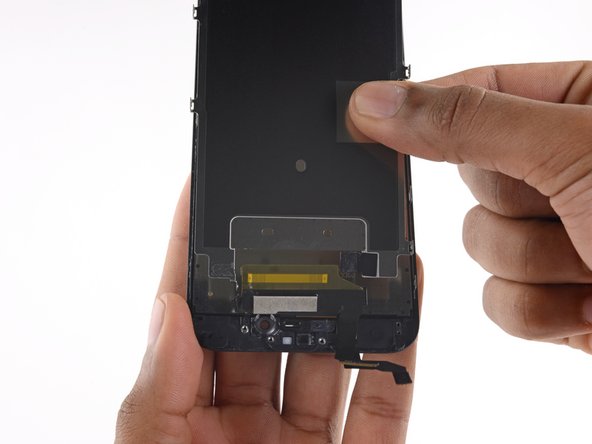
Prepare an iOpener and lay it over the top edge of the phone to loosen the tape connecting the EMI shield to the front panel.
-
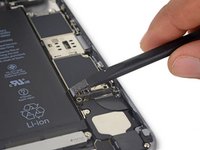
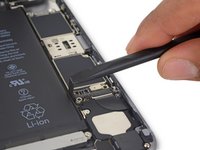
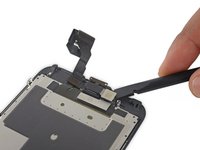
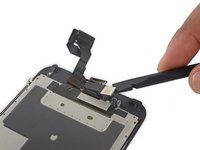
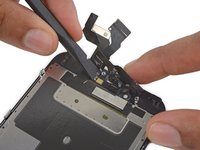
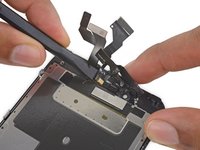
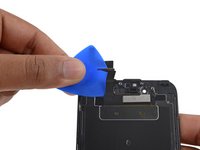
After a minute, insert an opening pick between the tape and display data cable.
-
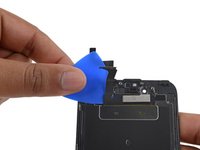
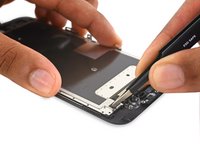
Push the pick downwards until it is flush with the upper edge of the EMI shield.
-




















































To reassemble your device, follow these instructions in reverse order.
Cancel: I did not complete this guide.
3 other people completed this guide.



1 Guide Comment
Al cambiar la pantalla todo funciona correctamente excepto que tiene una sensibilidad excesiva al 3D Touch ¿a que se debe?
Gracias
