-
-
-
Remove all attachments, like the water reservoir, the brewing chamber, the bean compartment lid, and the drip tray. Remove all of the coffee beans.
-
Turn the machine around so the back is facing you. Remove the two T10 Torx screws at the bottom edge. Pull out the back at the bottom edge and lift it down.
-
It's important that the parts are readily visible:
-
The motherboard
-
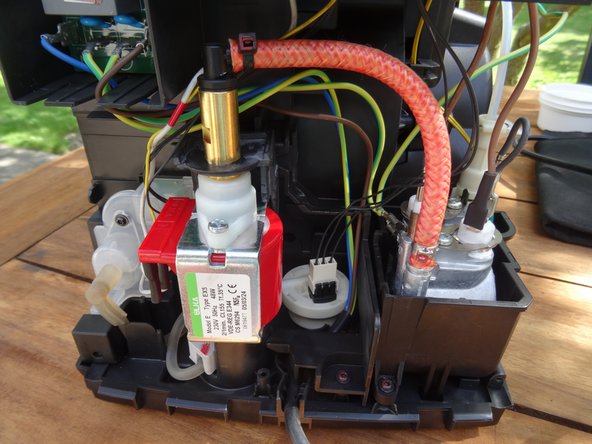
The pump
-
The flow meter
-
The heating element
 Ask FixBot
-
-
-
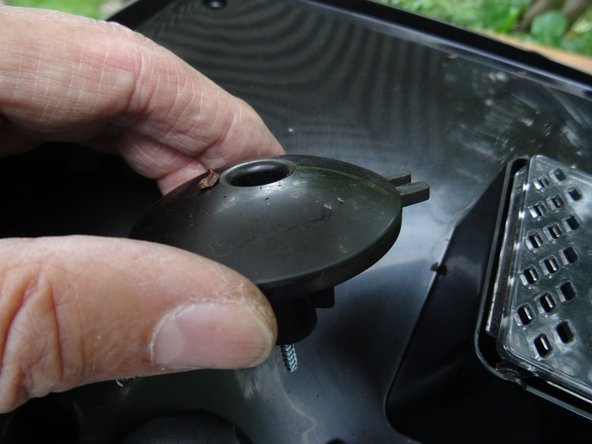
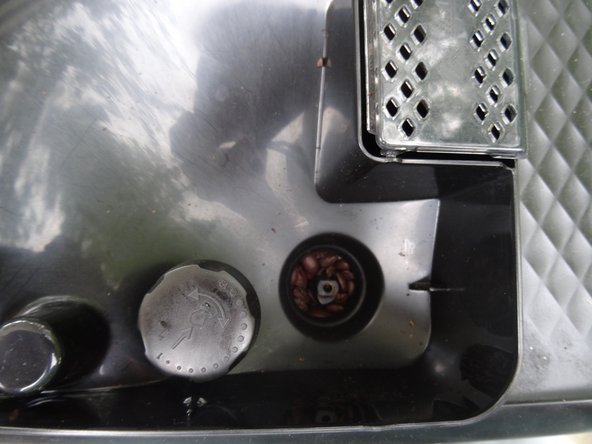
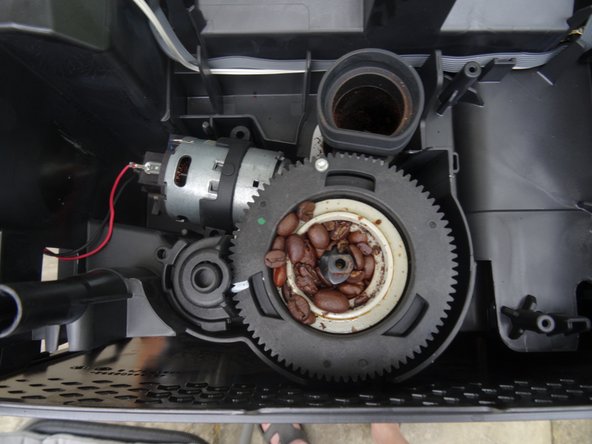
Remove all the beans from the opening on the finger guard of the grinder. A T10 Torx screw will become visible.
-
Unscrew the T10 Torx screw from the finger guard.
-
Lift the finger guard up.
-
-
-
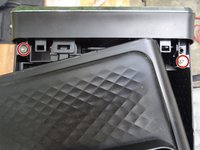
Slightly lift the top cover up at the back edge.
-
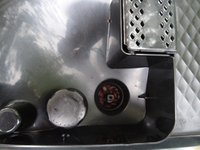
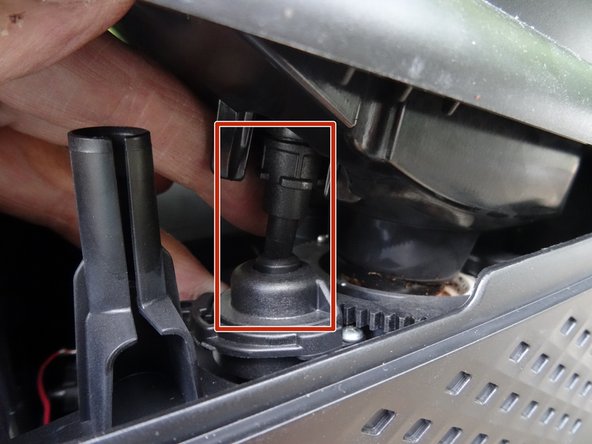
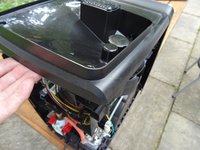
When putting it back together, make sure the grinder control is sitting right.
-
-
-
-
Pull the upper cover out from under the front cover and lay it slightly offset.
-
Remove both of the T10 Torx screws attached to the side covers.
-
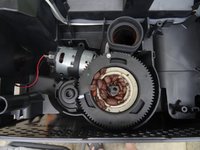
Picture 2 shows the grinder, which can now be easily taken off.
-
If you want to repair the grinder: here are the instructions Replacing the Philips ceramic grinder motor and sensor
-
-
-
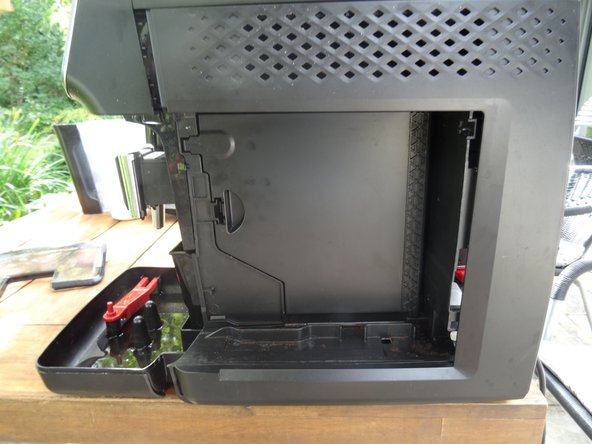
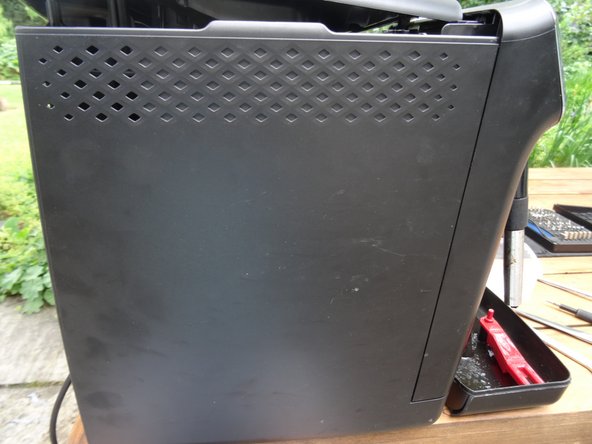
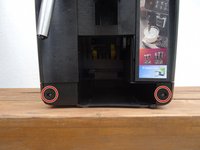
Both side panels are still screwed to the lower edge of the front. Unscrew both of the T10 Torx screws out from here.
-
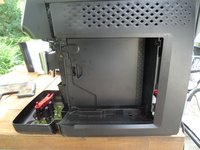
Slide both side panels back a bit, and take them out from the bottom edge.
-
-
-
-
-
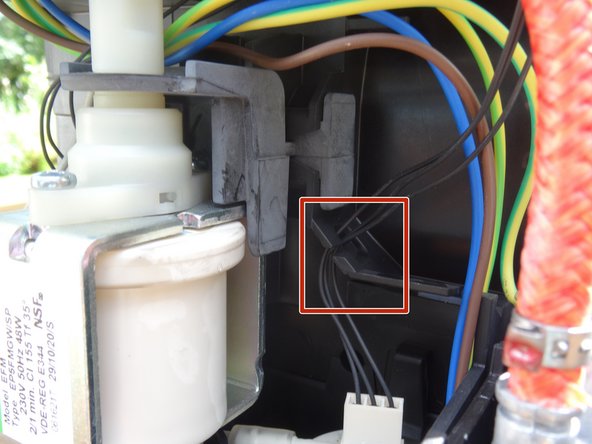
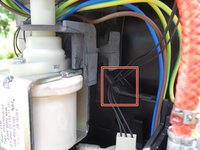
To be on the safe side, remove the three black cables of the flowmeter from their holder so that the pump has a free path.
-
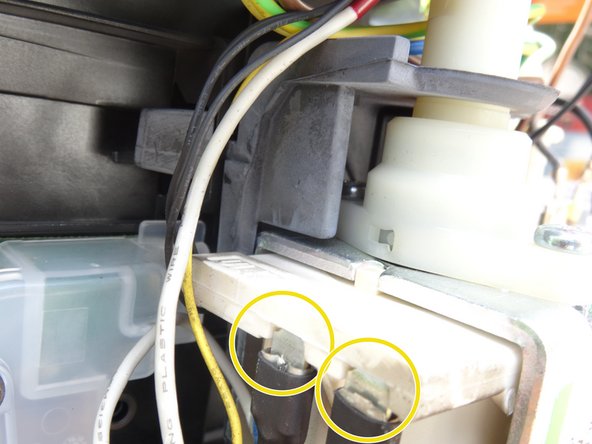
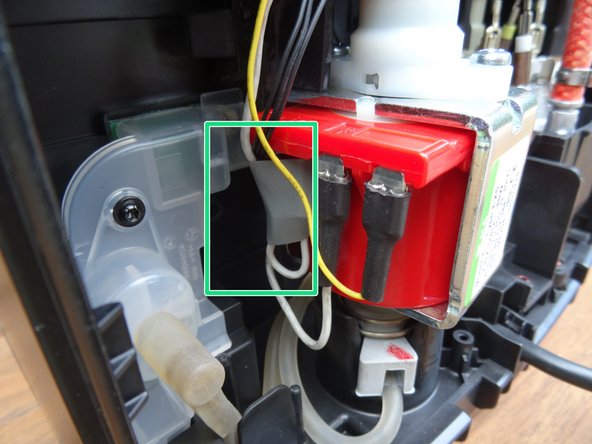
Pull the two flat connectors off the pump.
-
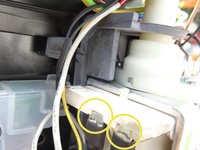
The thermal fuse on the cable is glued to the pump at the factory. Carefully scrape off the adhesive and pull the thermal fuse out downwards.
-
-
-
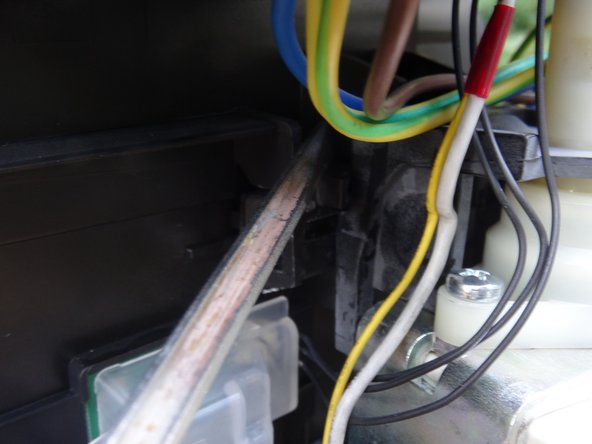
The rubber holder for the pump is hooked at the top. Push the rubber hook away from you with a metal spatula and leave the metal spatula in place.
-
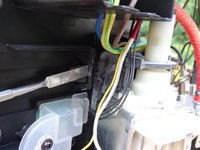
Take a strong screwdriver and now push the bracket with a lot of force towards the water tank side until it gradually comes out together with the pump.
-
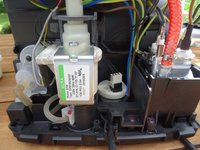
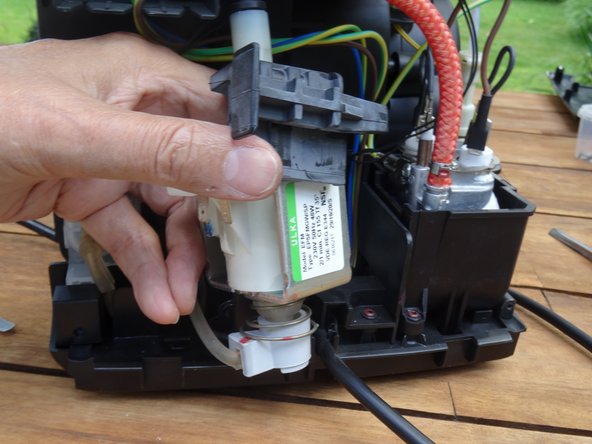
Lift out the pump. It is still connected with two hoses.
-
-
-
Pull the pump out of the lower water connection.
-
Insert a 12 mm open-end wrench into the upper pump outlet.
-
Turn the black connection slightly counterclockwise until it comes loose.
-
Turn the pump all the way out.
-
-
-
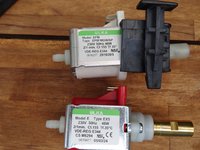
The factory-installed pump was an Ulka EP5FMGW. Replace it with an Ulka EX5, which has a metal fitting.
-
Secure the thermal fuse to the pump with electrical tape.
-
-









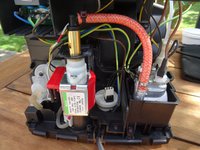
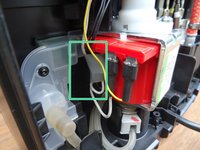
Follow the steps in reverse order to reassemble your device.
Cancel: I did not complete this guide.
5 other people completed this guide.
Special thanks to these translators:
100%

oldturkey03 is helping us fix the world! Want to contribute?
Start translating ›

Team

Repair is War on Entropy Member of Repair is War on Entropy
Community
41 Members
7,012 Guides authored
