Free Shipping on Domestic Orders $75+

Moto C Plus Screen Assembly Replacement

What you need

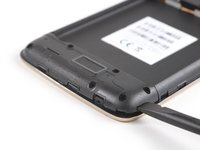
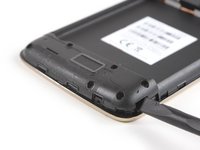
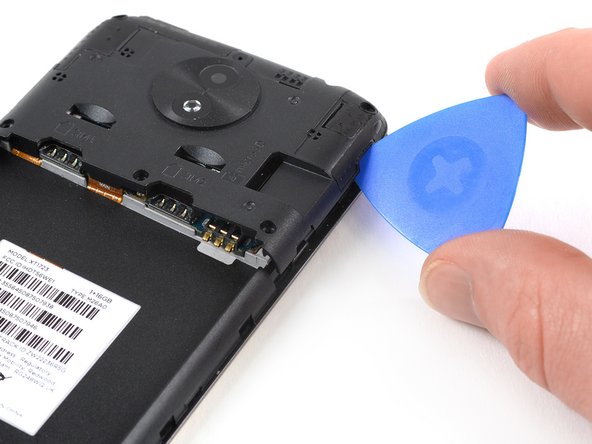
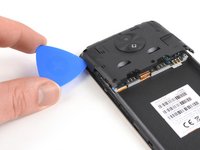
  1. Moto C Plus Screen Assembly Replacement, Back Cover: step 1, image 1 of 3 Moto C Plus Screen Assembly Replacement, Back Cover: step 1, image 2 of 3 Moto C Plus Screen Assembly Replacement, Back Cover: step 1, image 3 of 3
    • Power off your phone before beginning disassembly.

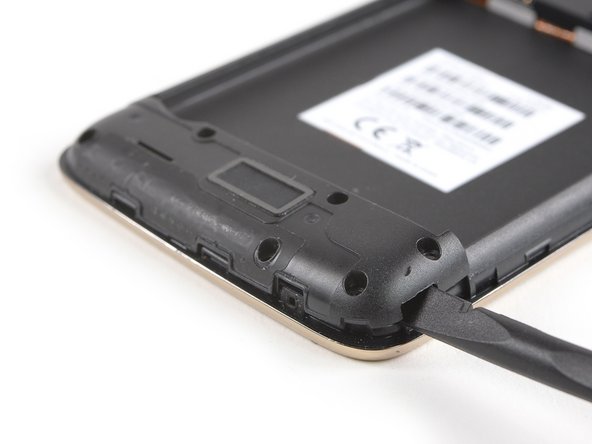
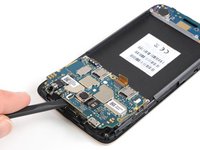
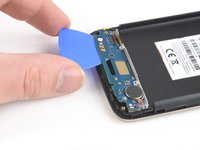
    • Insert a thumbnail, or spudger, into the notch on the bottom right to start separating the phone unit from the back cover.

    • Move to the bottom left corner and pry the phone unit out of the back cover until you can get a good grip.

    Ask FixBot

    Add Comment

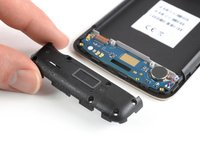
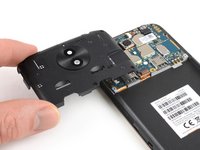
  2. Moto C Plus Screen Assembly Replacement: step 2, image 1 of 2 Moto C Plus Screen Assembly Replacement: step 2, image 2 of 2
    • Lift the phone out of the back cover.

    Ask FixBot

    Add Comment

  3. Moto C Plus Screen Assembly Replacement, Battery: step 3, image 1 of 3 Moto C Plus Screen Assembly Replacement, Battery: step 3, image 2 of 3 Moto C Plus Screen Assembly Replacement, Battery: step 3, image 3 of 3
    • Use a spudger or fingernail to lift the battery starting at the notch on the bottom left.

    • Lever the battery out of its recess and remove it.

    Ask FixBot

    Add Comment

  4. Moto C Plus Screen Assembly Replacement, Daughterboard Cover: step 4, image 1 of 1
    • Remove the six 3.1 mm Phillips #00 screws securing the daughterboard cover.

    Ask FixBot

    Add Comment

  5. Moto C Plus Screen Assembly Replacement: step 5, image 1 of 3 Moto C Plus Screen Assembly Replacement: step 5, image 2 of 3 Moto C Plus Screen Assembly Replacement: step 5, image 3 of 3
    • Apply a spudger to the right side of the daughterboard cover.

    • Twist the spudger sideways to pry up the daughterboard cover until you get a good grip.

    • Remove the daughterboard cover.

    Ask FixBot

    Add Comment

  6. Moto C Plus Screen Assembly Replacement, Motherboard Cover: step 6, image 1 of 1
    • Remove the five 3.1 mm long Phillips #00 screws.

    Ask FixBot

    Add Comment

  7. Moto C Plus Screen Assembly Replacement: step 7, image 1 of 3 Moto C Plus Screen Assembly Replacement: step 7, image 2 of 3 Moto C Plus Screen Assembly Replacement: step 7, image 3 of 3
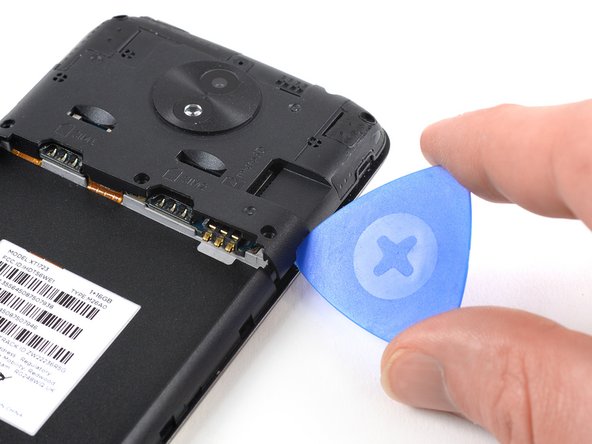
    • Apply an opening pick to the bottom right corner of the motherboard cover.

    • Twist the opening pick to free the motherboard cover out of the plastic clamps on the right side of the phone.

    Ask FixBot

    Add Comment

  8. Moto C Plus Screen Assembly Replacement: step 8, image 1 of 2 Moto C Plus Screen Assembly Replacement: step 8, image 2 of 2
    • Repeat the previous step on the left side of the motherboard cover to free it out of the plastic clamps.

    • Pry up the motherboard cover until you can get a good grip.

    • Remove the motherboard cover.

    Ask FixBot

    Add Comment

  9. Moto C Plus Screen Assembly Replacement, Motherboard Assembly: step 9, image 1 of 1
    • Remove the two 3.2 mm Phillips #00 screws securing the motherboard.

    Ask FixBot

    Add Comment

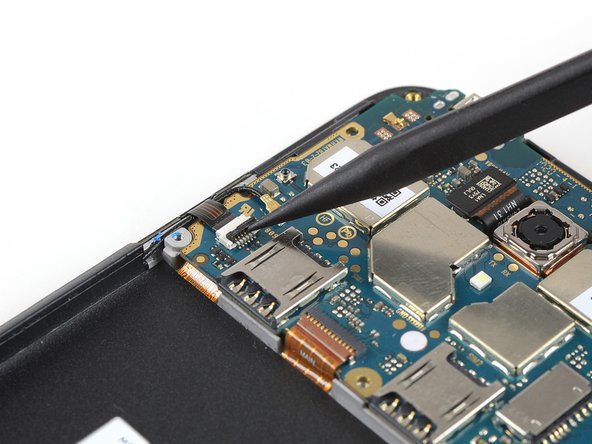
  10. Moto C Plus Screen Assembly Replacement: step 10, image 1 of 2 Moto C Plus Screen Assembly Replacement: step 10, image 2 of 2
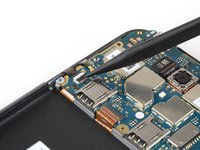
    • Use the tip of a spudger to lift the latch on the power and volume button ZIF connector.

    Ask FixBot

    Add Comment

  11. Moto C Plus Screen Assembly Replacement: step 11, image 1 of 2 Moto C Plus Screen Assembly Replacement: step 11, image 2 of 2
    Tool used on this step:
    Tweezers
    $4.99
    Buy
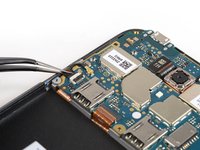
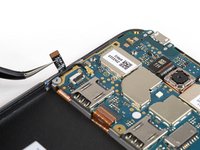
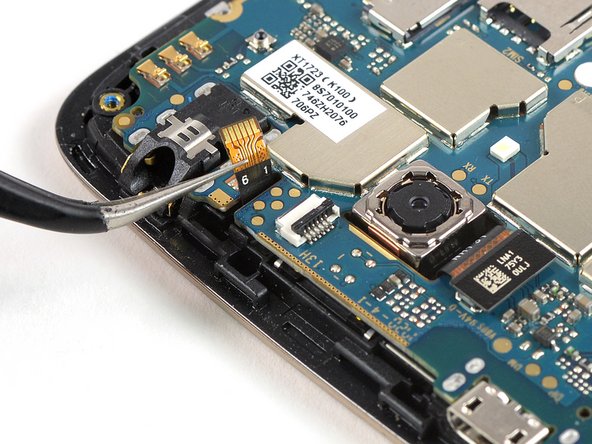
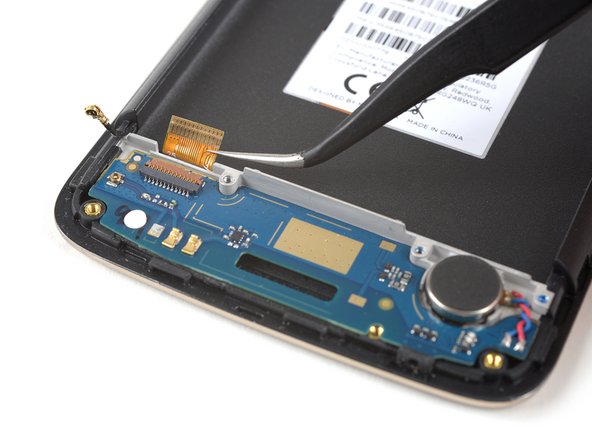
    • Use a pair of tweezers to pull the power and volume button flex cable out of the ZIF connector.

    • Fold the power and volume button flex cable out of the way.

    Ask FixBot

    Add Comment

  12. Moto C Plus Screen Assembly Replacement: step 12, image 1 of 2 Moto C Plus Screen Assembly Replacement: step 12, image 2 of 2
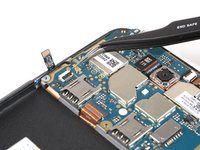
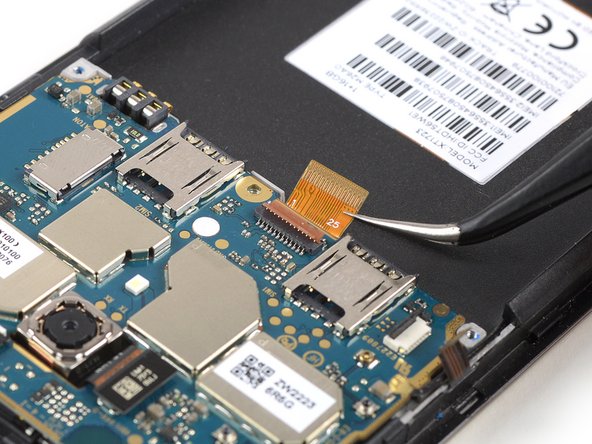
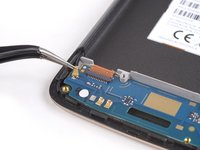
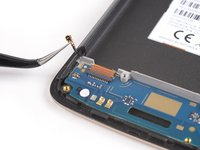
    • Pry up and disconnect the antenna cable.

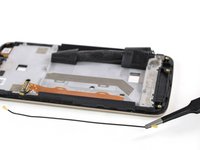
    • Fold the antenna cable out of the way.

    Ask FixBot

    Add Comment

  13. Moto C Plus Screen Assembly Replacement: step 13, image 1 of 2 Moto C Plus Screen Assembly Replacement: step 13, image 2 of 2
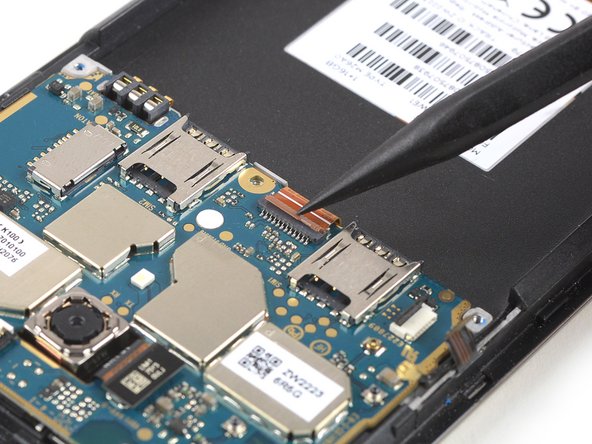
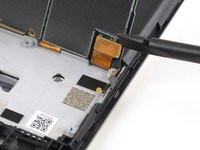
    • Use the tip of a spudger to open the interconnect cable ZIF connector by lifting the brown flap.

    • When reassembling make sure the white line on the cable aligns with the closed flap.

    Ask FixBot

    Add Comment

  14. Moto C Plus Screen Assembly Replacement: step 14, image 1 of 2 Moto C Plus Screen Assembly Replacement: step 14, image 2 of 2
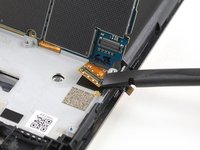
    • Use a pair of tweezers to pull the interconnect flex cable out of the ZIF connector.

    Ask FixBot

    Add Comment

  15. Moto C Plus Screen Assembly Replacement: step 15, image 1 of 2 Moto C Plus Screen Assembly Replacement: step 15, image 2 of 2
    • Use the tip of a spudger to open the flap of the ZIF connector next to the headphone jack.

    Ask FixBot

    Add Comment

  16. Moto C Plus Screen Assembly Replacement: step 16, image 1 of 2 Moto C Plus Screen Assembly Replacement: step 16, image 2 of 2
    • Use a pair of tweezers to pull the flex cable out of the ZIF connector.

    Ask FixBot

    Add Comment

  17. Moto C Plus Screen Assembly Replacement: step 17, image 1 of 2 Moto C Plus Screen Assembly Replacement: step 17, image 2 of 2
    • Don't try to remove the motherboard all the way yet. The display flex cable is still connected to its rear side.

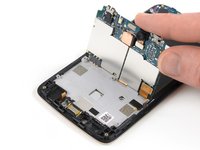
    • Use a spudger to carefully lift the motherboard until you can get a good grip. Avoid to damage the cables next to the motherboard.

    • Lift the motherboard and fold it back until you have enough space to disconnect the display flex cable.

    Ask FixBot

    Add Comment

  18. Moto C Plus Screen Assembly Replacement: step 18, image 1 of 2 Moto C Plus Screen Assembly Replacement: step 18, image 2 of 2
    • Use the edge of a spudger to pry up and disconnect the display flex cable from the motherboard.

    Ask FixBot

    Add Comment

  19. Moto C Plus Screen Assembly Replacement: step 19, image 1 of 1
    • Remove the motherboard.

    Ask FixBot

    Add Comment

  20. Moto C Plus Screen Assembly Replacement, Daughterboard: step 20, image 1 of 2 Moto C Plus Screen Assembly Replacement, Daughterboard: step 20, image 2 of 2
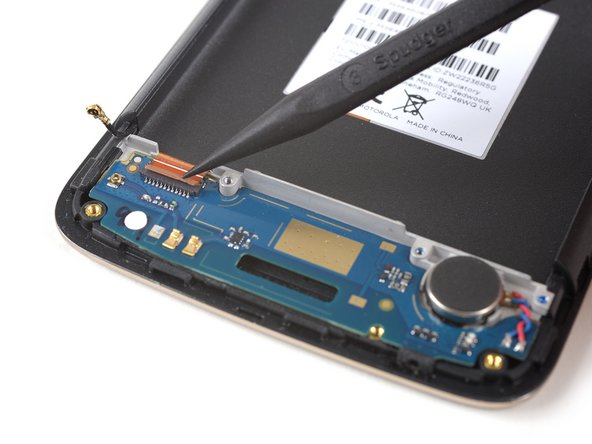
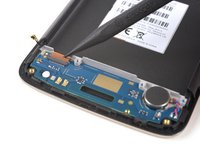
    • Disconnect the antenna cable and fold it out of the way.

    Ask FixBot

    Add Comment

  21. Moto C Plus Screen Assembly Replacement: step 21, image 1 of 2 Moto C Plus Screen Assembly Replacement: step 21, image 2 of 2
    • Use the tip of a spudger to open the brown flap of the ZIF connector that holds the interconnect cable in its place.

    • When reassembling make sure the white line on the cable aligns with the closed flap.

    Ask FixBot

    Add Comment

  22. Moto C Plus Screen Assembly Replacement: step 22, image 1 of 2 Moto C Plus Screen Assembly Replacement: step 22, image 2 of 2
    Tool used on this step:
    Tweezers
    $4.99
    Buy
    • Use a pair of tweezers to pull the interconnect flex cable out of the ZIF connector.

    Ask FixBot

    Add Comment

  23. Moto C Plus Screen Assembly Replacement: step 23, image 1 of 1
    • Prepare an iOpener and apply it to the bottom part of the display for at least two minutes to loosen the adhesive beneath the daughterboard.

    Ask FixBot

    Add Comment

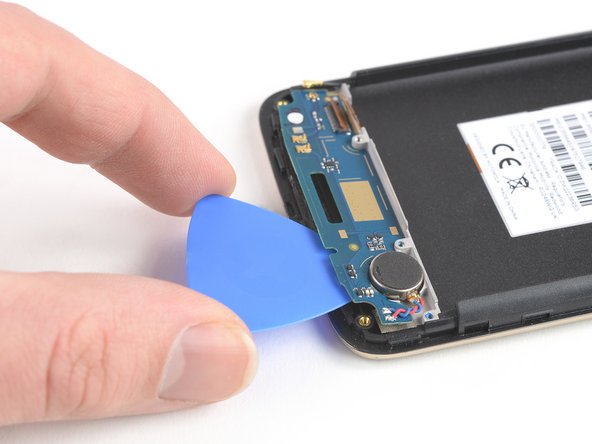
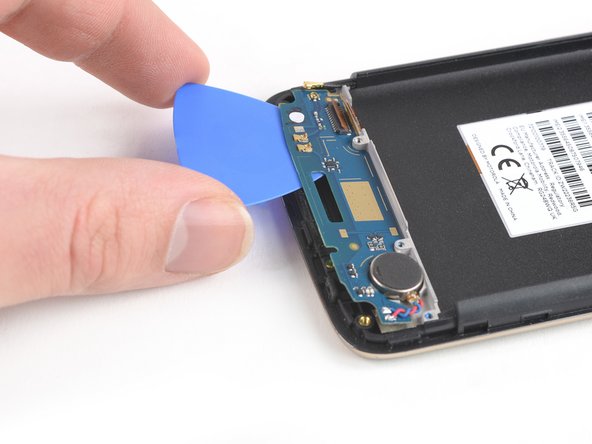
  24. Moto C Plus Screen Assembly Replacement: step 24, image 1 of 3 Moto C Plus Screen Assembly Replacement: step 24, image 2 of 3 Moto C Plus Screen Assembly Replacement: step 24, image 3 of 3
    • Apply an opening pick to the bottom edge of the daughterboard.

    • Carefully slide the opening pick under the daughterboard to cut the adhesive underneath.

    • Take care to cut the adhesive underneath the vibration motor.

    • Slide the opening pick from right to left to cut all the adhesive.

    Ask FixBot

    Add Comment

  25. Moto C Plus Screen Assembly Replacement: step 25, image 1 of 1
    • Remove the daughterboard including the soldered-on vibration motor.

    Ask FixBot

    Add Comment

  26. Moto C Plus Screen Assembly Replacement, Earpiece Speaker: step 26, image 1 of 1
    • Use an iOpener and apply it to the top edge of the display to loosen the adhesive beneath the earpiece speaker.

    Ask FixBot

    Add Comment

  27. Moto C Plus Screen Assembly Replacement: step 27, image 1 of 2 Moto C Plus Screen Assembly Replacement: step 27, image 2 of 2
    Tool used on this step:
    Tweezers
    $4.99
    Buy
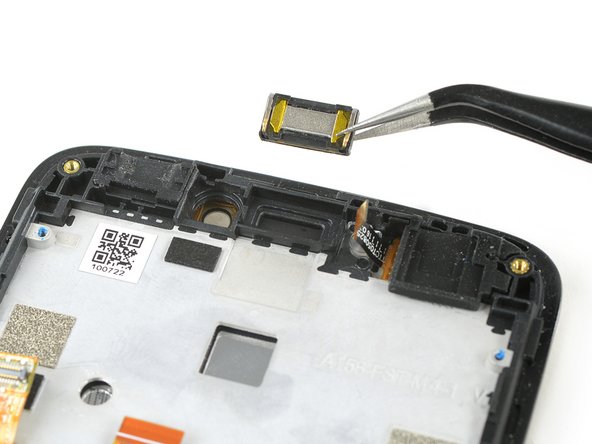
    • Use a pair of tweezers to carefully grab and remove the earpiece speaker.

    Ask FixBot

    Add Comment

  28. Moto C Plus Screen Assembly Replacement, Screen Assembly: step 28, image 1 of 2 Moto C Plus Screen Assembly Replacement, Screen Assembly: step 28, image 2 of 2
    Tool used on this step:
    Tweezers
    $4.99
    Buy
    • Use a pair of tweezers to remove the rubber headphone jack gasket in the corner of the display assembly.

    Ask FixBot

    Add Comment

  29. Moto C Plus Screen Assembly Replacement: step 29, image 1 of 2 Moto C Plus Screen Assembly Replacement: step 29, image 2 of 2
    • Use a pair of tweezers to remove the rubber charging port gasket.

    Ask FixBot

    Add Comment

  30. Moto C Plus Screen Assembly Replacement: step 30, image 1 of 2 Moto C Plus Screen Assembly Replacement: step 30, image 2 of 2
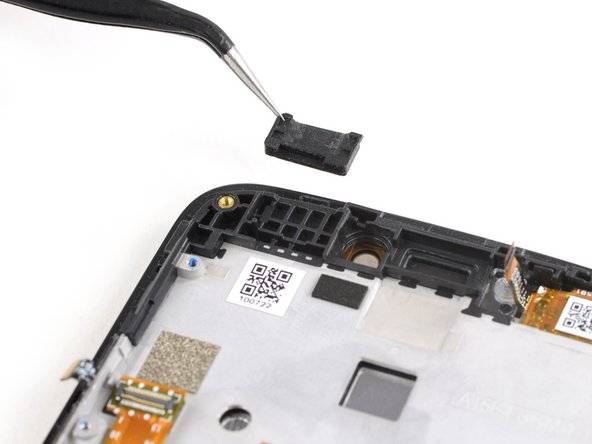
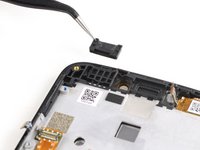
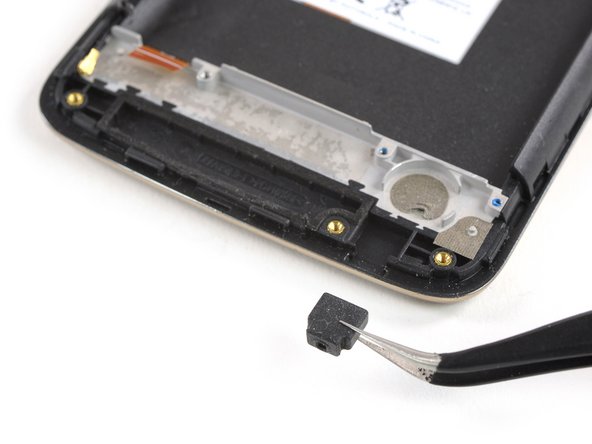
    • Use a pair of tweezers to grab and remove the microphone rubber gasket at the bottom right end of your phone.

    Ask FixBot

    Add Comment

  31. Moto C Plus Screen Assembly Replacement: step 31, image 1 of 1
    • Use an iOpener to loosen the adhesive tape that sits on top of the interconnect and display flex cable. Apply the iOpener on the tape for at least two minutes.

    Ask FixBot

    Add Comment

  32. Moto C Plus Screen Assembly Replacement: step 32, image 1 of 3 Moto C Plus Screen Assembly Replacement: step 32, image 2 of 3 Moto C Plus Screen Assembly Replacement: step 32, image 3 of 3
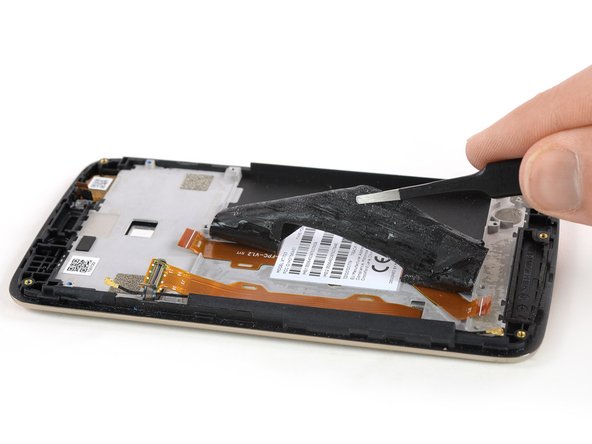
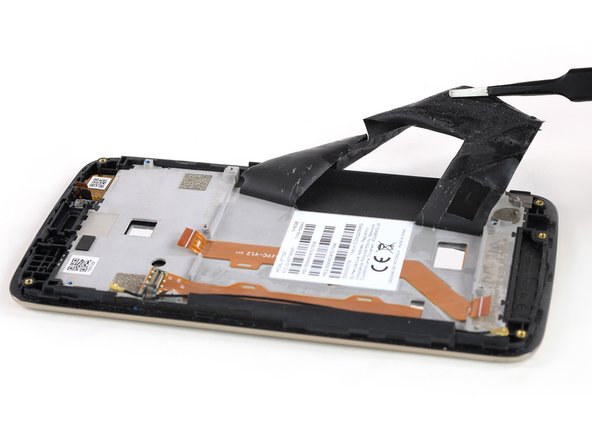
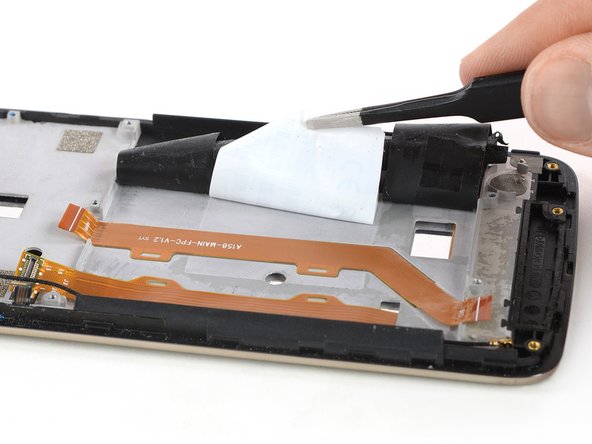
    • Use a pair of tweezers to gently peel the adhesive tape off the flex cables and fold it out of the way.

    Ask FixBot

    Add Comment

  33. Moto C Plus Screen Assembly Replacement: step 33, image 1 of 2 Moto C Plus Screen Assembly Replacement: step 33, image 2 of 2
    • Use a pair of tweezers to gently peel the product sticker off the interconnect cable.

    • In case you can't remove the sticker or it starts to rip apart you can re-apply an iOpener to loosen the adhesive.

    Ask FixBot

    Add Comment

  34. Moto C Plus Screen Assembly Replacement: step 34, image 1 of 2 Moto C Plus Screen Assembly Replacement: step 34, image 2 of 2
    • Use a pair of tweezers to grab and carefully peel up the interconnect flex cable.

    • Remove the interconnect flex cable.

    Ask FixBot

    Add Comment

  35. Moto C Plus Screen Assembly Replacement: step 35, image 1 of 2 Moto C Plus Screen Assembly Replacement: step 35, image 2 of 2
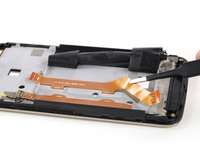
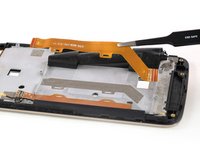
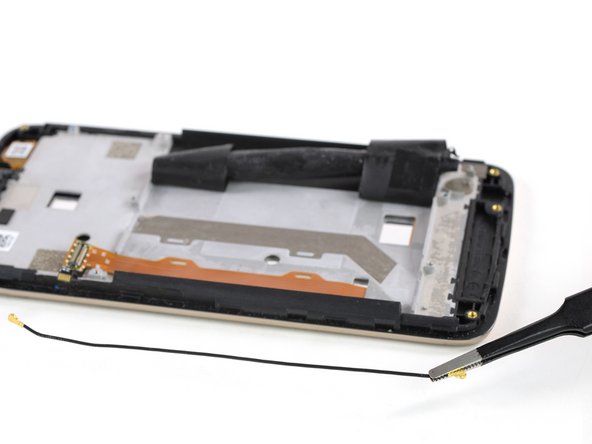
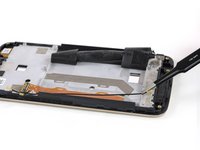
    • Use a pair of tweezers to remove the antenna cable.

    Ask FixBot

    Add Comment

  36. Moto C Plus Screen Assembly Replacement: step 36, image 1 of 1
    • Check your replacement part for any other components that need to be transferred before reassembly.

    Ask FixBot

    Add Comment

Conclusion

To reassemble your device, follow these instructions in reverse order.

Take your e-waste to an R2 or e-Stewards certified recycler.

Repair didn’t go as planned? Check out our Answers community for troubleshooting help.

Cancel: I did not complete this guide.

3 other people completed this guide.

Dominik Schnabelrauch

Member since: 11/23/16

259,916 Reputation

682 Guides authored

Team

iFixit Member of iFixit

Staff

122 Members

26,514 Guides authored

0 Guide Comments

Add Comment

View Statistics:

Past 24 Hours: 3

Past 7 Days: 7

Past 30 Days: 34

All Time: 2,772