Introduction
If the display of your Huawei P9 Plus is cracked or broken use this guide to remove and replace it.
To protect your eyes from glass shreds and get a better grip to open the phone you might want to apply some tape onto the screen.
What you need
-
-
-
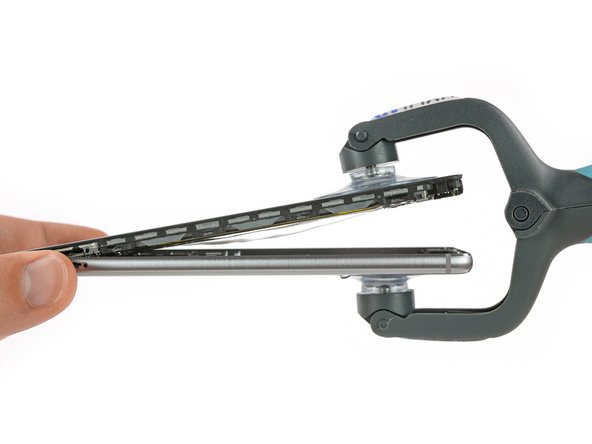
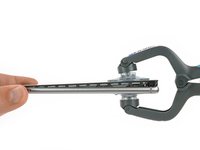
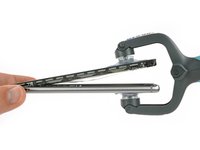
Use an iSclack or a suction handle to separate the display unit from the rear case.
-
-
-
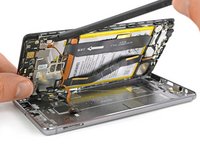
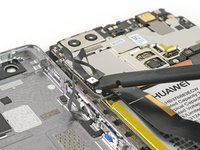
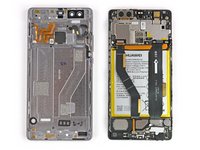
After separating the rear case flip the other half open to get to the flex connectors.
-
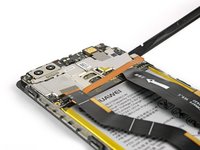
With a spudger unplug the flex connector of the fingerprint sensor and the one of the side buttons.
-
Remove the rear case.
-
-
-
-
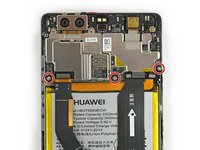
Remove the sticker that sits on top of the left screw above the battery.
-
Remove the three Phillips #00 screws that hold the metal plates in place.
-
-
-
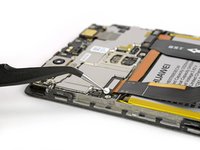
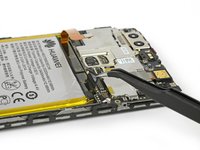
Both metal plates have little hooks. Use a tweezer to free them and unhinge the plates by carefully moving them upwards.
-
-
-
-
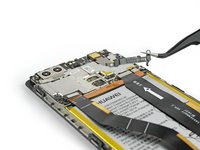
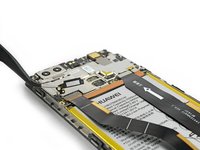
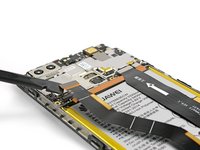
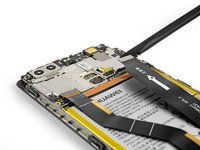
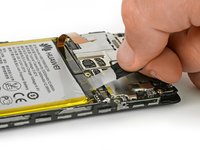
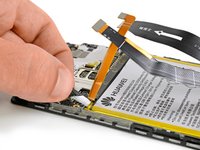
Use a spudger to unplug the screen flex cable.
-
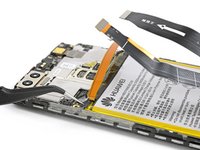
Unplug the motherboard flex cable and the battery flex cable afterwards.
-
-
Tool used on this step:Tweezers$4.99
-
Use a set of tweezers to unfold the black tab enough to grab with your fingers.
-
Pull the first adhesive strip in a slow and constant movement.
-
-
-
Loosen the end of the other adhesive strip with a tweezer and pull it out. If needed use the iOpener again to soften the glue a little.
-
-
Tool used on this step:Tesa 61395 Tape$8.95
-
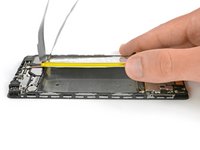
Use a spudger to slide under the battery.
-
Remove the battery.
-
-
-
-
-
Use a tweezer to remove the sticker that sits on top of the screw next to the antenna cable.
-
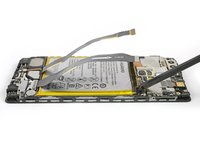
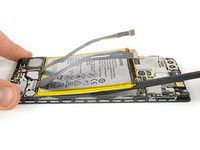
Unplug the antenna cable and release it from the bracket on the metal plate covering the main flex cable.
-
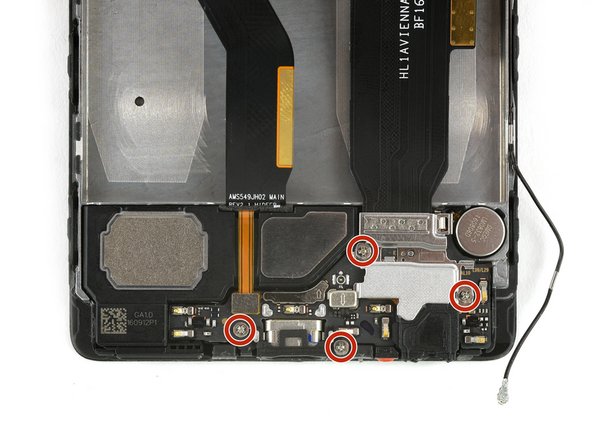
Remove the four Phillips #00 screws.
-
-
-
The plate, which is covering the motherboard flex cable, has little hooks on each side. Use a tweezer to free them and unhinge the plate by carefully moving it upwards.
-
Use a spudger to unplug the motherboard flex cable and remove it.
-
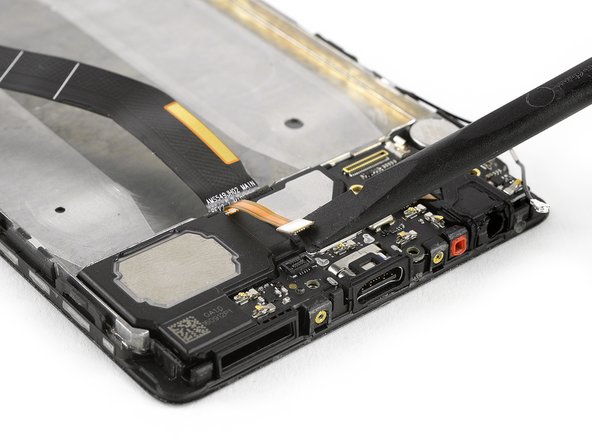
Unplug the flex connector of the loudspeaker.
-
-
-
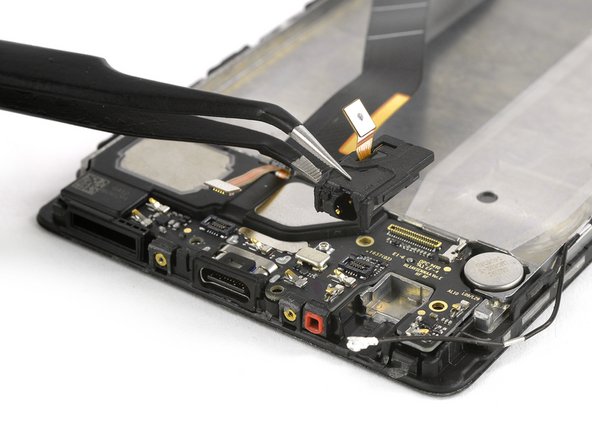
Use a spudger to unplug the flex connector of the headphone jack.
-
Remove the headphone jack.
-
-
-
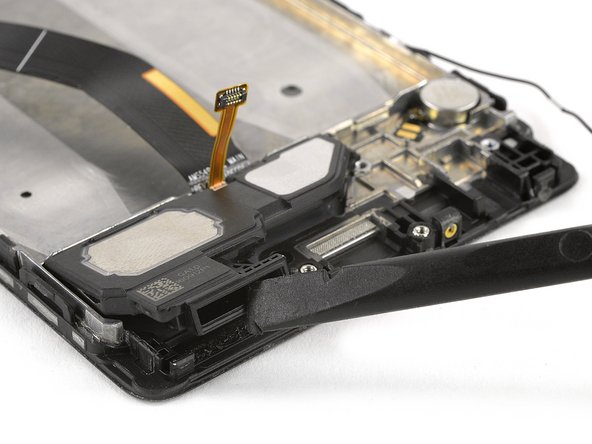
Use a spudger to lift out the daughter board.
-
Lift the loudspeaker out of the mid frame. There is some adhesive underneath, so it can be a little bit sticky.
-
-
-
-
-
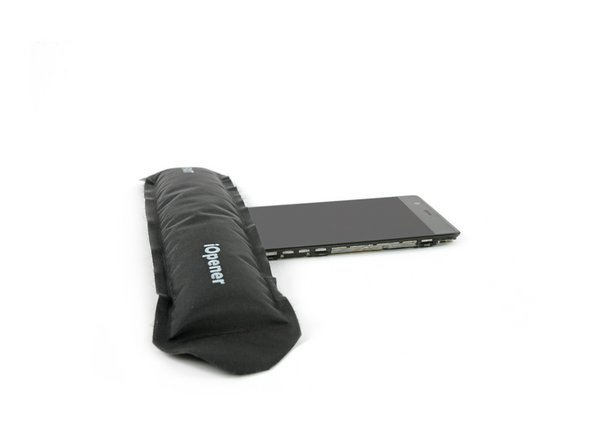
Use an iOpener to loosen the adhesive under the display of your phone. It is mainly placed around the edge of the display.
-
After you have heated the sides, concentrate on the bottom part.
-
-
Tool used on this step:Halberd Spudger$2.99
-
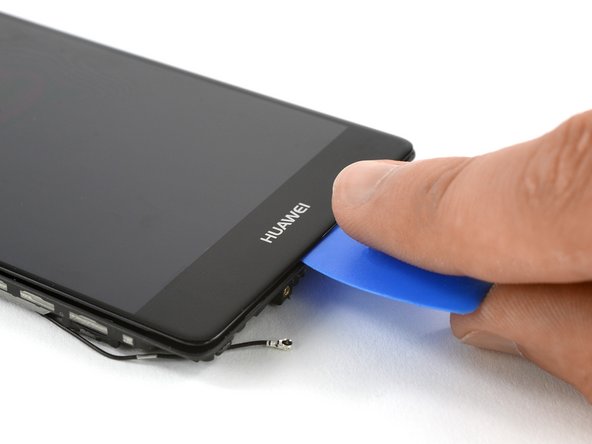
Insert an opening pick between the mid frame and the display.
-
Slide along the bottom to loosen the adhesive.
-
If the adhesive was heated properly you can separate the display from the mid frame by turning the opening pick sideways.
-
-
-
Carefully lift the display away from the mid frame and gently pulling the display connector through the hole in the midframe.
-
Remove the display.
-
-


 Ask FixBot






























To reassemble your device, follow these instructions in reverse order and apply new adhesive where necessary.
Cancel: I did not complete this guide.
5 other people completed this guide.


