
AirPort/Bluetooth Board
|
4 Answers 6 Score |
What is the maximum RAM possible? |
|
1 Answer 4 Score |
Complete Dead - How To Check Power Supply Vs Logic Board |
|
2 Answers 1 Score |
OWC SSD sandforce 200026BB |
|
2 Answers 0 Score |
The USB ports stopped working |
These are some common tools used to work on this device. You might not need every tool for every procedure.
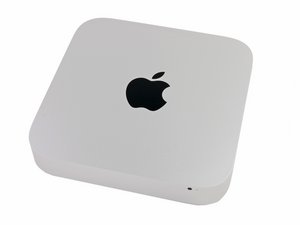
A1347 (EMC 2570 Macmini6,1) 2.5 GHz (Dual i5), A1347 (EMC 2570 Macmini6,2) 2.3 GHz (Quad i7), A1347 (EMC 2570 Macmini6,2) 2.6 GHz (Quad i7)
You can cost-effectively upgrade a number of components in the Mac mini Late 2012.
Past 24 Hours: 28
Past 7 Days: 283
Past 30 Days: 1,236
All Time: 733,466


