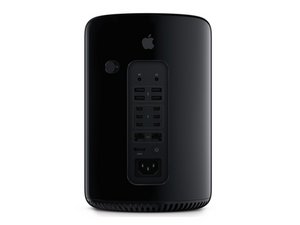

Processor upgrade socket problem
I bought E5 2697 v2 12 core Xeon processor to replace it with my old 4 core processor. My tech says that he cannot replace it because it has different socket. How is that possible ? If you look on the owc site indeed the 12 core model looks different than the 6, 8, 10 core processors. But the site says the socket is the same. I made a photo of both processors the 12 core is the one on the bottom.

Is this a good question?
Score
0

 3.7k
3.7k  1.1k
1.1k  2.6k
2.6k 
3 Comments
All of the 2013 Mac Pro's use the same socket - FCLGA2011 As you can see here with the supported CPUs for it:
● Intel Xeon Processor E5-1620 v2
● Intel Xeon Processor E5-1650 v2
● Intel Xeon Processor E5-1680 v2
● Intel Xeon Processor E5-2697 v2
by DanJ
@danj thank you the problem is solved. Tech was incorrect. Everything works as it should :)
by NOSKOWIAK
I bought E5 2697 v2 12 core Xeon processor to replace it with my old 4 core processor, but I get an occasional error while booting up the mac. while going through the start up process it restarts again and them fixes itself and i'm able to log in. Once logged in, I'm presented with "Your pc was restarted" and prompted to send a crash report to Apple. So I did, but no solution has come back. So, I'm wondering does anyone know a fix for this or can anyone point me in the right direction. Thanks!
by Raul Santis SURASURATALK