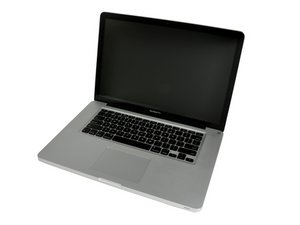
Screen Died while upgrading HDD to SSD help?
Screen died while I upgraded the HDD to SSD. Not sure if I should try to replace the display for $250 or did I screw something else up?
Is this a good question?
Score
0

Rep: 1
 1
1
Screen died while I upgraded the HDD to SSD. Not sure if I should try to replace the display for $250 or did I screw something else up?
Is this a good question?

Rep: 102.6k
10
 56
56
 291
291
We should start from figuring if it’s indeed a screen issue. First try with shining a torchlight to the screen via the Apple logo in the lid, if you see a dimmed out image it’s a backlight problem. If you have no image at all try plugging your Mac to an external source through an adapter, a TV or ext. monitor would do. If you have no image it’s not a screen problem, but a logic board fault that is quite common on your Mac model.
Was this answer helpful?
The torch to the apple logo did not show any dimmed image. I will grab an adapter cable and try an external source. If it still does not work what is the common logic board issue?
@yeager1990 A faulty GPU would be the most probable issue with the 2011 series. Apple kept in place an extended 5 years warranty due to the relatively big number of machines showing such fault.
So I quite possibly upgrade a computer with a now faulty gpu? I am going to try an external monitor and if that doesn’t work we will know it’s the gpu or logic board. I would assume the warranty for this faulty component is over now?
There its a software answer if it is the GPU, that has worked on several 2011 machines for me.
Should I take it to a authorized apple repair site? It’s weird it just stopped working all the sudden with no issues before the upgrade
Past 24 Hours: 0
Past 7 Days: 1
Past 30 Days: 6
All Time: 266
