Free Shipping on Domestic Orders $75+
Causes
The waterproofing of the toothbrush internals is not perfect and some moisture can build up on the inside. This moisture can collect on the plastic interior of the case, where the display shines through, or even on the display screen itself. Open up the brush and pull off the exterior casing. Place the separated components in a dry location and allow to dry. When reassembling, ensure that all seals are properly sealed and that there are no cracks or holes in the casing.
Related Problems

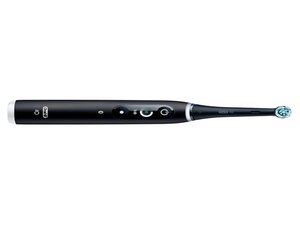
Oral-B iO Series 6
Find free step-by-step repair instructions, manuals, schematics, community support, and other DIY resources. You can do it! We show you how.
3 common problems
View allDescribe your problem in your own words
View statistics:
Past 24 Hours:1
Past 7 Days:15
Past 30 Days:60
All Time:556
