Free Shipping on Domestic Orders $75+
Causes
Replace the USB charging cable used to charge the Haiboxing 18859. A replacement cable produced by the same manufacturer can be found at this Amazon page.
The RC car's battery may be malfunctioning. This product comes with a spare RC car battery in the package. Refer to the Haiboxing 18859 RC Car Battery Replacement Guide on how to replace the battery.

Haiboxing 18859 Battery Replacement
- 5 minutesEasy
Related Problems

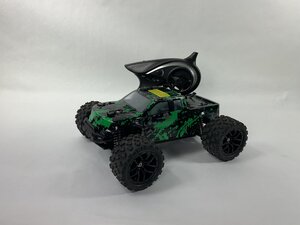
Haiboxing 18859
Find free step-by-step repair instructions, manuals, schematics, community support, and other DIY resources. You can do it! We show you how.
3 common problems
View allDescribe your problem in your own words
View statistics:
Past 24 Hours:0
Past 7 Days:5
Past 30 Days:39
All Time:301
