Shop the Holiday Gift Guide
Free Shipping on Domestic Orders $75+

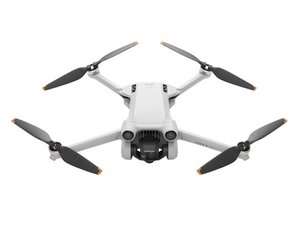
DJI Mini 3 Pro
1 problem · View all
Describe your problem in your own words
View statistics:
Past 24 Hours:0
Past 7 Days:7
Past 30 Days:62
All Time:1,048
Shop the Holiday Gift Guide
Free Shipping on Domestic Orders $75+
DJI Mini 3 Pro
1 problem · View all
Describe your problem in your own words
