Free Shipping on Domestic Orders $75+

iPhone 16 Pro Max Battery Installation

Prerequisite Only
This is a prerequisite-only guide! This guide is part of another procedure and isn’t meant to be used alone.

What you need

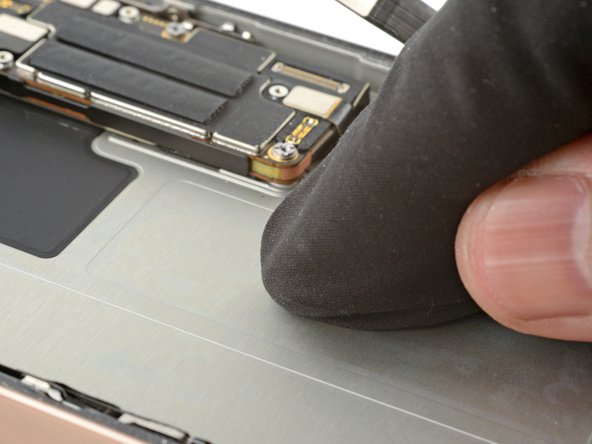
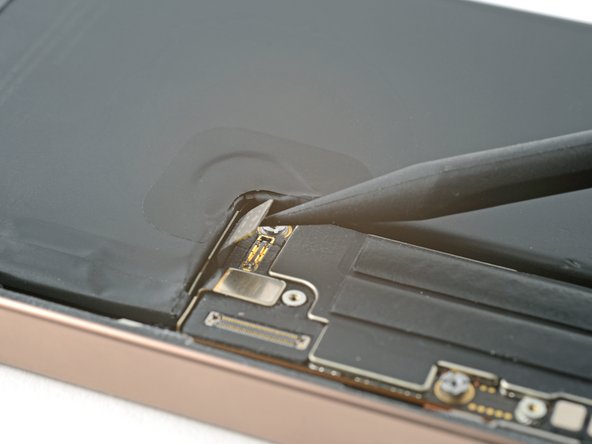
    1. iPhone 16 Pro Max Battery Installation, Install the replacement battery: step 1, image 1 of 2 iPhone 16 Pro Max Battery Installation, Install the replacement battery: step 1, image 2 of 2
      • Remove any remaining adhesive from the battery recess. Wipe the frame surface with a lint-free cloth and a few drops of isopropyl alcohol.

      Ask FixBot

      Add Comment

    2. iPhone 16 Pro Max Battery Installation: step 2, image 1 of 1
      Tool used on this step:
      Stretch Release Battery Adhesive
      $3.99
      Buy
      Ask FixBot

      Add Comment

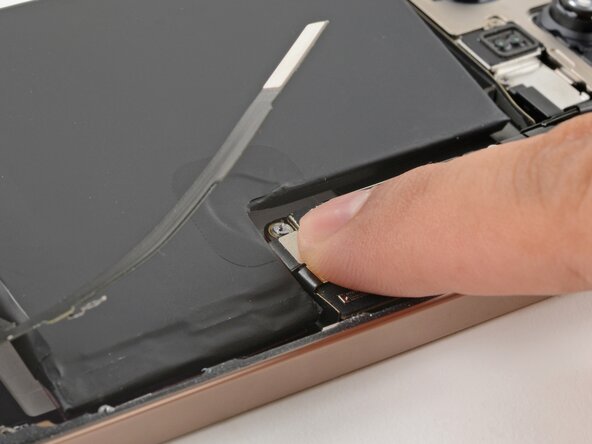
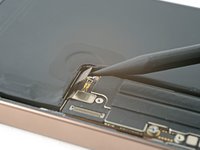
    3. iPhone 16 Pro Max Battery Installation: step 3, image 1 of 2 iPhone 16 Pro Max Battery Installation: step 3, image 2 of 2
      • The battery adhesive is very sticky! Be careful as you align the battery in its recess—once it sticks, you won't be able to realign it.

      • Lower the battery partially into its recess.

      • Temporarily connect the battery to the logic board to ensure that the cable reaches.

      • Lay the battery in its recess.

      Ask FixBot

      Add Comment

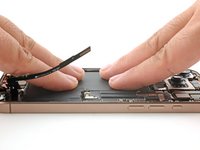
    4. iPhone 16 Pro Max Battery Installation: step 4, image 1 of 2 iPhone 16 Pro Max Battery Installation: step 4, image 2 of 2
      • Use your fingers to press firmly against the battery for ten seconds to bond it to the frame.

      • Disconnect the battery from the logic board.

      Ask FixBot

      Add Comment

Finish Line

Cancel: I did not complete this guide.

Arthur Shi

Member since: 01/03/18

350,781 Reputation

938 Guides authored

Team

iFixit Member of iFixit

Staff

122 Members

72,401 Guides authored

0 Guide Comments

Add Comment

View Statistics:

Past 24 Hours: 0

Past 7 Days: 3

Past 30 Days: 24

All Time: 187