Free Shipping on Domestic Orders $75+

Microsoft Surface Pro 4 Kickstand Replacement

What you need

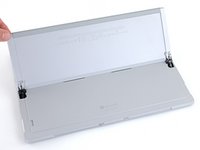
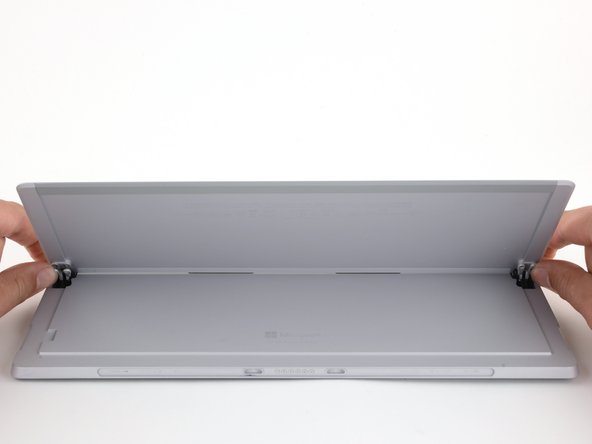
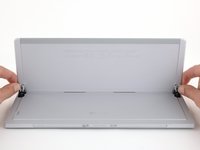
    1. Microsoft Surface Pro 4 Kickstand Replacement, Open the kickstand: step 1, image 1 of 3 Microsoft Surface Pro 4 Kickstand Replacement, Open the kickstand: step 1, image 2 of 3 Microsoft Surface Pro 4 Kickstand Replacement, Open the kickstand: step 1, image 3 of 3
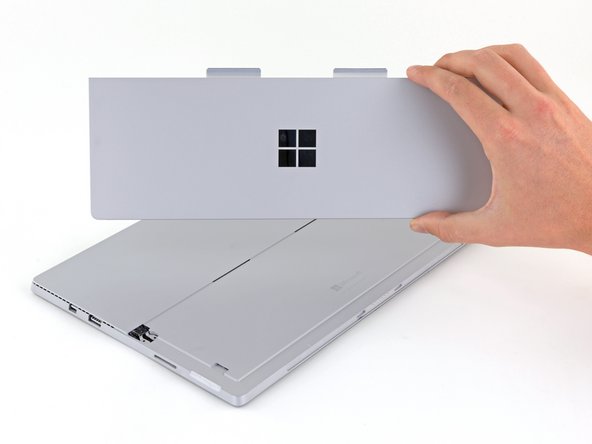
      • Place your device screen-down on a clean work surface.

      • Place your device on top of a clean cloth, such as a microfiber towel, if you feel the need to protect against scratching.

      • Open the kickstand as wide as it is designed to go (about 135 degrees).

      Ask FixBot

      Add Comment

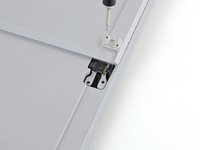
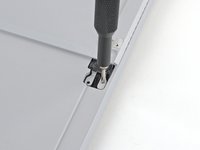
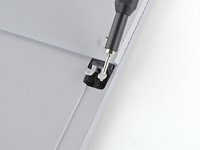
    2. Microsoft Surface Pro 4 Kickstand Replacement, Unscrew the kickstand: step 2, image 1 of 2 Microsoft Surface Pro 4 Kickstand Replacement, Unscrew the kickstand: step 2, image 2 of 2
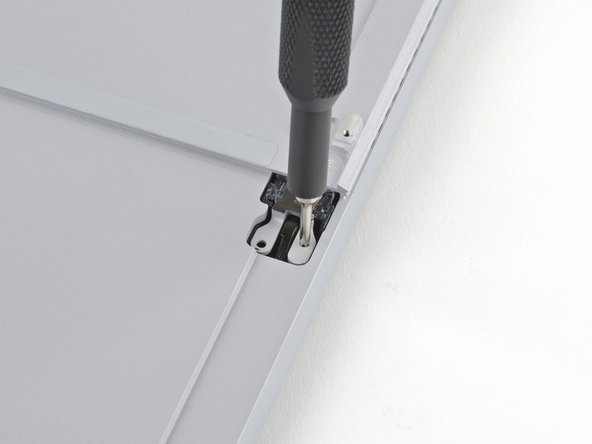
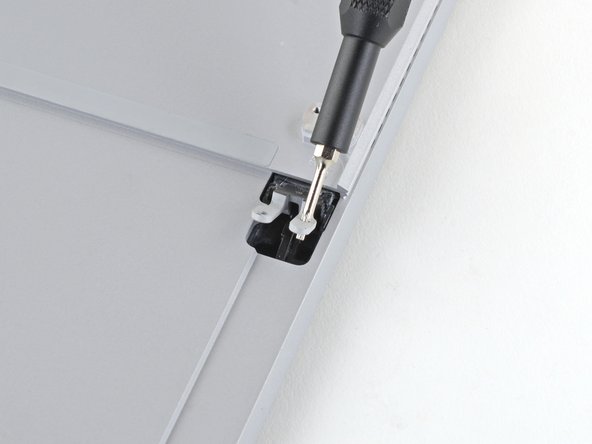
      • Use a T5 Torx screwdriver to remove the two 3.3 mm screws securing each hinge to the kickstand.

      • Support the kickstand from behind to prevent damage to the hinges while removing the screws.

      • Do not remove the kickstand yet.

      • The kickstand remains held in place by two flexible appendages between the hinges.

      Ask FixBot

      Add Comment

    3. Microsoft Surface Pro 4 Kickstand Replacement, Close the kickstand: step 3, image 1 of 3 Microsoft Surface Pro 4 Kickstand Replacement, Close the kickstand: step 3, image 2 of 3 Microsoft Surface Pro 4 Kickstand Replacement, Close the kickstand: step 3, image 3 of 3
      • Press the kickstand from directly behind the hinges and close it fully.

      • Do not exert force on the kickstand anywhere except for behind the hinges.

      • This step does not apply during reassembly.

      Ask FixBot

      Add Comment

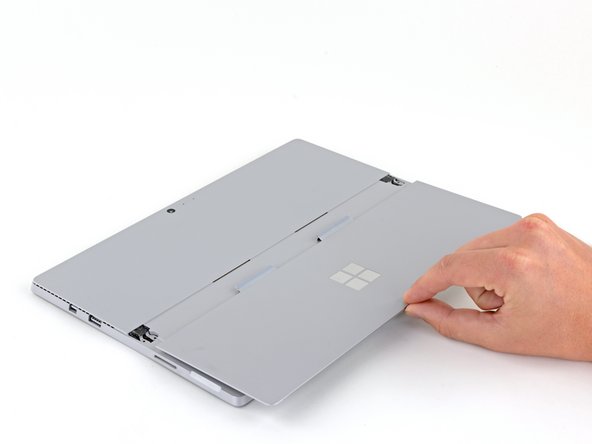
    4. Microsoft Surface Pro 4 Kickstand Replacement, Remove the kickstand: step 4, image 1 of 3 Microsoft Surface Pro 4 Kickstand Replacement, Remove the kickstand: step 4, image 2 of 3 Microsoft Surface Pro 4 Kickstand Replacement, Remove the kickstand: step 4, image 3 of 3
      • Pull the kickstand straight out from the bottom of the device.

      • Begin reassembly now before proceeding to steps 5 and 6:

      • Install your new kickstand by inserting its two appendages into the back of the device.

      • Press your new kickstand towards the top of the device until it is fully inserted.

      • Open the kickstand 180 degrees to expose the hinges.

      Ask FixBot

      Add Comment

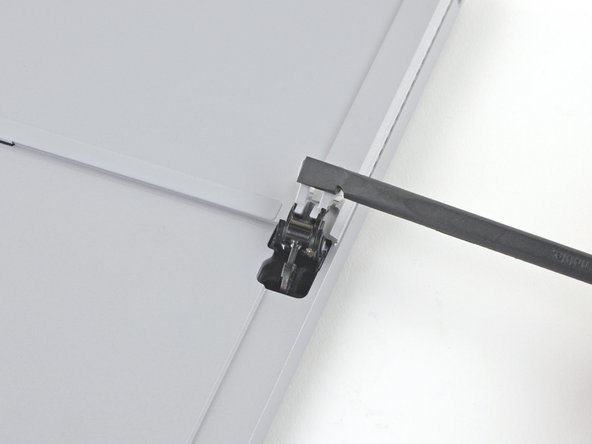
    5. Microsoft Surface Pro 4 Kickstand Replacement, Reassembly tips: step 5, image 1 of 3 Microsoft Surface Pro 4 Kickstand Replacement, Reassembly tips: step 5, image 2 of 3 Microsoft Surface Pro 4 Kickstand Replacement, Reassembly tips: step 5, image 3 of 3
      • To open the hinge, insert your T5 Torx screwdriver into one of the screw holes and gently pry towards the top of your device until the hinge is exposed.

      • Make sure the complete step 4 and begin installing the kickstand first.

      Ask FixBot

      Add Comment

    6. Microsoft Surface Pro 4 Kickstand Replacement: step 6, image 1 of 2 Microsoft Surface Pro 4 Kickstand Replacement: step 6, image 2 of 2
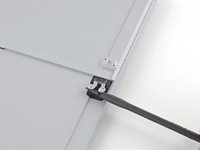
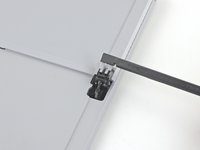
      • Use your fingers or the flat end of a spudger to pry the hinge up into its fully open position.

      Ask FixBot

      Add Comment

Conclusion

To reassemble your device, follow the above steps in reverse order.

Take your e-waste to an R2 or e-Stewards certified recycler.

Repair didn’t go as planned? Try some basic troubleshooting, or ask our Answers community for help.

Cancel: I did not complete this guide.

6 other people completed this guide.

Sam Omiotek

Member since: 02/25/19

100,791 Reputation

289 Guides authored

3 Guide Comments

Is there a way to fix or replace the hinge? The kickstand on my Surface Pro is fine but the left hinge broke so now it won’t hold it up

Joel Hanson - Reply Share

Joel - did you find a solution? My left hinge broke a week ago and I’m looking for a solution. Thanks!

Cora Willett - Reply Share

I’m sorry for the delayed reply. I didn’t check on the hinges when I was working on the guide and unfortunately I don’t have the device still. In my online research, I found that the hinges are replaceable but I wasn’t able to find replacement parts.

Sarah Westberg - Reply Share

Add Comment

View Statistics:

Past 24 Hours: 4

Past 7 Days: 22

Past 30 Days: 89

All Time: 12,788