Introduction
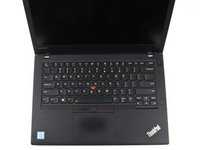
Use this guide to replace the power button board in your Lenovo ThinkPad T470.
The power button board contains the button that turns on the computer when pressed. Diagnosing a faulty power button may be tricky since some of the symptoms are similar to a faulty battery or AC adapter. If you are pressing the power button but your laptop is not turning on, take a look at this Lenovo ThinkPad troubleshooting manual before attempting a power button board replacement.
If you need to perform a replacement, make sure to disable the internal battery, power down your device, and disconnect from any external power sources before you begin.
What you need
-
-
Place the laptop so that the bottom is facing upwards.
-
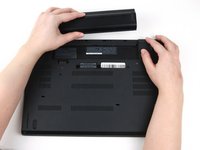
Slide the latch on the left side of the battery to the left until it clicks in place.
-
-
-
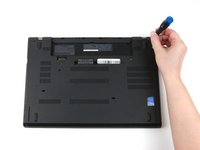
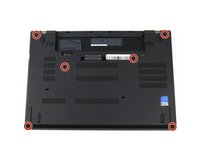
Use a Phillips #1 screwdriver to loosen the six captive screws on the bottom cover of the laptop.
-
-
-
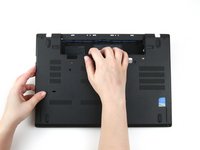
Use your hands to pull up on the back cover and release the plastic clips starting on the bottom side of the battery compartment.
-
Use your hands to pull up on the right side of the bottom cover to release the plastic clips.
-
Use your hands to pull up on the left side of the bottom cover to release the plastic clips.
-
-
-
-
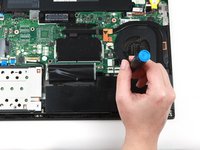
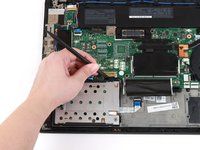
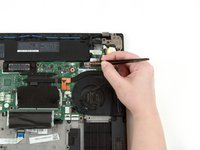
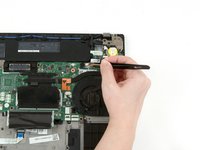
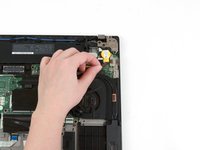
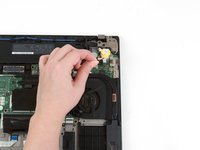
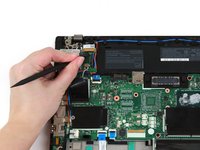
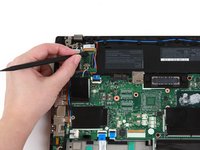
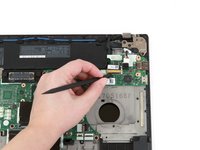
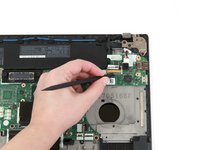
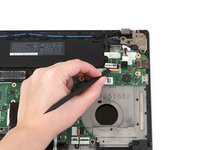
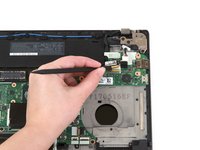
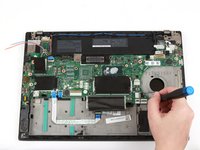
Use the flat end of a spudger to flip up the metal clip securing the LCD cable to the motherboard.
-
-
-
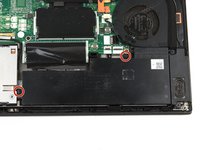
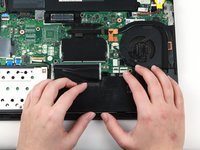
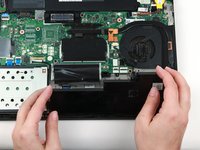
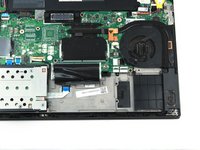
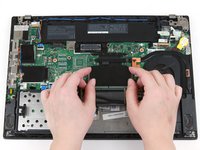
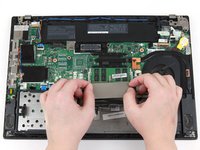
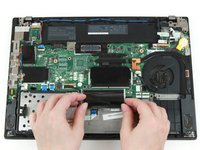
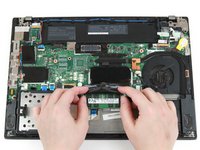
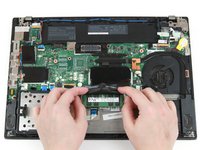
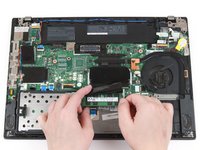
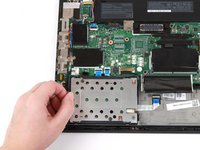
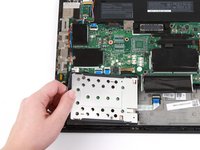
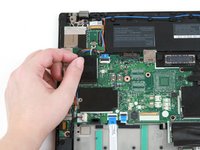
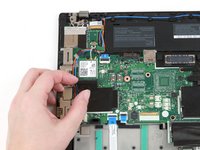
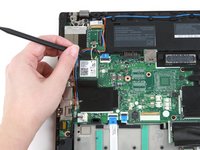
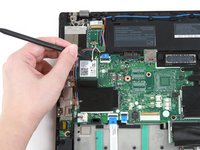
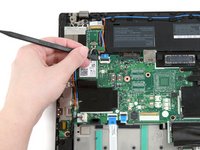
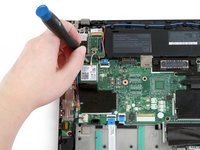
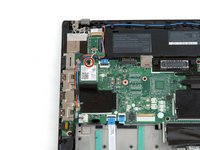
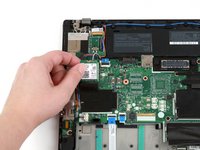
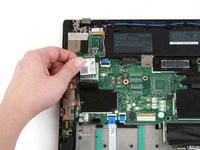
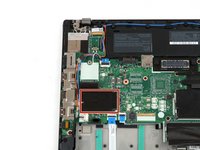
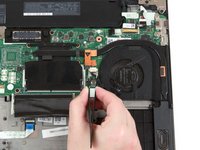
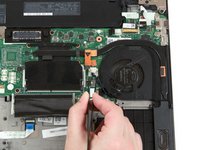
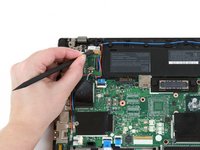
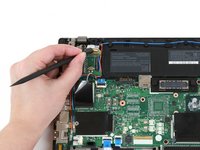
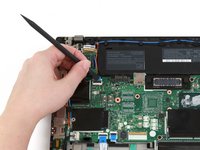
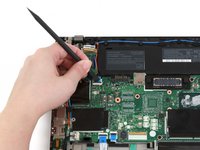
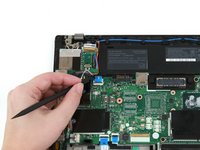
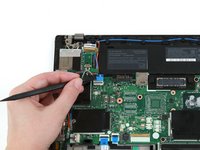
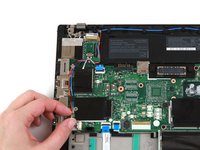
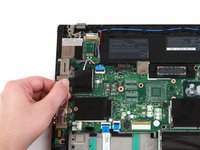
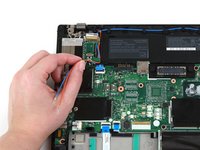
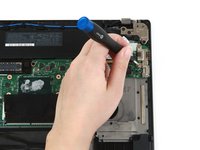
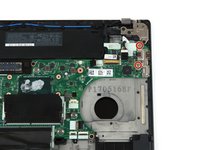
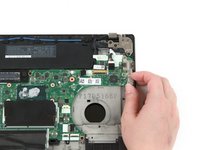
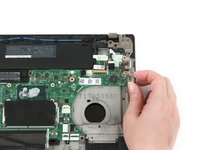
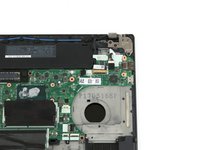
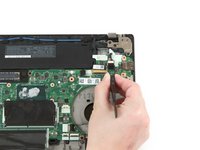
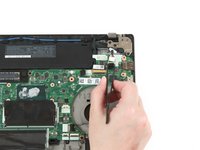
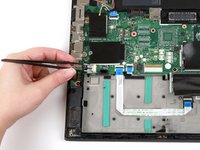
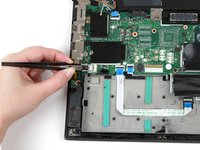
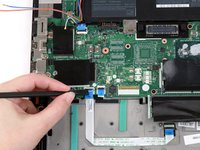
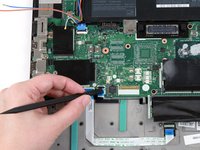
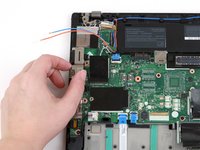
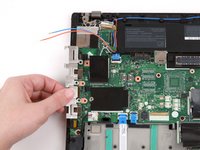
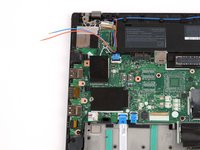
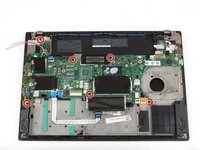
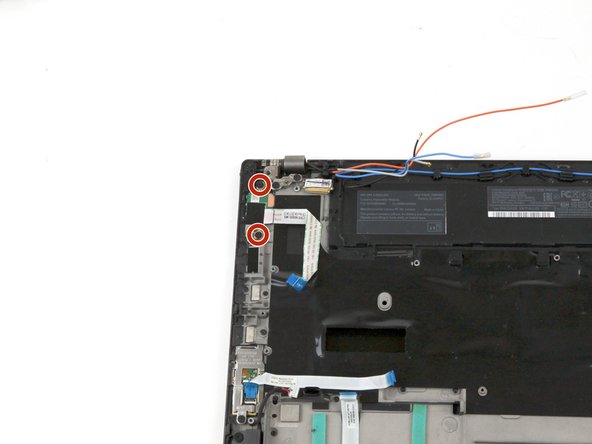
Use a Phillips #1 screwdriver to remove the two 4 mm screws from the power button board.
-













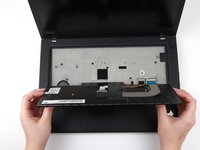
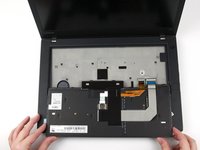


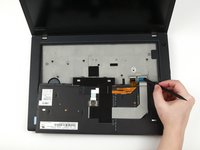
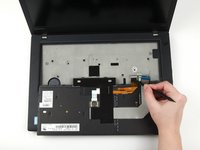


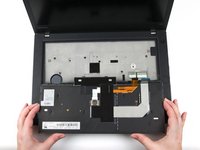
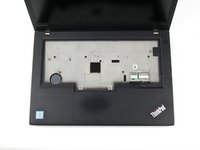



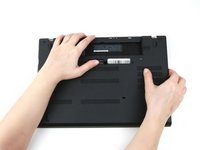








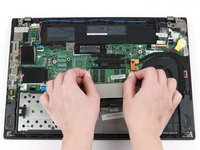
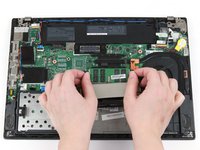


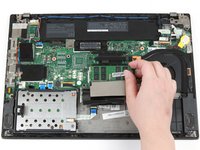
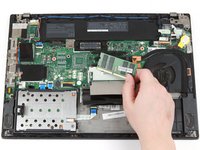




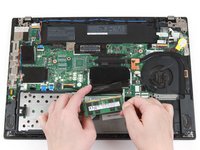


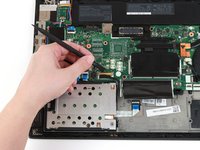
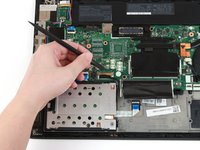


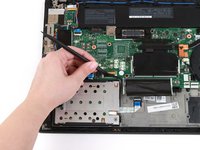























































To reassemble your device, follow these instructions in reverse order.
Take your e-waste to an R2 or e-Stewards certified recycler.
Repair didn’t go as planned? Try some basic troubleshooting, or ask our Answers community for help.
Cancel: I did not complete this guide.
2 other people completed this guide.




