
Huawei P9 Display Assembly with Frame Replacement

Dominik Schnabelrauch and 2 other contributors
Last updated on Apr 23, 2019
Views: 9.9K
View statistics:
- Past 24 Hours:
- 3
- Past 7 Days:
- 13
- Past 30 Days:
- 74
- All Time:
- 9,899
Comments: 55
54 comments on steps, 1 guide comment.
Go to guide commentsCompleted: 20 21
20 people have marked this guide "completed." Will you be next?
21 people have marked this guide "completed." Including you — great job!
Favorites: 6 7
6 people have favorited (and subscribed to) this guide. Will you be next?
7 people have favorited (and subscribed to) this guide — including you!
Featured Guide
This guide has been found to be exceptionally cool by the iFixit staff.
Introduction
Go to step 1 ↓Use this guide to replace the display assembly including the frame of your Huawei P9.
Before disassembling your phone, discharge the battery below 25%. The battery can catch fire and/or explode if accidentally punctured, but the chances of that happening are much lower if discharged.
What you need
Fix Kit
This kit contains all the parts and tools needed to complete this guide.

Parts

Tools
-
-
-
-
Spudger4.9
-


-
-
-
First switch off your phone and remove the SIM card tray.
-
Unscrew the two Pentalobe P2 screws located at the bottom next to the device's USB C port.
 Ask FixBot
-
-
-
Use an iSclack or a suction handle to separate the phone assembly from the rear panel.
-
-
-
-
-
Unplug the antenna cable.
-
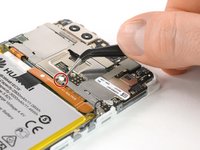
Remove the sticker that sits on top of the screw.
-
-
-
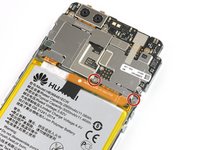
Unscrew the two Phillips #00 screws that hold the metal plate in place.
-
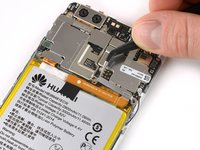
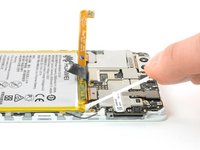
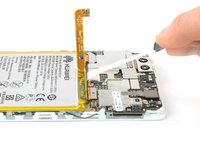
The plate, which is covering the battery connector, has two little hooks on each side. Use a tweezer to free them and unhinge the plate by carefully moving it upwards.
-
-
-
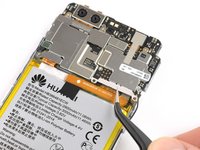
Now you can unplug the battery connector and bend it aside.
-
The EVA-L09 model has an NFC antenna adhered onto the battery.
-
-
-
Tool used on this step:Tesa 61395 Tape$8.95
-
The battery is secured with three pieces of adhesive, a removable pull-tab in the center, and on the SIM tray side. A third piece of adhesive on the button side has no pull-tab.
-
Pull the adhesive tabs in a slow constant movement to free the battery.
-
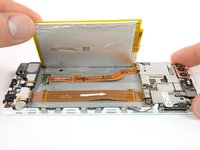
Slowly lift the battery toward the button side and free it from the remaining hidden piece of adhesive.
-
-
-
-
-
Remove the other five Phillips #00 screws from the motherboard.
-
-
-
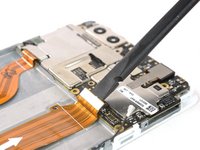
Disconnect the motherboard flex cable as well as the power and volume button cable.
-
Unplug the LCD screen flex cable.
-
-
-
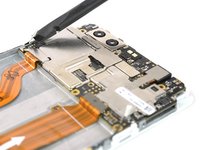
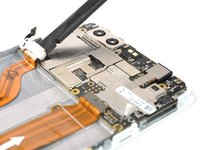
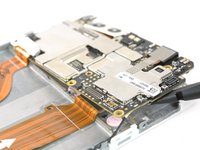
Remove the motherboard assembly.
-
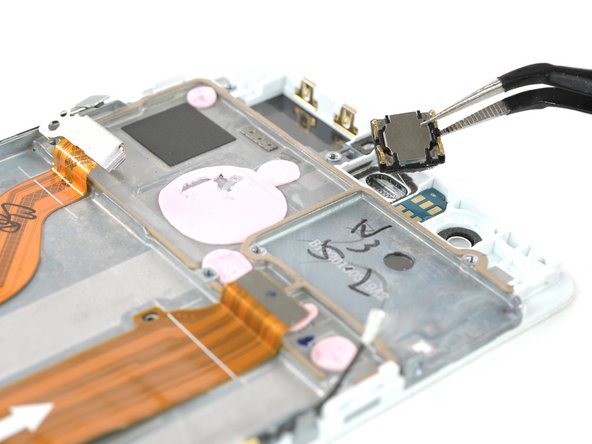
Remove the earpiece speaker (mind adhesive underneath).
-
-
-
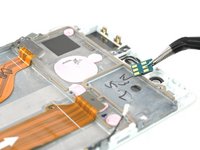
Remove the proximity sensor module from its bracket.
-
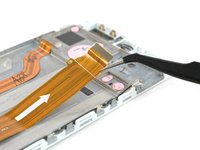
Carefully peel off the motherboard flex cable.
-
-
-
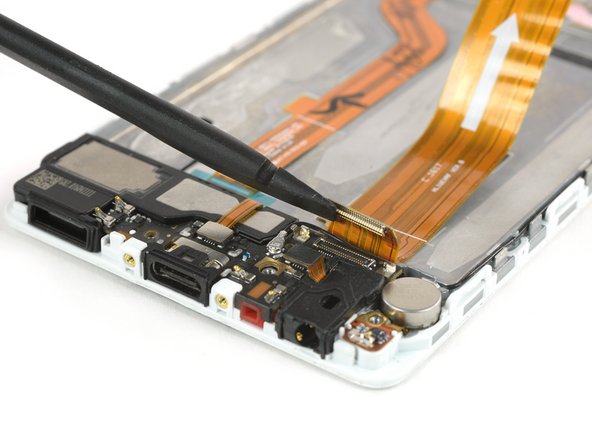
Remove the three Phillips #00 screws from the daughterboard.
-
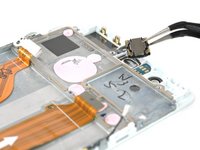
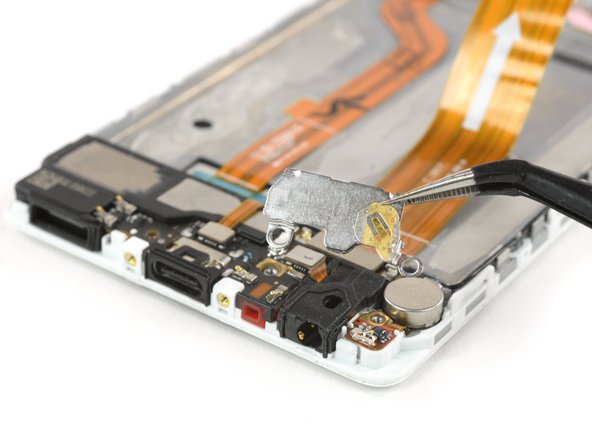
Carefully remove the metal bracket. The headphone jack connector might stick to it.
-
Unplug the motherboard flex connector and put the cable aside.
-
-
-
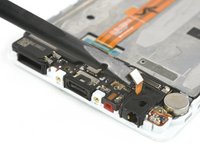
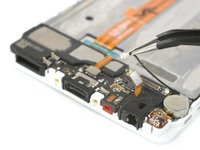
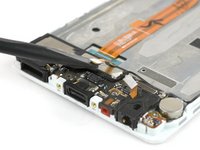
Unplug the connector of the loudspeaker.
-
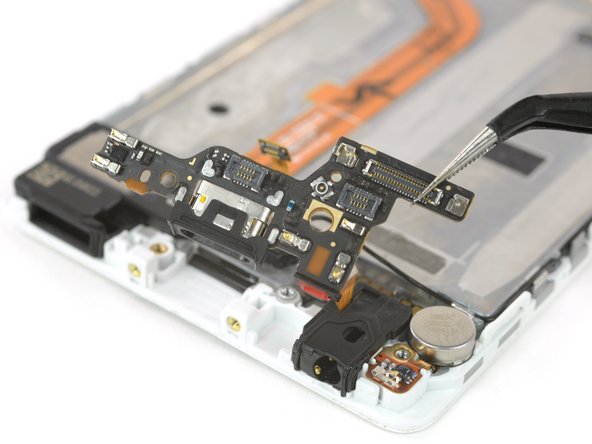
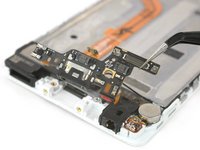
Remove the daughterboard.
-
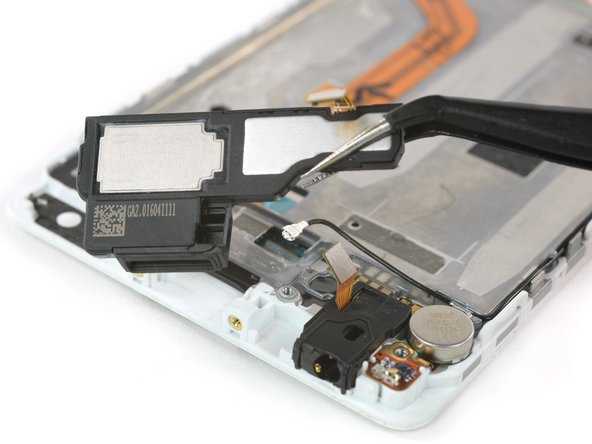
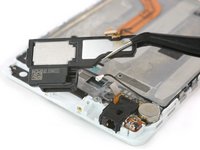
Pry the speaker off of the adhesive holding it to the display assembly.
-
-
-
Remove the headphone jack out of its recess.
-
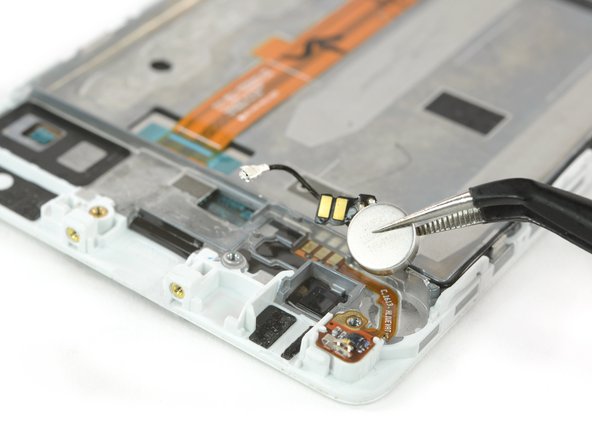
Pry the vibration motor out of its adhered recess in the display assembly.
-
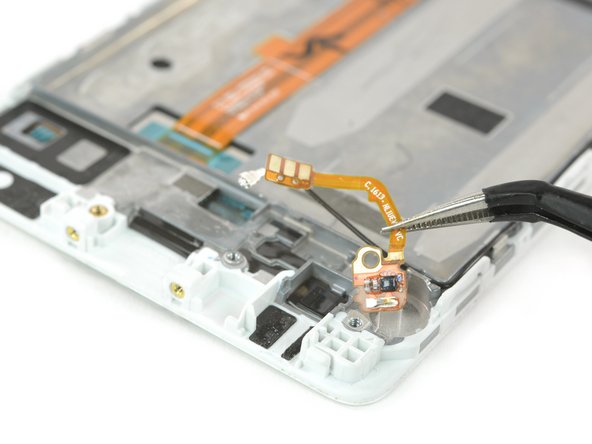
Carefully remove the fragile contact cable from the adhesive holding it to the frame.
-
-
-
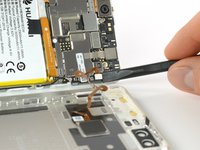
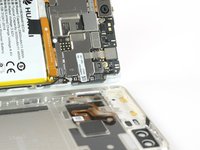
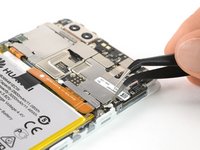
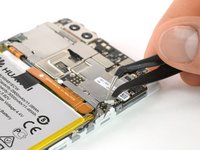
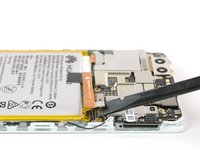
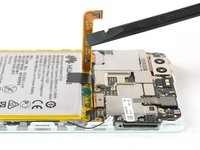
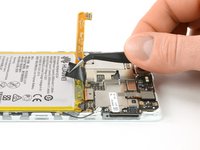
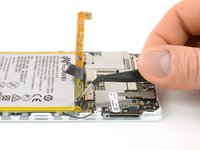
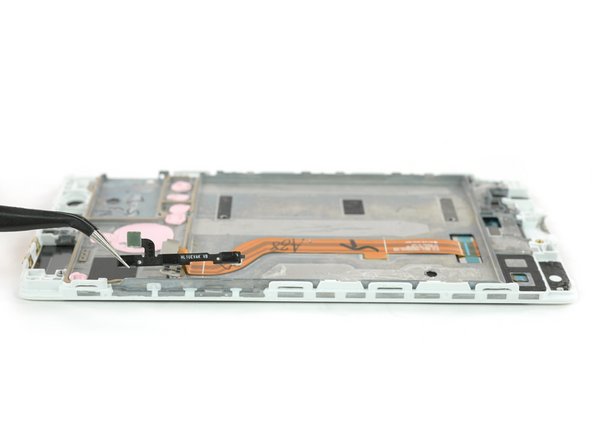
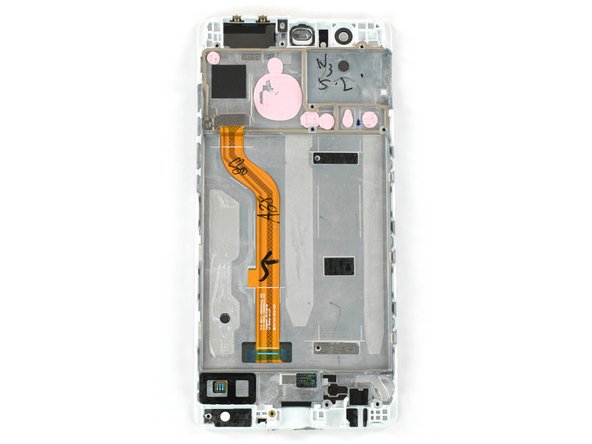
Remove the antenna cable and the power and volume bottom cable on either side.
-
-























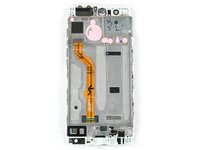
To reassemble your device, follow these instructions in reverse order.
Cancel: I did not complete this guide.
20 other people completed this guide.


