
HMD Pulse Battery Replacement

Spencer Day and 3 other contributors
Last updated on Apr 30, 2024
Views: 3.6K
View statistics:
- Past 24 Hours:
- 4
- Past 7 Days:
- 29
- Past 30 Days:
- 110
- All Time:
- 3,631
Comments: 5
5 comments on steps.
Completed: 0 1
No one has marked this guide "completed." Will you be the first?
1 person has marked this guide "completed." It's you — great job!
Favorites: 0 1
No one has favorited (and subscribed to) this guide. Will you be the first?
1 person has favorited (and subscribed to) this guide — and that's you!
Featured Guide
This guide has been found to be exceptionally cool by the iFixit staff.
OEM Guide
iFixit collaborated with the manufacturer to make this guide.
Introduction
Go to step 1 ↓Follow this guide to replace a dead or worn-out battery in your HMD Pulse smartphone.
Your phone's lithium-ion battery has a limited lifespan. If your phone dies quickly and doesn't hold a charge, it may be time to replace the battery.
If your battery is swollen, take appropriate precautions.
What you need
Fix Kit
This kit contains all the parts and tools needed to complete this guide.

Parts


Tools
-
-
-
Spudger4.9
-
-


-
-
-
Unplug all cables from your phone and completely power it down.
 Ask FixBot
-
-
-
-
-
Firmly press a SIM eject tool, bit, or straightened paper clip into the SIM card tray hole on the left edge of your phone until the tray ejects.
-
Remove the SIM card tray.
-
-
-
-
-
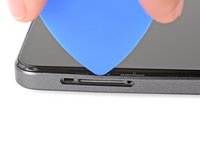
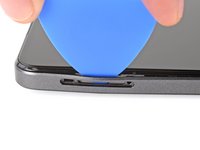
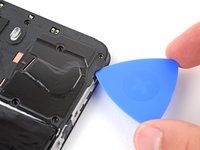
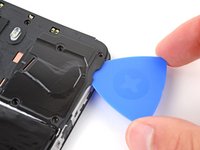
Insert the tip of an opening pick between the back cover and frame, at the SIM card tray cutout.
-
-
-
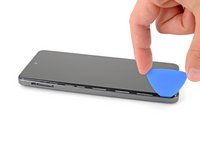
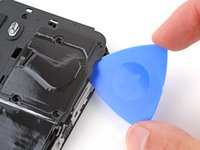
Position the opening pick straight down and slide it along the left edge to begin unclipping the back cover.
-
-
-
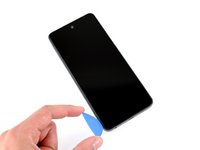
Continue sliding the pick around the perimeter of your phone until the back cover is fully unclipped.
-
-
-
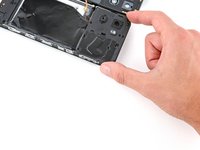
Carefully flip your phone over so the back cover is facing up.
-
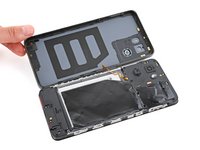
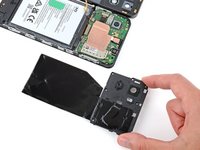
Lift the back cover off the frame and flip it over the left edge of your phone, laying the cover flat on your work surface.
-
-
-
Tool used on this step:Tweezers$4.99
-
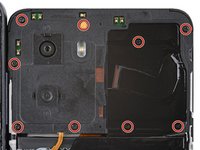
Use a Phillips screwdriver to remove the nine 3.6 mm‑long screws securing the motherboard cover.
-
-
-
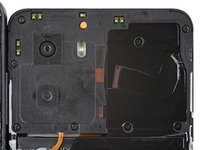
Insert an opening pick between the right edge of the motherboard cover and frame.
-
Twist the pick to fully unclip the cover.
-
-
-
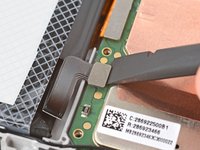
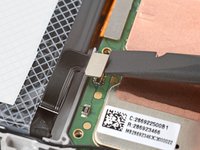
Use the flat end of a spudger to pry up and disconnect the battery press connector from the bottom edge of the motherboard.
-
-
-
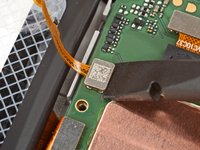
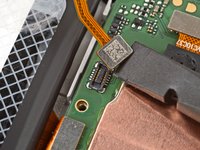
Use the flat end of a spudger to pry up and disconnect the back cover press connector from the bottom edge of the motherboard.
-
-
-
-
-
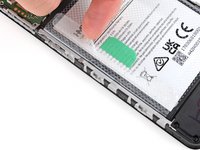
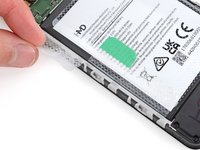
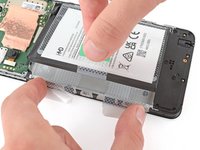
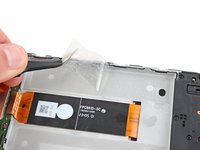
Use your fingers to carefully peel the three plastic tabs from the left side of the battery.
-
-
-
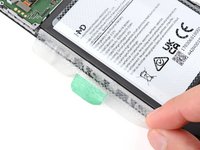
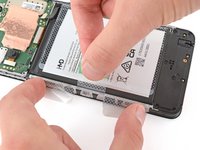
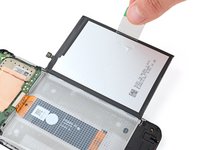
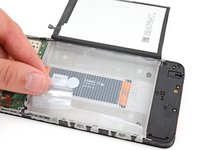
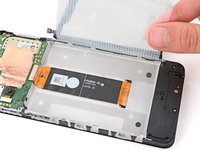
With one hand, fold the clear outer tabs out of the way of the battery and firmly hold them down to secure the frame.
-
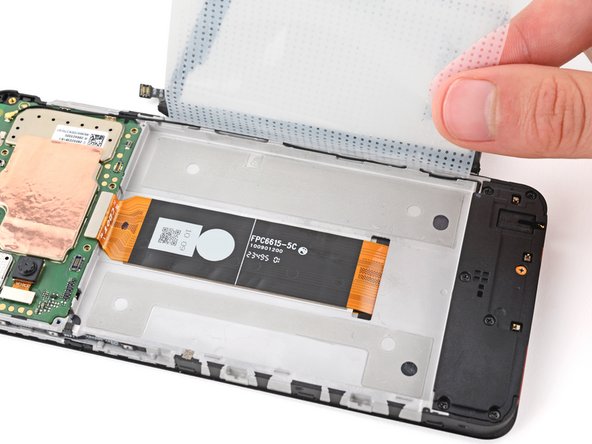
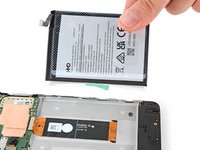
With your free hand, grip the green center pull tab and pull straight up to fully separate the battery adhesive.
-
Lay the battery over the right edge of your phone.
-
-
Tool used on this step:Tweezers$4.99
-








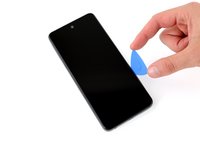
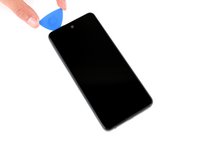


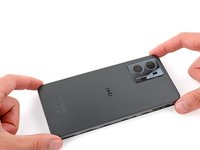
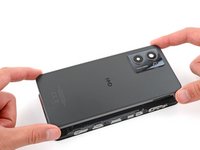

















To reassemble your device, follow these instructions in reverse order.
For optimal performance, calibrate your newly installed battery after reassembling your phone.
Take your e-waste to an R2 or e-Stewards certified recycler.
Repair didn’t go as planned? Try some basic troubleshooting, or ask our Answers community for help.


