Introduction
This is a prerequisite-only guide! This guide is part of another procedure and is not meant to be used alone.
How to disconnect the fingerprint sensor in the Xiaomi Redmi Note 7.
What you need
-
-
-
Apply a heated iOpener to the rear glass to loosen the adhesive underneath. Apply the iOpener for at least two minutes.
 Ask FixBot
-
-
-
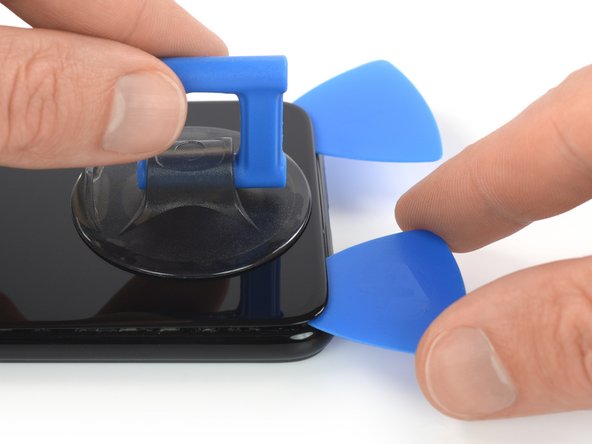
Secure a suction handle to the bottom edge of the rear glass, as close to the edge as possible.
-
Lift the rear glass with the suction handle to create a small gap between the glass and the frame.
-
Insert an opening pick into the gap.
-
Slide the opening pick to the bottom right corner to slice the adhesive.
-
-
-
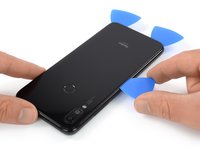
Insert a second opening pick and slide it to the bottom left corner to slice the adhesive.
-
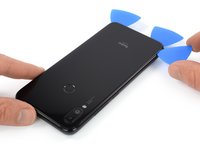
Leave the opening picks in place to prevent the adhesive from resealing.
-
-
-
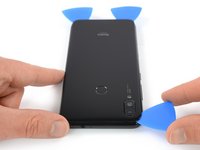
Insert a third opening pick at the bottom left corner.
-
Slide the opening pick along the left edge of the phone to slice the rear glass adhesive.
-
Leave the opening pick in its place at the top left corner to prevent the adhesive from resealing.
-
-
-
-
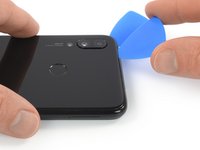
Insert a fourth opening pick under the top left corner of the rear glass.
-
Slide the opening pick along the top edge of the phone to slice the rear glass adhesive.
-
Leave the opening pick in the top right corner to prevent the adhesive from resealing.
-
-
-
Insert a fifth opening pick at the top right corner of the phone.
-
Slide the opening pick along the right edge to slice the remaining adhesive.
-
-
-
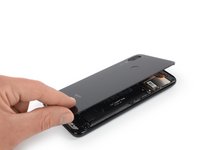
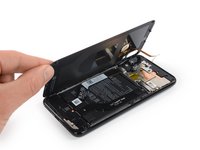
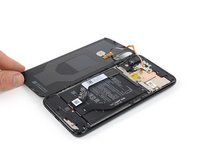
Carefully fold the rear glass to the left side of the phone assembly like you'd open the front cover of a book.
-
-
-
-
Tool used on this step:Tweezers$4.99
-
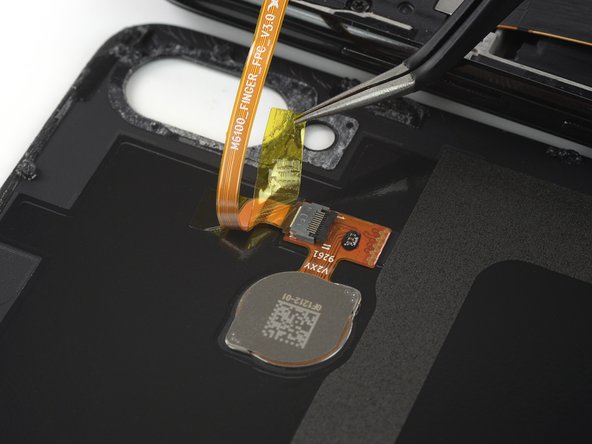
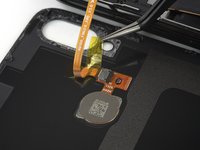
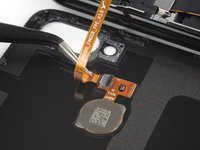
Use a pair of tweezers to carefully peel the yellow protective foil off the ZIF connector.
-
-
-
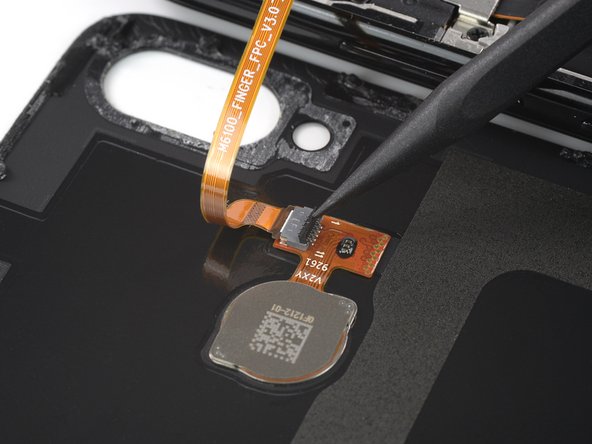
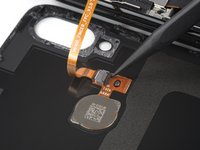
Use the pointed end of a spudger to open the ZIF connector by bringing its black flap in an upright position.
-
-
-
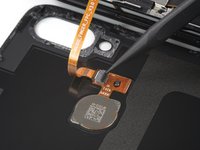
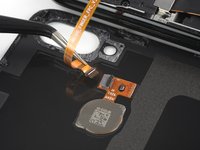
Disconnect the fingerprint flex cable by pulling it straight out off the ZIF connector using a pair of tweezers.
-
-


















To reassemble your device, follow these instructions in reverse order.


