Free Shipping on Domestic Orders $75+

Samsung Galaxy S24 Earpiece Speaker Replacement

What you need

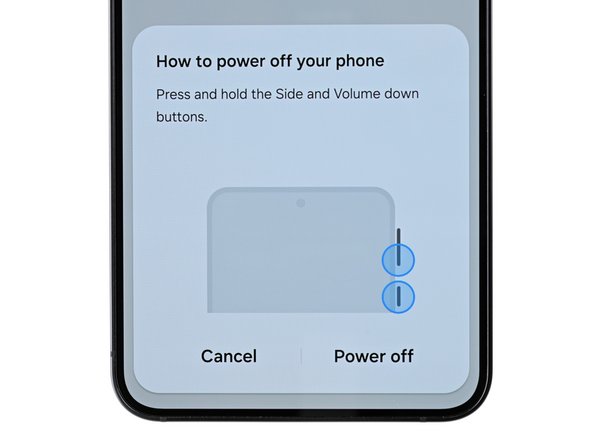
  1. Samsung Galaxy S24 Earpiece Speaker Replacement, Prepare your phone for disassembly: step 1, image 1 of 2 Samsung Galaxy S24 Earpiece Speaker Replacement, Prepare your phone for disassembly: step 1, image 2 of 2
    • Let your phone's battery drain below 25% before starting this repair. A charged lithium-ion battery may catch fire if damaged.

    • Completely power off your phone and unplug all cables.

    Ask FixBot

    Add Comment

  2. Samsung Galaxy S24 Earpiece Speaker Replacement, Heat the right edge: step 2, image 1 of 1
    • Heat an iOpener and apply it to the right edge of the back cover for two minutes.

    • You can use also use a hair dryer or heat gun to heat the right edge of the back glass until it's hot to the touch.

    • Be careful not to heat the phone hotter than this—the battery is susceptible to heat damage.

    Ask FixBot

    Add Comment

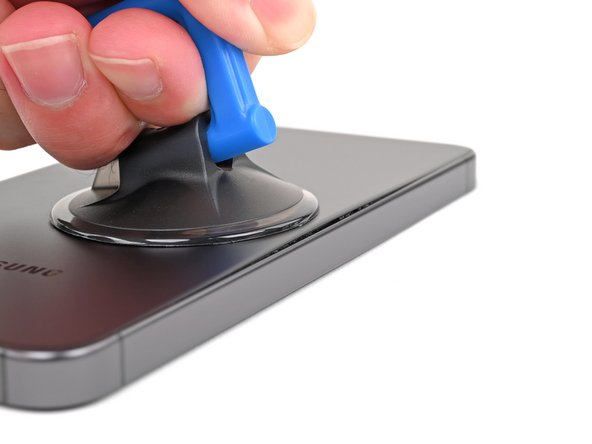
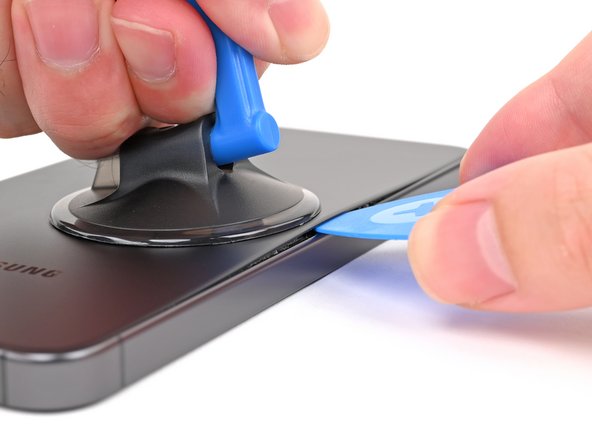
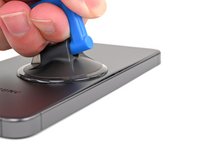
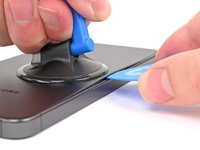
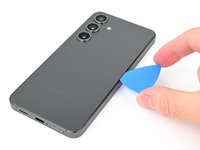
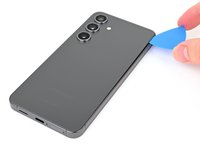
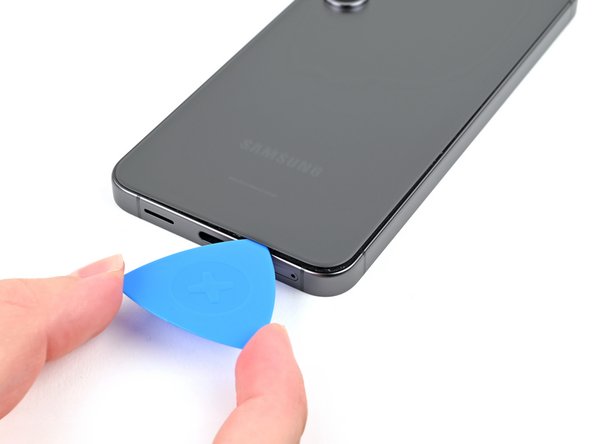
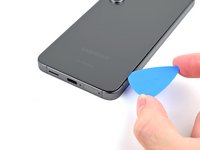
  3. Samsung Galaxy S24 Earpiece Speaker Replacement, Insert an opening pick: step 3, image 1 of 3 Samsung Galaxy S24 Earpiece Speaker Replacement, Insert an opening pick: step 3, image 2 of 3 Samsung Galaxy S24 Earpiece Speaker Replacement, Insert an opening pick: step 3, image 3 of 3
    • Apply a suction handle to the back cover, as close to the center of the right edge as possible.

    • Pull up on the suction handle with strong, steady force to create a gap between the cover and the frame.

    • If you have trouble, apply more heat to further soften the adhesive.

    • Insert an opening pick into the gap.

    Ask FixBot

    Add Comment

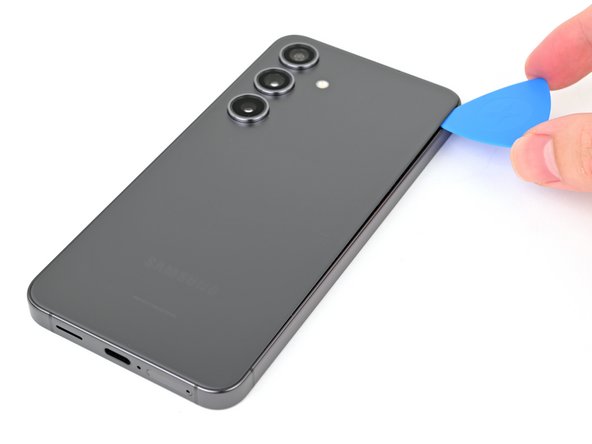
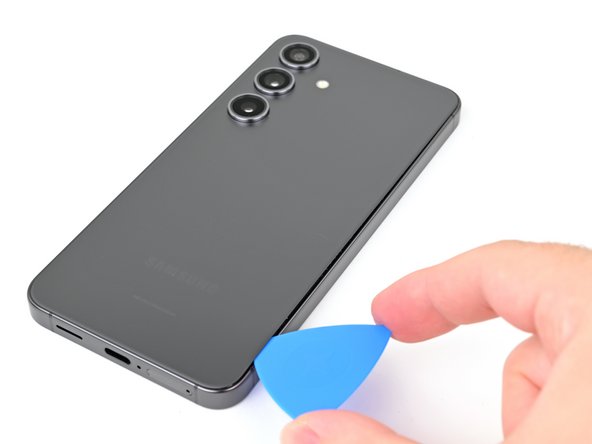
  4. Samsung Galaxy S24 Earpiece Speaker Replacement, Separate the right adhesive: step 4, image 1 of 3 Samsung Galaxy S24 Earpiece Speaker Replacement, Separate the right adhesive: step 4, image 2 of 3 Samsung Galaxy S24 Earpiece Speaker Replacement, Separate the right adhesive: step 4, image 3 of 3
    • Slide your opening pick along the right edge between the back cover and the frame to slice through the adhesive.

    • Leave your opening pick in the bottom right corner to keep the adhesive from resealing.

    Ask FixBot

    Add Comment

  5. Samsung Galaxy S24 Earpiece Speaker Replacement, Heat the bottom edge: step 5, image 1 of 1
    • Reheat your iOpener and apply it to the bottom of the back cover for two minutes.

    Ask FixBot

    Add Comment

  6. Samsung Galaxy S24 Earpiece Speaker Replacement, Separate the corner adhesive: step 6, image 1 of 2 Samsung Galaxy S24 Earpiece Speaker Replacement, Separate the corner adhesive: step 6, image 2 of 2
    • Rotate the opening pick around the bottom right corner to separate the adhesive.

    Ask FixBot

    Add Comment

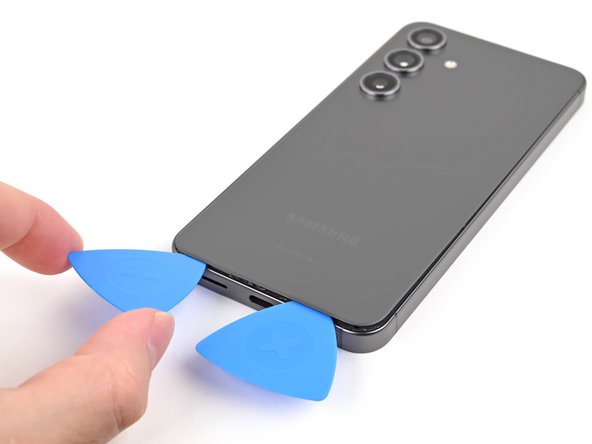
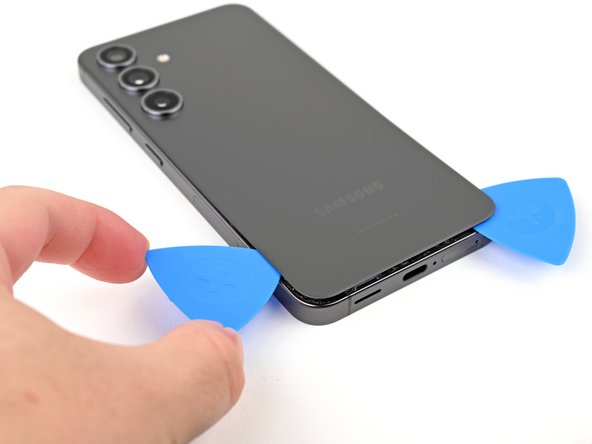
  7. Samsung Galaxy S24 Earpiece Speaker Replacement, Separate the bottom adhesive: step 7, image 1 of 2 Samsung Galaxy S24 Earpiece Speaker Replacement, Separate the bottom adhesive: step 7, image 2 of 2
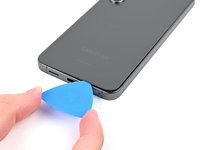
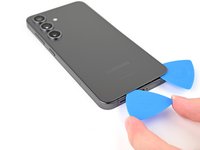
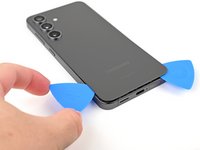
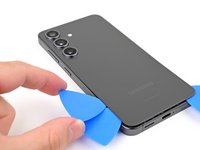
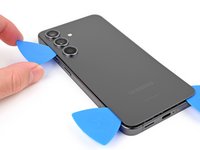
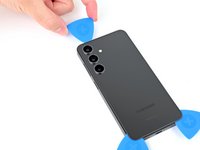
    • Insert a second opening pick to the left of the first one and slide it along the bottom edge to slice through the adhesive.

    • Leave your opening pick in the bottom left edge to prevent the adhesive from resealing.

    Ask FixBot

    Add Comment

  8. Samsung Galaxy S24 Earpiece Speaker Replacement, Heat the left edge: step 8, image 1 of 1
    • Reheat your iOpener and apply it to the left side of the back cover for two minutes.

    Ask FixBot

    Add Comment

  9. Samsung Galaxy S24 Earpiece Speaker Replacement, Separate the corner adhesive: step 9, image 1 of 2 Samsung Galaxy S24 Earpiece Speaker Replacement, Separate the corner adhesive: step 9, image 2 of 2
    • Rotate the opening pick around the bottom left corner to separate the adhesive.

    Ask FixBot

    Add Comment

  10. Samsung Galaxy S24 Earpiece Speaker Replacement, Separate the left adhesive: step 10, image 1 of 2 Samsung Galaxy S24 Earpiece Speaker Replacement, Separate the left adhesive: step 10, image 2 of 2
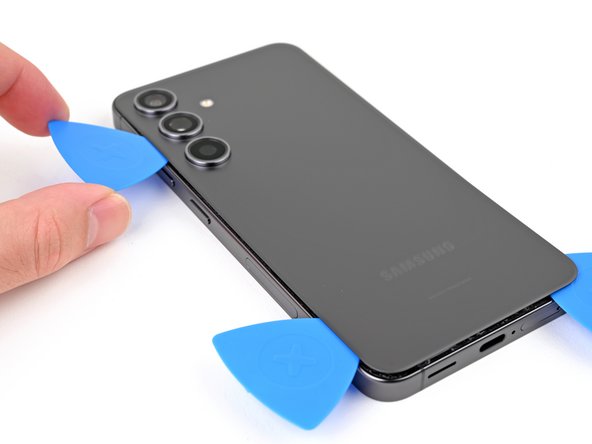
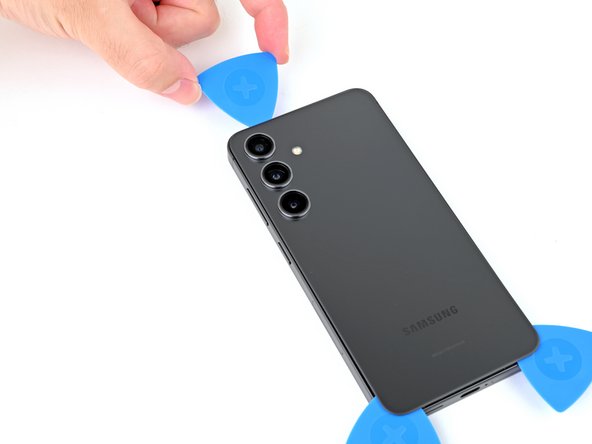
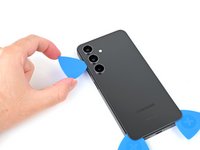
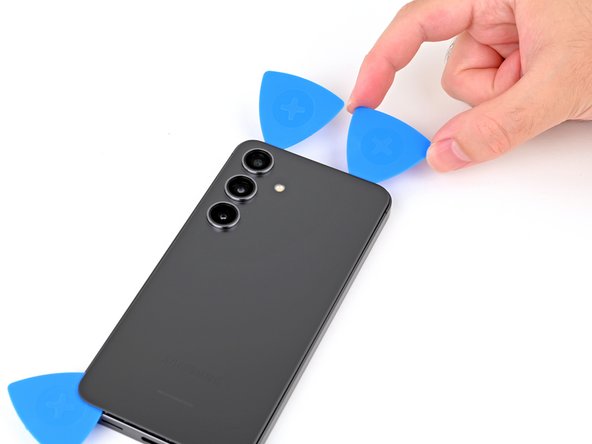
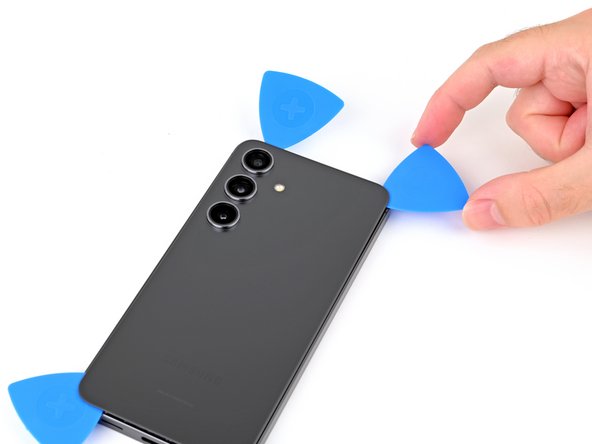
    • Insert a third opening pick above the last one and slide it along the left edge to slice through the adhesive.

    • Only insert your pick up to 4 mm deep to avoid damaging the rear cameras or flash.

    • Leave your opening pick in the top left corner to prevent the adhesive from resealing.

    Ask FixBot

    Add Comment

  11. Samsung Galaxy S24 Earpiece Speaker Replacement, Heat the top edge: step 11, image 1 of 1
    • Reheat your iOpener and apply it to the top of the back cover for two minutes.

    Ask FixBot

    Add Comment

  12. Samsung Galaxy S24 Earpiece Speaker Replacement, Separate the corner adhesive: step 12, image 1 of 2 Samsung Galaxy S24 Earpiece Speaker Replacement, Separate the corner adhesive: step 12, image 2 of 2
    • Rotate the opening pick around the top left corner to separate the adhesive.

    Ask FixBot

    Add Comment

  13. Samsung Galaxy S24 Earpiece Speaker Replacement, Separate the top adhesive: step 13, image 1 of 3 Samsung Galaxy S24 Earpiece Speaker Replacement, Separate the top adhesive: step 13, image 2 of 3 Samsung Galaxy S24 Earpiece Speaker Replacement, Separate the top adhesive: step 13, image 3 of 3
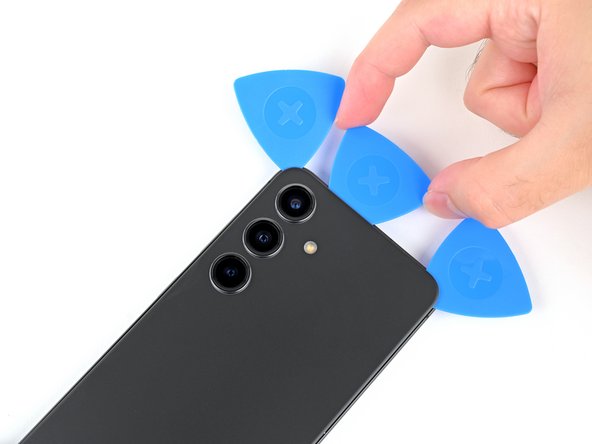
    • Insert a fourth opening pick in the top left corner at the same depth and slide it along the top edge and around the top right corner to slice through the adhesive.

    Ask FixBot

    Add Comment

  14. Samsung Galaxy S24 Earpiece Speaker Replacement, Separate the flash adhesive: step 14, image 1 of 2 Samsung Galaxy S24 Earpiece Speaker Replacement, Separate the flash adhesive: step 14, image 2 of 2
    • Insert a fifth opening pick directly above the camera flash cutout.

    • Insert the opening pick under the top of the back cover until you feel it start to snag on the flash adhesive.

    • Insert the pick deeper into the phone until you feel the adhesive completely separate from the back cover.

    • Don't insert the pick any deeper than its center point to avoid damaging the rear cameras.

    Ask FixBot

    Add Comment

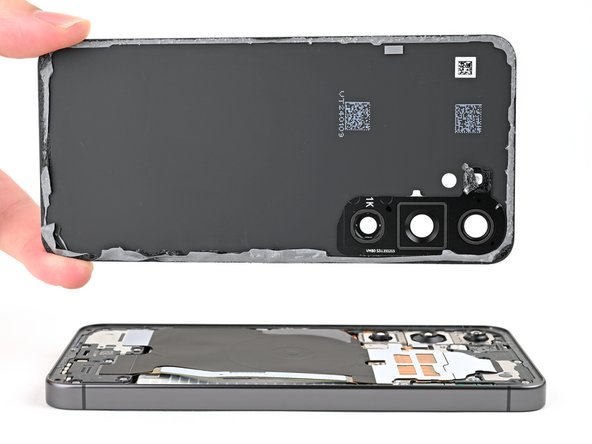
  15. Samsung Galaxy S24 Earpiece Speaker Replacement, Remove the back cover: step 15, image 1 of 2 Samsung Galaxy S24 Earpiece Speaker Replacement, Remove the back cover: step 15, image 2 of 2
    • Pick up the back cover by its edges and remove it from the phone.

    • If your cover is still sticking to the frame, slide the tip of an opening pick around the perimeter until the cover completely separates.

    • During reassembly:

    • This is a good point to power on your phone and test all functions before sealing it up. Be sure to power your phone back down completely before you continue working.

    • Remove any adhesive chunks with a pair of tweezers or your fingers. Apply heat and isopropyl alcohol (90% or greater) if you're having trouble removing the adhesive.

    • If you're using custom-cut adhesives, follow this guide.

    • If you're using double-sided tape, follow this guide.

    Ask FixBot

    Add Comment

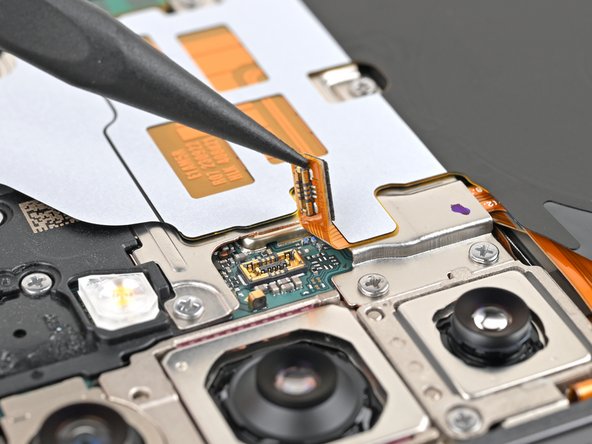
  16. Samsung Galaxy S24 Earpiece Speaker Replacement, Disconnect the wireless charging coil: step 16, image 1 of 2 Samsung Galaxy S24 Earpiece Speaker Replacement, Disconnect the wireless charging coil: step 16, image 2 of 2
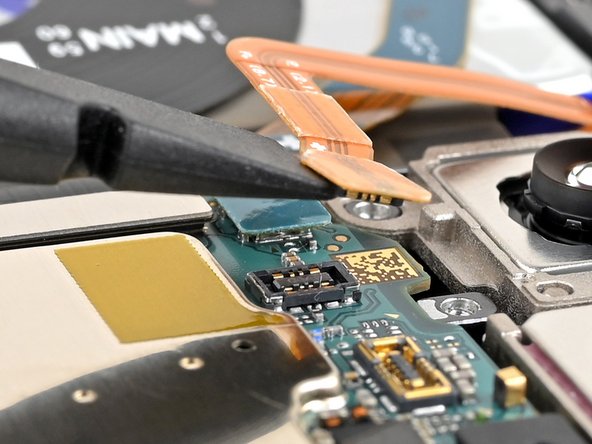
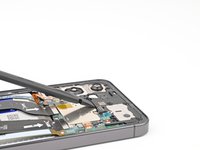
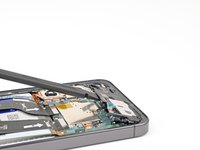
    • Use the point of your spudger to pry up and disconnect the wireless charging coil press connector from the motherboard.

    • To re-attach press connectors, align the connector carefully over its socket and press down with your fingertip—first on one side, then the other—until it clicks into place. Don't try to force the connector into place. If you're having trouble, reposition it and try again.

    Ask FixBot

    Add Comment

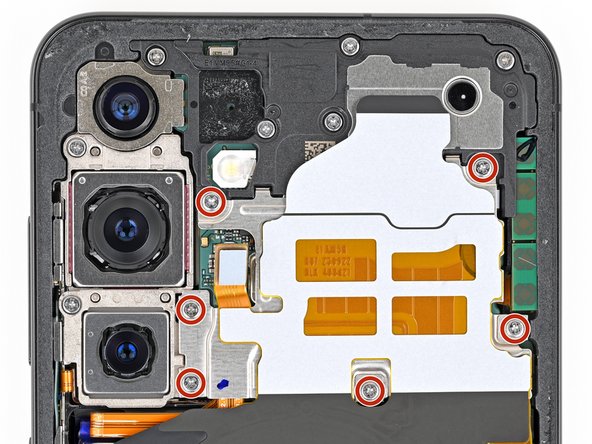
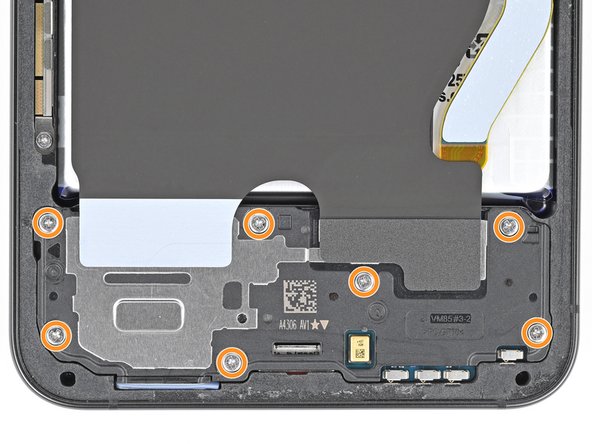
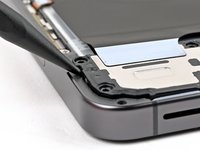
  17. Samsung Galaxy S24 Earpiece Speaker Replacement, Remove the wireless charging coil and loudspeaker screws: step 17, image 1 of 3 Samsung Galaxy S24 Earpiece Speaker Replacement, Remove the wireless charging coil and loudspeaker screws: step 17, image 2 of 3 Samsung Galaxy S24 Earpiece Speaker Replacement, Remove the wireless charging coil and loudspeaker screws: step 17, image 3 of 3
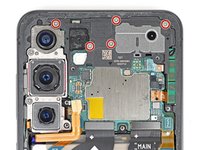
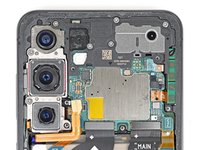
    • Use a Phillips screwdriver to remove the thirteen 3.5 mm‑long screws securing the wireless charging coil and the loudspeaker:

    • Six screws securing the wireless charging coil

    • Seven screws securing the loudspeaker

    Ask FixBot

    Add Comment

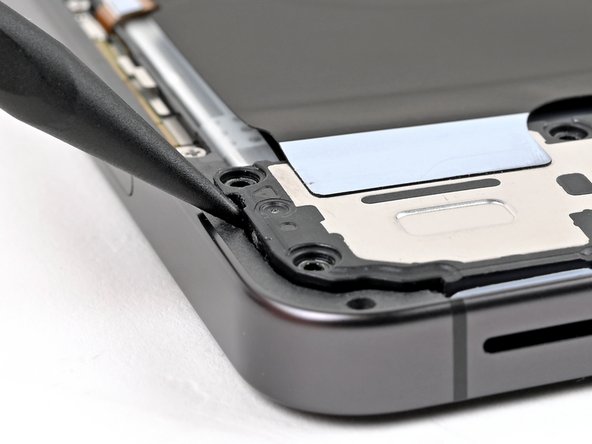
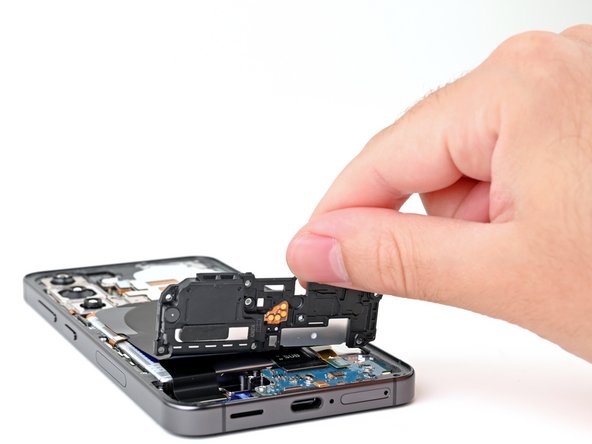
  18. Samsung Galaxy S24 Earpiece Speaker Replacement, Remove the wireless charging coil and loudspeaker: step 18, image 1 of 2 Samsung Galaxy S24 Earpiece Speaker Replacement, Remove the wireless charging coil and loudspeaker: step 18, image 2 of 2
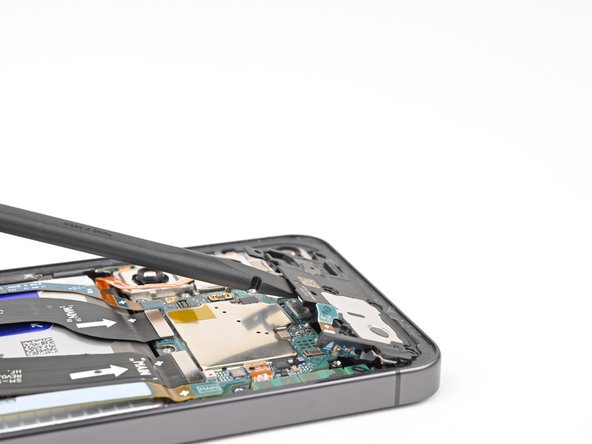
    • Insert the point of a spudger in the notch located on the left edge of the loudspeaker assembly.

    • Pry up the loudspeaker to release its clips.

    Ask FixBot

    Add Comment

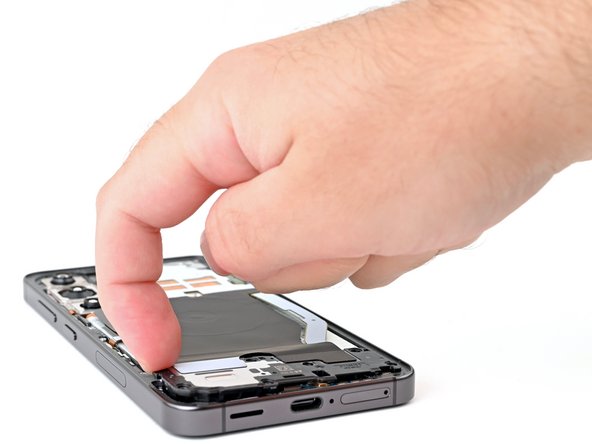
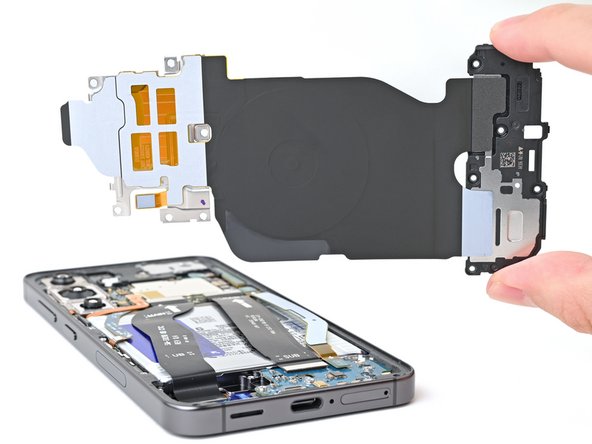
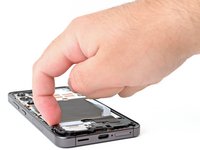
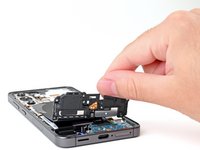
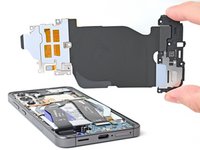
  19. Samsung Galaxy S24 Earpiece Speaker Replacement: step 19, image 1 of 3 Samsung Galaxy S24 Earpiece Speaker Replacement: step 19, image 2 of 3 Samsung Galaxy S24 Earpiece Speaker Replacement: step 19, image 3 of 3
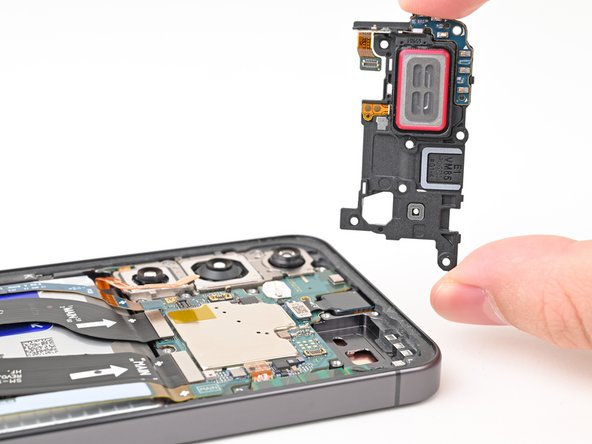
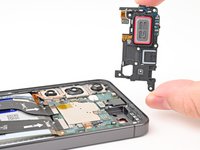
    • Use your fingernail or the flat end of a spudger to pry up the wireless charging coil and loudspeaker assembly away from the frame.

    • Remove the wireless charging coil and loudspeaker from your phone.

    • During reassembly, press around the edges of the loudspeaker to clip it to the frame before reinserting the screws.

    Ask FixBot

    Add Comment

  20. Samsung Galaxy S24 Earpiece Speaker Replacement, Disconnect the battery: step 20, image 1 of 2 Samsung Galaxy S24 Earpiece Speaker Replacement, Disconnect the battery: step 20, image 2 of 2
    • Insert the flat end of a spudger under the battery cable press connector (located on the motherboard) and pry up to disconnect it.

    Ask FixBot

    Add Comment

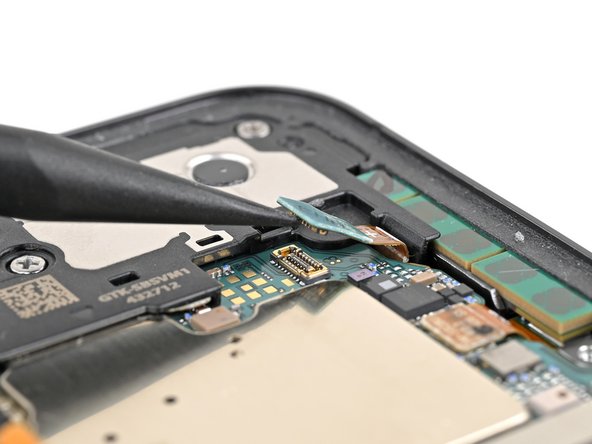
  21. Samsung Galaxy S24 Earpiece Speaker Replacement, Disconnect the earpiece speaker: step 21, image 1 of 2 Samsung Galaxy S24 Earpiece Speaker Replacement, Disconnect the earpiece speaker: step 21, image 2 of 2
    • Insert the tip of a spudger underneath the left side of the earpiece speaker connector and pry up to disconnect it.

    Ask FixBot

    Add Comment

  22. Samsung Galaxy S24 Earpiece Speaker Replacement, Remove the earpiece speaker screws: step 22, image 1 of 2 Samsung Galaxy S24 Earpiece Speaker Replacement, Remove the earpiece speaker screws: step 22, image 2 of 2
    • Use a Phillips screwdriver to remove the five 3.5 mm‑long screws securing the earpiece speaker.

    Ask FixBot

    Add Comment

  23. Samsung Galaxy S24 Earpiece Speaker Replacement, Remove the earpiece speaker: step 23, image 1 of 3 Samsung Galaxy S24 Earpiece Speaker Replacement, Remove the earpiece speaker: step 23, image 2 of 3 Samsung Galaxy S24 Earpiece Speaker Replacement, Remove the earpiece speaker: step 23, image 3 of 3
    • Insert the flat end of a spudger underneath the bottom of the earpiece speaker assembly and pry up to free it from the chassis.

    • Remove the earpiece speaker.

    Ask FixBot

    Add Comment

Conclusion

Compare your new replacement part to the original part—be sure to transfer remaining components and remove adhesive backings from the new part before installing.

To reassemble your device, follow these instructions in reverse order.

Take your e-waste to an R2 or e-Stewards certified recycler.

Repair didn’t go as planned? Try some basic troubleshooting, or ask our Samsung Galaxy S24 Answers Community for troubleshooting help.


Cancel: I did not complete this guide.

Nick Schultz

Member since: 03/24/24

56,893 Reputation

321 Guides authored

Team

iFixit Member of iFixit

Staff

122 Members

25,936 Guides authored

0 Guide Comments

Add Comment

View Statistics:

Past 24 Hours: 3

Past 7 Days: 28

Past 30 Days: 122

All Time: 2,106