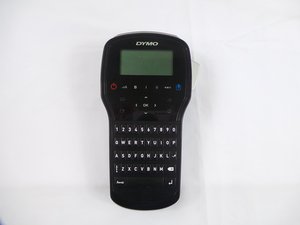
Keyboard
|
2 Answers 1 Score |
Why isn't my cutter working correctly? |
|
1 Answer 0 Score |
What are all the hidden menus on the device? |
|
2 Answers 1 Score |
Why is my device randomly turning off? |
|
1 Answer 0 Score |
My screen is too dark or looks faded. |
These are some common tools used to work on this device. You might not need every tool for every procedure.
If you are having difficulties with the Dymo LabelManager 280, try referring to the troubleshooting page.
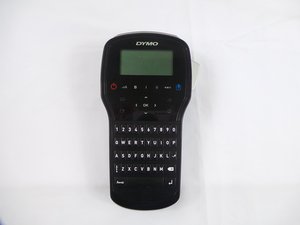
Compared to the previous versions, the LabelManager 280 has a few major features not present in previous versions. This version enables you to create labels with 6 font sizes, 7 text styles, 8 boxes plus underline, as well as 220 symbols and clipart images. It also comes with a rechargeable Lithium-Ion battery.
The Dymo LabelManager 280 model name is printed directly onto the back cover of the printer.
USFT-EYESTONE-S16S6G5
3 Members
36 Guides authored
Past 24 Hours: 0
Past 7 Days: 25
Past 30 Days: 79
All Time: 2,746