Base Cover

|
2 Answers 0 Score |
replaced battery to the 6GTPY, getting black screen or lost of power |
|
1 Answer 1 Score |
New 97w Battery Replacement - Not charging past 47% |
|
2 Answers 0 Score |
Loud pop then black screen. Afraid of turing on again. |
|
2 Answers 4 Score |
Laptop not turning back on unless plugged in |
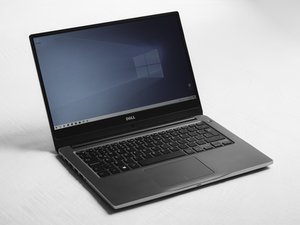
Dell released this laptop in May 2018, updating the prior 9560 model with:
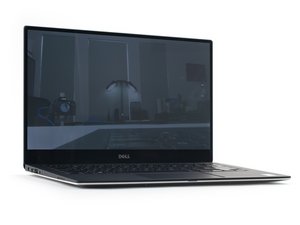
The design of the laptop did not change with the generational improvements since the design’s inception in 2015. Of note, the displays in all previous models have no changes, with the exception of the camera placement. The current display did change on the FHD model, with better sRGB color accuracy.
The most often replaced Dell XPS 15 9570 parts include the screen and battery.
If any assistance is needed identifying the issue with your device you can follow our troubleshooting page here.
XPS 15 — Configurazione e specifiche
XPS 15 Setup und technische Daten
XPS 15 Настройки и технические характеристики
Dell P2419H 23.8-Inch Black UK Monitor Specifications
Past 24 Hours: 3
Past 7 Days: 38
Past 30 Days: 216
All Time: 21,728