Battery

|
1 Answer 0 Score |
Dell Vostro 3510 stuck on Dell logo, completely unresponsive to F2/F12 and RAM reseat |
|
No Answers 0 Score |
Dell security manager- Vostro 153510 |
Dell Vostro 3510 Troubleshooting
The Dell Vostro 3510 was released in August 4, 2021. It's designed for small businesses and professionals. It was made to be cheap and reliable.
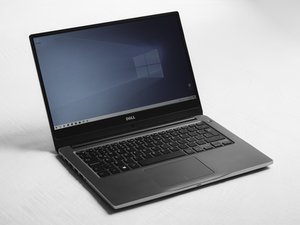
The Dell Vostro 3510 comes with a 15.6-inch display. The Dell Vostro 3510 usually has a Dell logo on the top and has the model name printed on the bottom. The Dell Vostro 3510 is part of the Dell Vostro 3000 series. The Dell Vostro was introduced back in 2007 as a laptop for small businesses and professionals.
Processor:
Display:
Ports
Vostro 15 3510 Setup and specifications
Vostro 15 3510 Instalação e especificações
Dell Vostro 15 3510 Setup and Specifications
Dell Vostro 15 3510 Service-Handbuch
Past 24 Hours: 4
Past 7 Days: 24
Past 30 Days: 80
All Time: 2,104