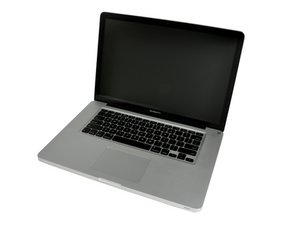

Display Compatibility for Matte Display
Are you able to put the high-res anti-glare display from a 15” 2010 MacBook Pro and put it in a 15” 2012 MacBook Pro?
Is this a good question?
Score
0
Are you able to put the high-res anti-glare display from a 15” 2010 MacBook Pro and put it in a 15” 2012 MacBook Pro?
Is this a good question?
Rep: 502.9k
 35
35
 347
347
 977
977
Sorry the 2010 display is different.
But! You can use the 2011's either early or late with your 2012 system. I did it with my 2012 system and it's so much better than the glare and the failing anti-glare coating failing. You will need to modify LVDS cable as the 2012 tang is slightly shorter than the 2011 version as such using a Emory nail file you can trim the edge of the tang equally and parallel on each side just slightly. Don't force the connector as you'll likely damage it.
Now the hard part finding a good screen! Here's one option! Unibody MacBook Pro 15" Complete Display - Antiglare (11) : Grade-B
Was this answer helpful?
Past 24 Hours: 0
Past 7 Days: 0
Past 30 Days: 3
All Time: 184

