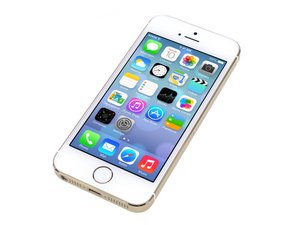

How to fix red screen?
When I turn on my phone, the screen goes red. What's the problem & how can I fix it?
Is this a good question?
Score
0
When I turn on my phone, the screen goes red. What's the problem & how can I fix it?
Is this a good question?
Rep: 779
 11
11
 4
4
If the screen is tinted red but you can still see your apps, Go to Settings > Accessibility > Display & Text Size and find the "Color Filters" setting. Make sure Color Filters is turned off.
Was this answer helpful?
Rep: 100.6k
157
87
 154
154
A red screen isn't something we normally see in a damaged screen, but that's not to say it can't happen.
Does the Apple logo show immediately after powering on, or does it turn on red immediately? If you see the normal Apple logo first I'd try doing a restore and see if that helps.
If it is red immediately after pushing the power button, then it's most likely a screen problem and the fix would be to replace the screen.
Was this answer helpful?
Past 24 Hours: 0
Past 7 Days: 0
Past 30 Days: 14
All Time: 460


