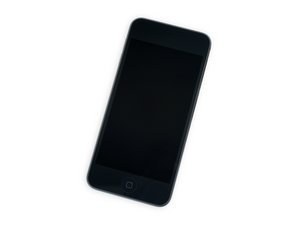

The seventh iteration of Apple's iPod Touch, released May 2019. This model comes with up to 256 GB of storage and an A10 processor. Model number A2178.

Battery removal is never mentioned

In all of the answers after step 22 -all the guides instruct to set aside the battery to the left. None of them say actually how to remove the battery in full.

How it is done? Thanks all- I just need to service the battery.

Answered! View the answer I have this problem too

Is this a good question?

Score 1
Add a comment

1 Answer

Chosen Solution

The battery is soldered to th logic board, so you’ll need to have some basic command of soldering to remove it and replace with a new one.

If you have a look at the battery, it’s not like the other components that have a connector which snaps into something on the board. There is some tape covering the contacts on the board. You’ll need to desolder the connector here and solder on a new battery.

Replace a battery compatible with a 6th or 7th generation iPod touch model A1574 or A2178. Part #020-00425. Battery Model #A1641. 3.83 Volts (V). Image

Product

iPod touch (6th and 7th Gen) Battery

$19.99

Was this answer helpful?

Score 4

1 Comment:

Thanks- Fix-ability of this product seems low- I might not tackle it.

by

Add a comment

Add your answer

Paolo Alberto will be eternally grateful.
View Statistics:

Past 24 Hours: 1

Past 7 Days: 3

Past 30 Days: 11

All Time: 190