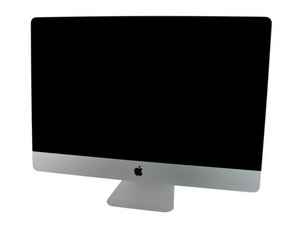
Model A1312 / Mid 2011 / 2.7 & 3.1 GHz Core i5 or 3.4 GHz Core i7 Processor, ID iMac12,2

How to physically destroy 2011 desktop Mac hard drive

I’ve forgotten the admin password for a 27” 2011 desktop , running 10.17.1.

It will not enter internet recovery mode, which I tried several times with the intention of erasing it.

I don’t want any data on it, but it does contain confidential data that ought not to be accessible by anyone else.

From what I read here, it’s likely there is nothing I can unscrew and remove.

So, just how much damage do I need to do to ensure data cannot be accessed before I send it to recycling?

Answer this question I have this problem too

Is this a good question?

Score 0
Add a comment

2 Answers

Most Helpful Answer

After you pop the drives cover off hitting it with a hammer to bend the drive platters and kill the head assemble is the best way. Follow this guide to get to it iMac Intel 27" EMC 2429 Hard Drive Replacement

Was this answer helpful?

Score 1

2 Comments:

If I understand what I read on the forums out there, the hard drives are integrated and not removable….the drives and all hardware are in the back of the monitor unit (iMac 27” desktop — looks just like the current ones).

Even the stand does not seem easily removed.

by

@kvgvfdagbqrzjbs - We are talking about a 2011 system, correct?? That is a removable drive, review the guide I posted.


If you are talking about the newer 24” ultra thin iMac which use an M Series SoC that’s very different!

by

Add a comment

If you can put the Mac into Targeted Disk Mode, then you should be able to wipe any data from the drive by reformatting it without having to open it up or "deal any damage".

Was this answer helpful?

Score 0

1 Comment:

Thanks, but I cannot login because the admin password to the device is forgotten.

by

Add a comment

Add your answer

R E will be eternally grateful.
View Statistics:

Past 24 Hours: 0

Past 7 Days: 2

Past 30 Days: 35

All Time: 318
