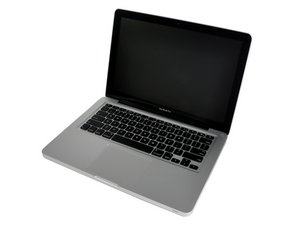

 1
1 restarts itself in a loop
upon start up, the loading bar doesn't go all the way to the end. It stops about 1/4 of the way and restarts, then restarts itself, then says your computer shut down due to a problem, over and over again.
a youtube video shows the same problem. so, the guy opens the computer and discovers inside that the power button keeps being pressed. he then proceeds to put some scotch tape somewhere, which I guess gets the power button unstuck.
I attempted to start up from an external SSD - by pressing alt at power on - and the SSD was recognized, so I chose it and the loading bar started moving along, but then, splat, restart in a loop once again, over and over again.
what tools do I need to fix this?
is the problem a stuck power button on the inside?
I have never opened a computer in my life, so please explain it to me like I’m a three-year-old. Thank you.
Is this a good question?

 338
338  974
974 
Lets do this restart your system and press the D key that will enter into the onboard diagnostics, run it and tell us if you got any errors and what they where.
Reference: Mac startup key combinations
by DanJ
Thank you for responding. It's currently testing (Apple Hardware Test.) It has been “testing in progress” for about two hours now. I’m going to just leave it to do its thing. I’ll update later when a new screen comes up with any info.
by bloated1
@bloated1 - 2 Hours! That's way to long!
It's hung on something!
by DanJ