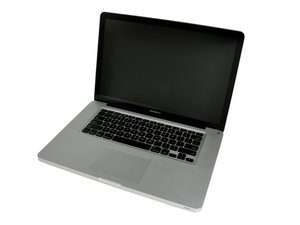

Display isn't working and won't work with an external display either
Hi guys!
My first post on ifixit so forgive me if I don’t cover all the details.
I’ve got a 2011 Macbook Pro 15inch which recently packed up on me because the battery had expanded, I replaced the battery and the battery itself works fine, powers on and I hear the chime.
The issue is that I see nothing on the display, nor anything when I try to connect from minidisplay/thunderbolt to HDMI, i’ve tried with an adapter and with a direct cable.
I initially tried taking the display cable out and putting it back in but nothing, after it didn’t work on the external display I realised the issue was bigger than that. It also does this weird thing where i’ll turn it on, the fans will spin and then it will turn off again, then I power it on a second time and it stays on, but again nothing on the display or external monitor.
Could this be a GPU failure? If so how would I go about repairing it and if it’s not what else could it be? Would really appreciate some help on this guys. Thank you!
Is this a good question?

 3.8k
3.8k  1.1k
1.1k  2.6k
2.6k 