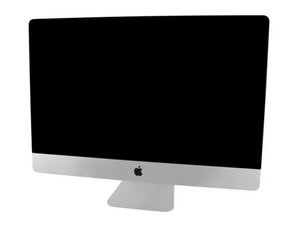

iMac won't power on after re adhering screen.
A week ago I replaced my HD with an SSD and everything was working great. At the time I had purchased some double sided tape but it seemed too thick so I didn’t use it and just taped the screen on the corners until the new tape arrived. I removed the screen following a video from here as a guide and carefully removed and replaced the adhesive. When it was all sealed up I got nothing. No sound, no chime, fan or anything else. I proceeded to go through the task of taking the screen off to see if I stupidly didn’t connect to two cables from the screen but they were there. Upon reading about the diagnostics lights I see that I am getting LED 1 which indicates there is power to the board but that’s as far as it goes. Please Help!
Is this a good question?

 3.8k
3.8k  1.1k
1.1k  2.6k
2.6k 