Free Shipping on Domestic Orders $75+

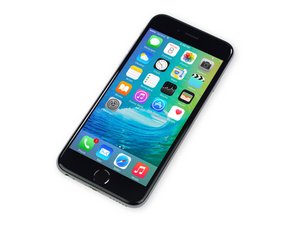
Repair information and guides for the iPhone 6S released by Apple on September 25, 2015. Models: A1688, A1633

6S Charge Port Install Question

Trying to bring an iPhone 6S back to life for a friend.

Replaced battery with no luck. Trying charging port but would like to know if I can test the charge port by just connecting to the lightning cable and the board. Do I need to go through the entire install process for any reason? Not having any luck with this testing method.

Answered! View the answer I have this problem too

Is this a good question?

Score 1
Add a comment

1 Answer

Chosen Solution

Just connect it as an overlay, that’s what most techs do, unless you need to test the speaker or microphone(s). If it solves your charge problem, then you can remove the old one and do a full install.

Make sure you disconnect the battery first!

Was this answer helpful?

Score 1

2 Comments:

Phone has new charge port and new battery. No power. No major physical damage and no indication of water damage. Customer reported black screen, unresponsive phone with no explanation. What is next in the repair process?

by

Disconnect everything except the battery and Lightning Port and connect it to an itunes enabled computer. If the phone doesn't boot iTunes wont "see" it. That would indicate a logic board issue. That would require a micro-soldering repair.

by

Add a comment

Add your answer

Ryan Alexander will be eternally grateful.
View Statistics:

Past 24 Hours: 2

Past 7 Days: 11

Past 30 Days: 17

All Time: 108
