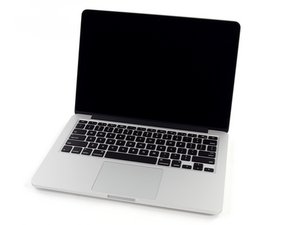
How to disable built-in keyboard on a MacBook Pro?
How can I disable my built in keyboard, so that it stays disabled even after rebooting the computer?
Is this a good question?
Score
0

Rep: 33
 2
2
 1
1
How can I disable my built in keyboard, so that it stays disabled even after rebooting the computer?
Is this a good question?

Rep: 27.6k
113
53
 64
64
Disconnect the cables seen in step 67 and step 70/71. Those will disable the keyboard entirely, so please be aware that you will not be able to use the power button! You do not need to disconnect or remove anything else.
MacBook Pro 13" Retina Display Late 2013 Upper Case Replacement
Was this answer helpful?
Past 24 Hours: 0
Past 7 Days: 2
Past 30 Days: 3
All Time: 403

10 Comments
The most simple answer would be to disconnect the keyboard cable, but that would also disable the power button therefore not allowing you to turn on and off your Mac as easily. @mayer Ideas?
by [deleted]
Is there any terminal command that would do the job?
by Alex Marcan
@am1999 I don’t know if there is one. Maybe Mayer can find a better way then just disconnecting a cable.
by [deleted]
Where is this cable?
by Alex Marcan
Is it safe to take off the metal case and disconnect the cable while the mac is on?
by Alex Marcan
Show 5 more comments