
Free Shipping on Domestic Orders $75+

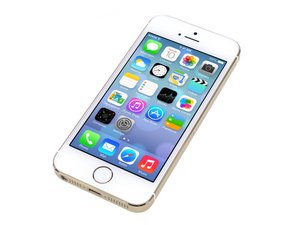
Repair information and guides for the Apple iPhone 5s that was announced on September 10, 2013. Model: A1533, A1453, A1457, A1528, A1530, A1518

Stuck at apple logo

I just replaced my 5s screen and the phone now shows the apple logo,turns red and goes off .It does the same thing on and on and later get stuck at apple logo...it has fallen before tho

Answered! View the answer I have this problem too

Is this a good question?

Score 0
Add a comment

1 Answer

Chosen Solution

If you replaced it yourself you will need to open the phone up again and unplug the battery then the front camera cable, then plug the battery back in and try turning it on again.

If it boots up fine without the red screen reboot then you will unfortunately need to replace the front camera ribbon cable assembly as that sometimes gets damaged from being pulled on too hard causing a rip in the cable.

Guide to replace the part:

iPhone 5s Front Facing Camera and Sensor Cable Replacement

Where you can buy the part from iFixit:

iPhone 5s/SE (1st Gen) Front Camera and Sensor Cable

Replace a front-facing camera and sensor cable assembly compatible with the iPhone 5s or 1st generation SE. Fix problems with facetime video, selfie photos, or sensor malfunctions. Includes the Front-Facing Camera, Secondary Microphone, Ambient Light Sensor, Ambient Light Sensor. Part #821-1613. Image

Product

iPhone 5s/SE (1st Gen) Front Camera and Sensor Cable

$24.99

Was this answer helpful?

Score 2

1 Comment:

Thanks it really helped

by

Add a comment

Add your answer

Baafi Richmond will be eternally grateful.
View Statistics:

Past 24 Hours: 0

Past 7 Days: 0

Past 30 Days: 6

All Time: 201