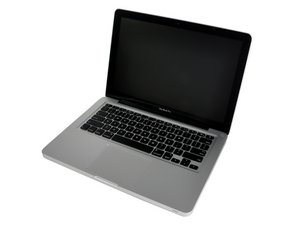

Keyboard impression on screen
I was outside while camping and it started to rain lightly. I was making a booking for drier accommodation in the only place in the campground that got a 4G signal.
By the time I had completed the booking both the screen and the keyboard were both a little damp.
Instead of leaving the MacBook Pro open to dry when back in the tent I mistakenly closed it.
Now I have an impression of the keyboard on the MacBook Pro screen before I switch it on. Other than that loss of form, the function of the MacBook Pro appears unaltered.
I wonder if anything can be done to bring the form of the MacBook Pro back to original condition. Before I switch it on it looks unprofessional with the clear impression of the keyboard on the black screen.
Is this a good question?

 15
15  78
78  90
90 
2 Comments
Could you upload a picture? It sounds like the anti-reflective coating has worn away on the screen
by Reece
Please tell us exactly which MBP 13" you have so we know what type of display it has.
by mayer